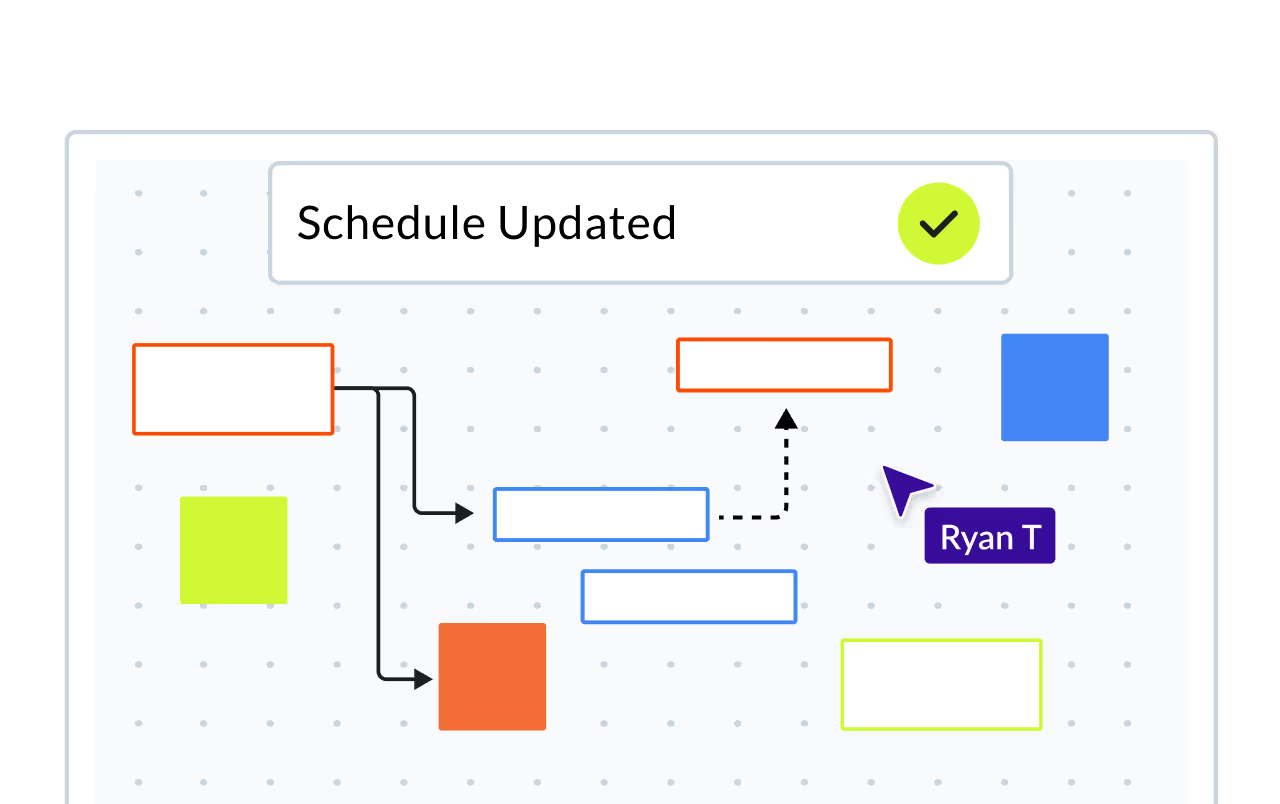

Coordinate Your Team With Planera's Construction Whiteboard
Engage in digital collaboration: Create a schedule, add comments, and collaborate with teammates in an intuitive visual environment. Construction project planning made easy.











A Digital Whiteboard for
Construction
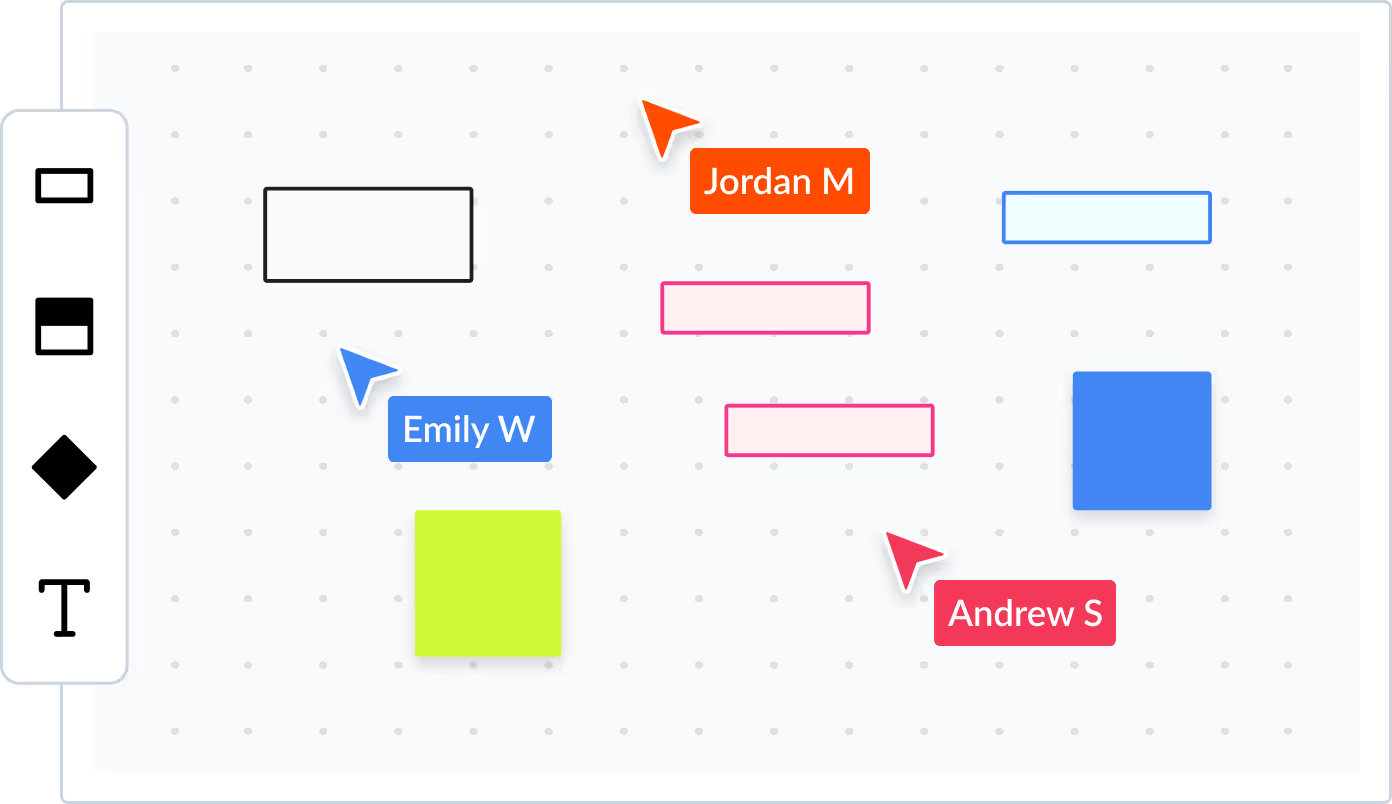
Planera provides a limitless canvas where you can create, connect and arrange various elements like activities, groups and milestones.Each WBS or project level gets it's own new whiteboard to keep construction project activities and milestones organized.
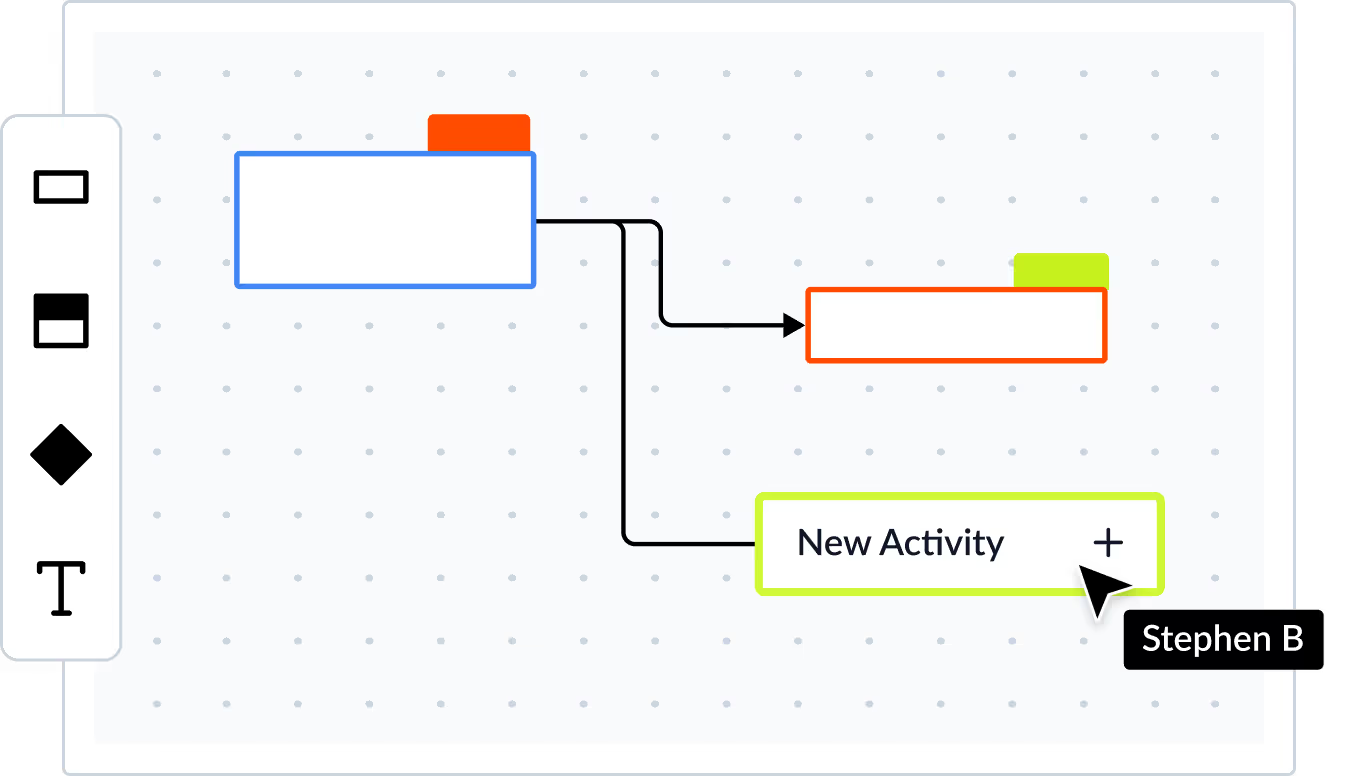

Teamwork made effortless
with Real-Time Collaboration
Seamless collaboration enabled by real-time cursor visibility and commenting.No need to ever press "save" and email files to each other.
Communication Simplified
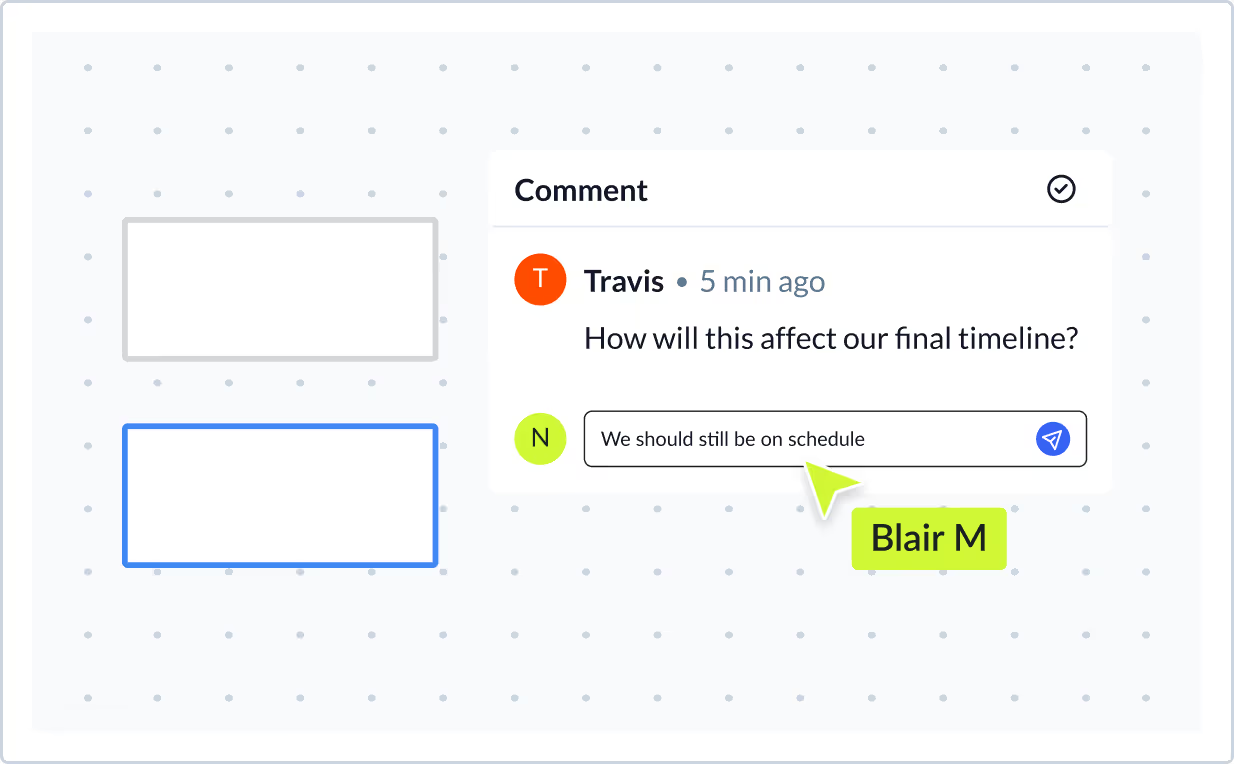
Say goodbye to emailing project files and PDFs to each other. Streamline communication by adding comments directly to any activity, WBS group, or project milestone. Get instant replies and resolve issues without losing critical information.
Frequently Asked Questions
To help you make an informed decision, we've compiled some of the most commonly asked questions.
What is a digital whiteboard for construction scheduling?
Planera's CPM Canvas is a visual, interactive whiteboard where teams collaboratively build and manage CPM schedules. Unlike a static Gantt chart, the canvas lets you drag activities, draw relationships, and see the critical path update in real time. The full CPM engine runs underneath, so every visual change is backed by real scheduling logic.
How does visual scheduling work with CPM logic?
Planera's canvas displays your schedule as a visual network of activities and dependencies. When you add or modify a relationship on the canvas, the CPM engine recalculates critical path, float, and dates instantly. You get the intuitive experience of a whiteboard with the analytical rigor of a full scheduling engine, all four relationship types, constraints, lag/lead, and float calculations included.
Can multiple people work on a construction schedule at the same time?
Yes. Planera supports real-time, multi-user collaboration in the browser. Your scheduler, PMs, superintendents, and trade partners can all work in the same live schedule at once, similar to Google Docs for scheduling. This eliminates the check-in/check-out workflow of P6 and the email-the-XER-file cycle that slows most teams down.
How does the digital whiteboard compare to pull planning sessions?
The canvas is ideal for collaborative pull planning. Instead of sticky notes on a wall that need to be manually entered into a scheduling tool afterward, your team builds the logic directly in Planera during the session. Every sticky-note equivalent is a real CPM activity with relationships, so you walk out of the meeting with a live, calculable schedule.
Is the whiteboard just for planning or does it connect to the full schedule?
The canvas IS the schedule. It's not a separate planning layer; it's a visual representation of your full CPM network. Activities you create on the canvas appear in the Gantt, in field schedules, and in dashboards. Critical path, float, and resource loading all update as you build on the canvas. One system, multiple views.