
Field-Ready:
Planera on iPad
From jobsite walkthroughs to collaborative planning sessions, teams can now stay connected in real time—without being tied to a laptop.











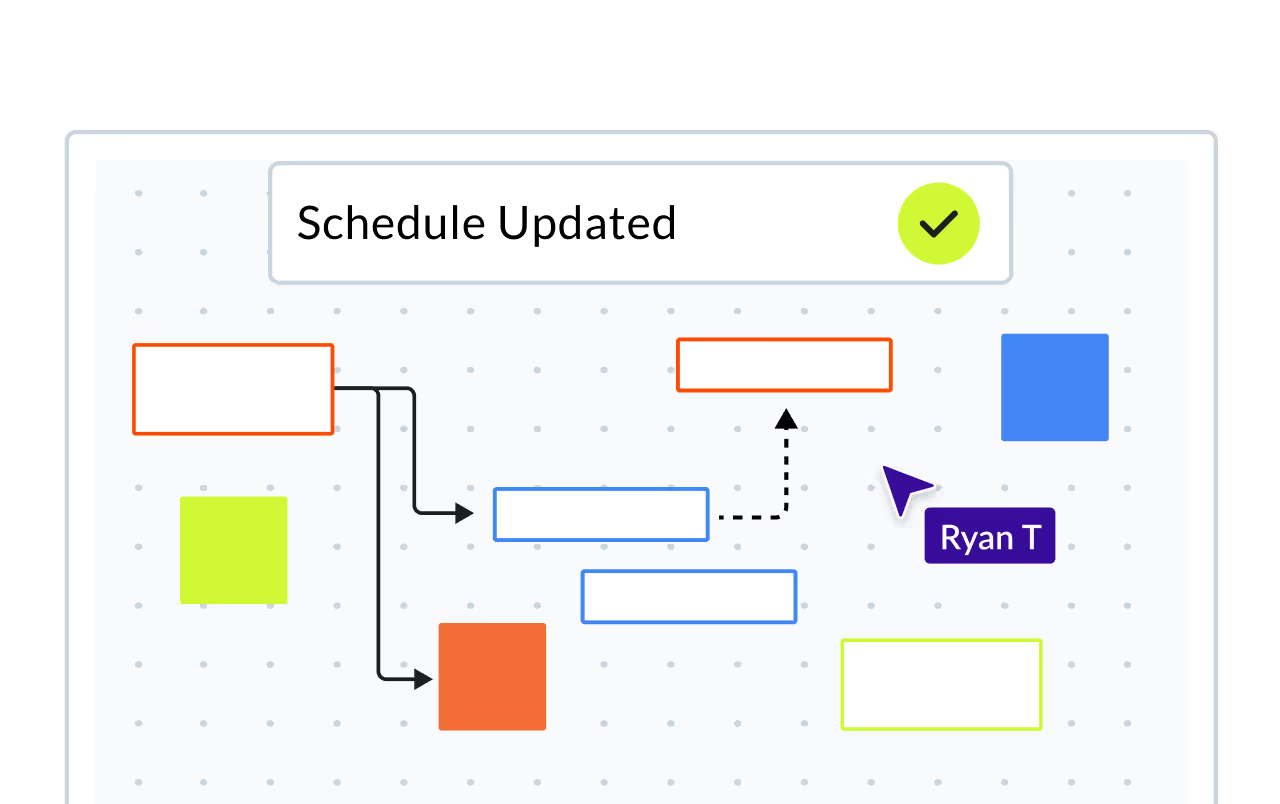
Make progress updates as you walk the job
For the first time, superintendents can carry their iPad on site and make updates to the schedule as they go. This eliminates the need for handwritten notes or office follow-ups. The schedule becomes a live, accurate reflection of what's actually happening on the ground.
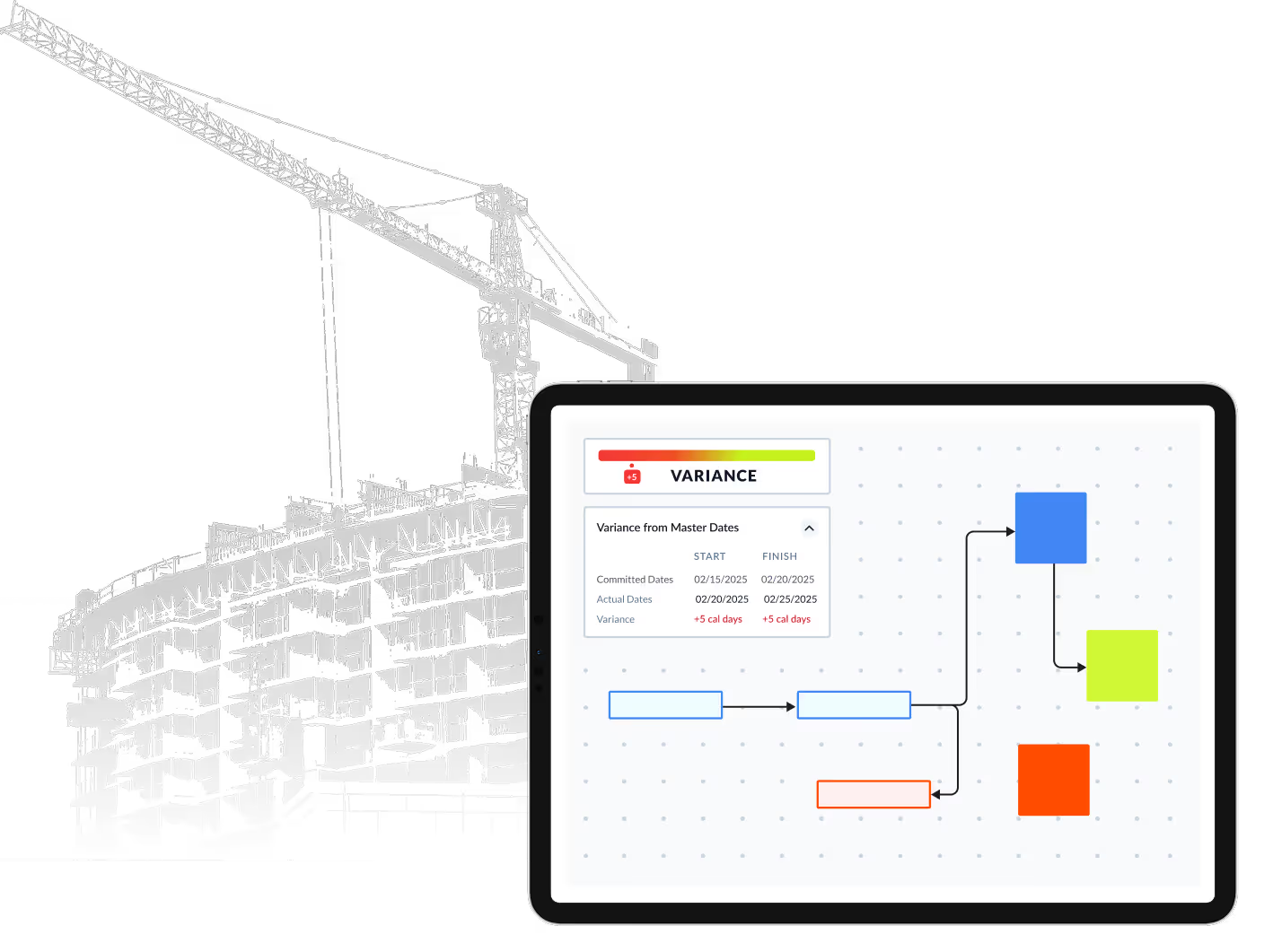

Pull plan with your whole team
With a Bluetooth keyboard and mouse, teams can run fully collaborative pull planning sessions on an iPad. Whether you're in the trailer or a breakout room, you get the full power of Planera's scheduling tools in a portable format.
Why It Matters
Traditional scheduling tools have limited field teams from making real-time updates. Planera on iPad changes that by giving everyone—from superintendents to trade partners—direct access to the schedule.
1

2
3
4
Frequently Asked Questions
To help you make an informed decision, we've compiled some of the most commonly asked questions.
What is the best construction scheduling app for iPad?
Planera for iPad brings the full CPM scheduling platform to the field. Unlike scaled-down mobile apps, it gives superintendents and PMs access to the same network logic, critical path analysis, and schedule updates available on desktop, all optimized for touch. You can view, update, and collaborate on live schedules directly from the job site.
Can I update a construction schedule from the job site on iPad?
Yes. Planera for iPad lets field teams make progress updates, adjust durations, and mark activities complete directly on-site. Changes sync immediately with the master CPM schedule, so the critical path and float recalculate in real time. No more waiting until you're back at the office to update the schedule.
Does the iPad app have the same features as the desktop version?
Planera for iPad is designed to give field teams the tools they need most: schedule viewing, progress updates, and the visual canvas. It connects to the same live schedule your office team uses, so there's one source of truth. Complex scheduling operations like building logic from scratch are optimized for desktop, but day-to-day field use is fully supported on iPad.
How does mobile scheduling improve construction project delivery?
When field teams can access and update the schedule on-site, information flows faster. Superintendents flag delays in real time instead of waiting for weekly meetings. Progress updates happen when work is completed, not days later from memory. The result is a more accurate schedule, faster decision-making, and fewer surprises for the project team.
Can subcontractors use the iPad app to view their portion of the schedule?
Yes. You can invite trade partners into Planera with access to the activities relevant to their scope. On iPad, they can review upcoming work, see how their tasks connect to the rest of the project, and provide progress updates, all without needing a P6 license or scheduling training.