
Connect Field and Master Schedules for Full-Stack Planning
Easily create, manage, and update detailed Field Schedules that seamlessly connect to master project plans.











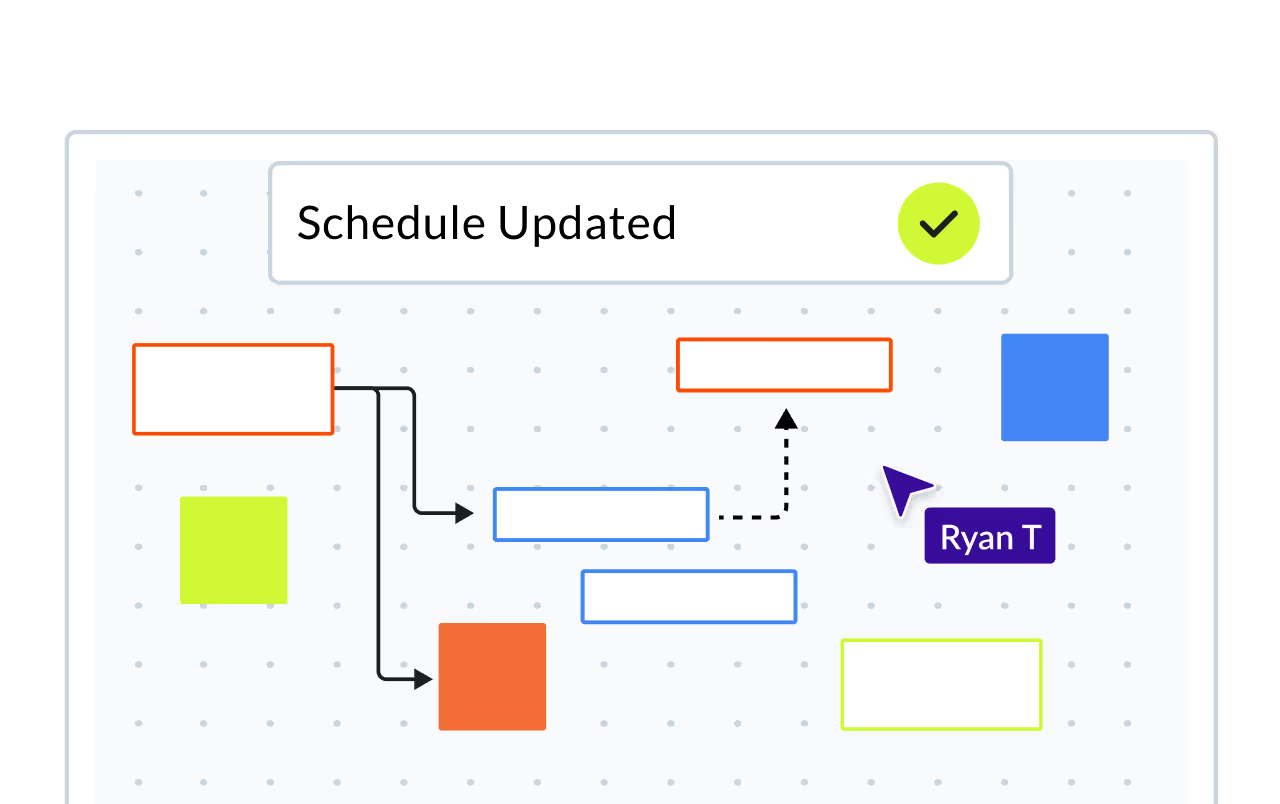
Seamless updates between Field and Master Schedules
Say goodbye to manual double data entry and schedule silos. With Planera, you can create lookahead plans in a matter of seconds. Your team can focus on creating a great plan instead of wasting time in laborious data entry.

Collaborate with trades to create detailed work plans
The entire team can collaborate and add comments to build the best possible project schedule. Use in-depth permission settings to control access and updates.
Real-time visibility on
project progress
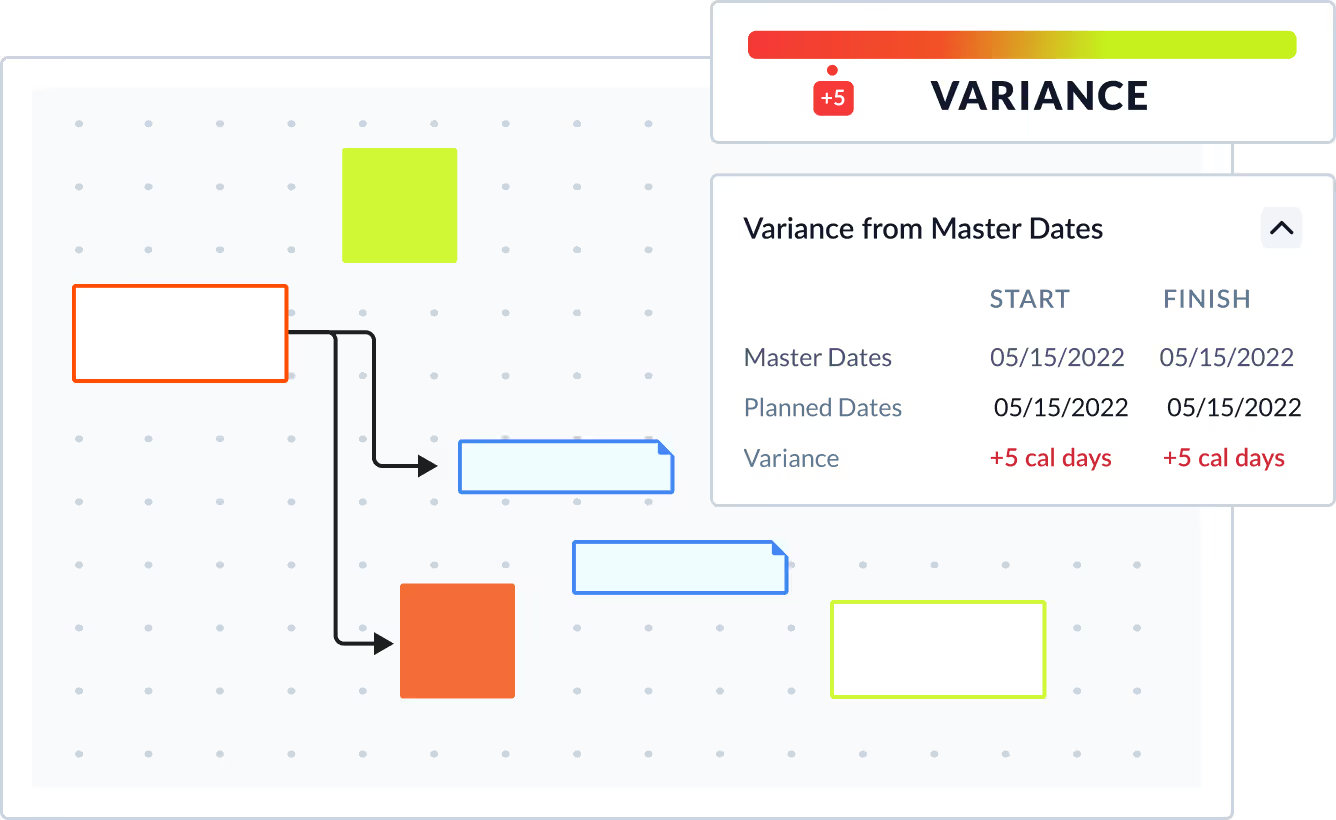
Say goodbye to manual updates and endless communication. With Field Schedules, your Master Schedule gains instant visibility into every activity, eliminating the need for constant phone calls, spreadsheets, and emails.
Frequently Asked Questions
To help you make an informed decision, we've compiled some of the most commonly asked questions.
What is a field schedule in construction?
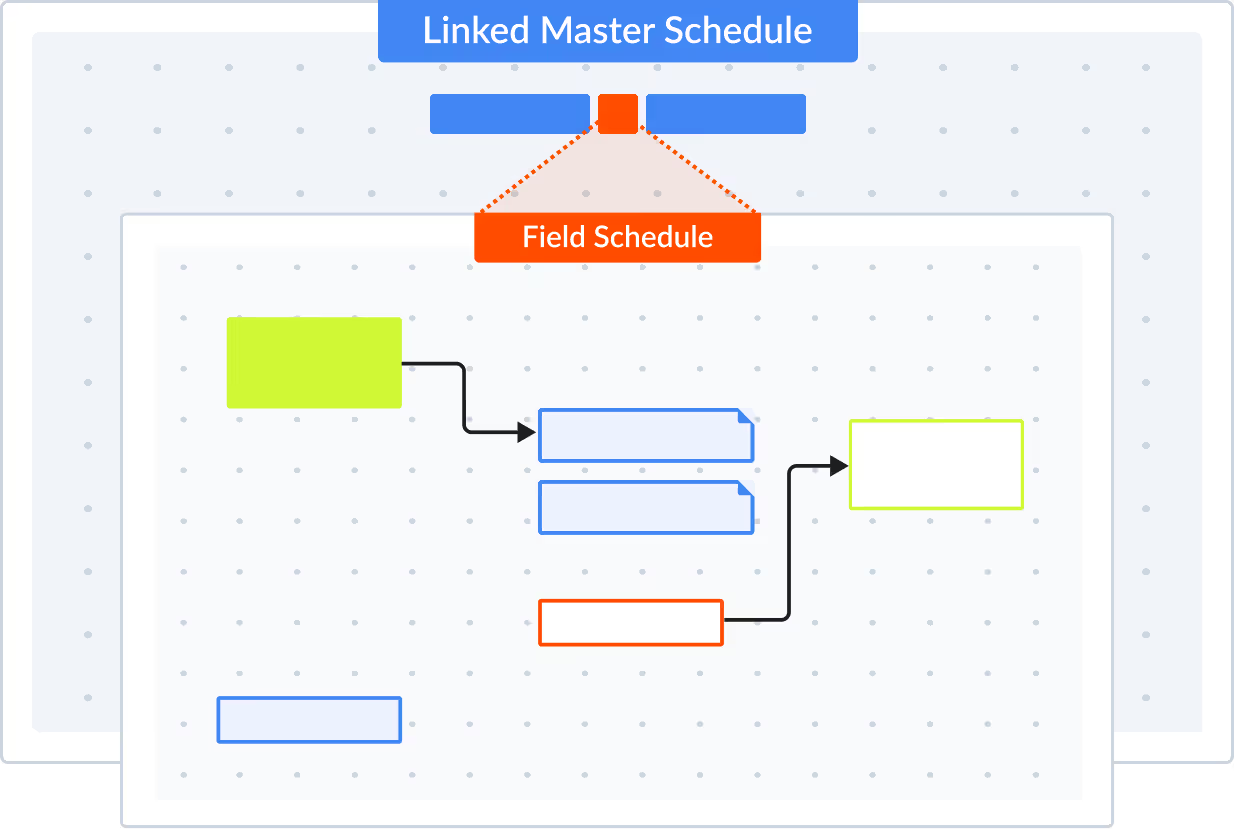
A field schedule is a focused, short-term view of the master CPM schedule designed for on-site execution. It pulls the relevant activities from the full network logic so field crews see exactly what they need to do in the coming days or weeks. Planera lets you create a field schedule from the master schedule in 30 seconds or less, with all CPM relationships intact.
How do I create a lookahead schedule from a CPM schedule?
In Planera, you select the time window and scope you need, and the system automatically generates a lookahead from your master CPM schedule. The lookahead inherits the logic, relationships, and constraints from the full network, so it's not a disconnected spreadsheet. Any updates flow back to the master schedule in real time.
Can field teams update the schedule from the job site?
Yes. Planera is cloud-native, so superintendents and foremen can view and update the schedule from any device, including iPad. Progress updates made in the field sync immediately with the master schedule, keeping the office and the field on the same page without emailing XER files or waiting for the scheduler to make changes.
How does Planera keep field schedules connected to the master schedule?
Unlike standalone lookahead spreadsheets, Planera's field schedules are live slices of your CPM network. When field crews update progress, the master schedule recalculates critical path and float automatically. When the scheduler adjusts the master, field schedules reflect the changes immediately. There's one source of truth, not two disconnected documents.
What is the difference between a lookahead schedule and a master schedule?
The master schedule is your full CPM network covering the entire project timeline. A lookahead (or field schedule) is a filtered view, typically 2-6 weeks, showing only the activities relevant to near-term execution. In Planera, both live in the same system with shared logic, so they never fall out of sync the way they do when lookaheads are managed separately in Excel.
Can subcontractors access field schedules in Planera?
Yes. You can invite subcontractors to view and contribute to field schedules directly in Planera. They see only the activities relevant to their scope, and their updates feed back into the master schedule. This replaces the typical workflow of printing schedules, emailing PDFs, or sharing static screenshots with trade partners.