

Proactively Plan your Resource Demand
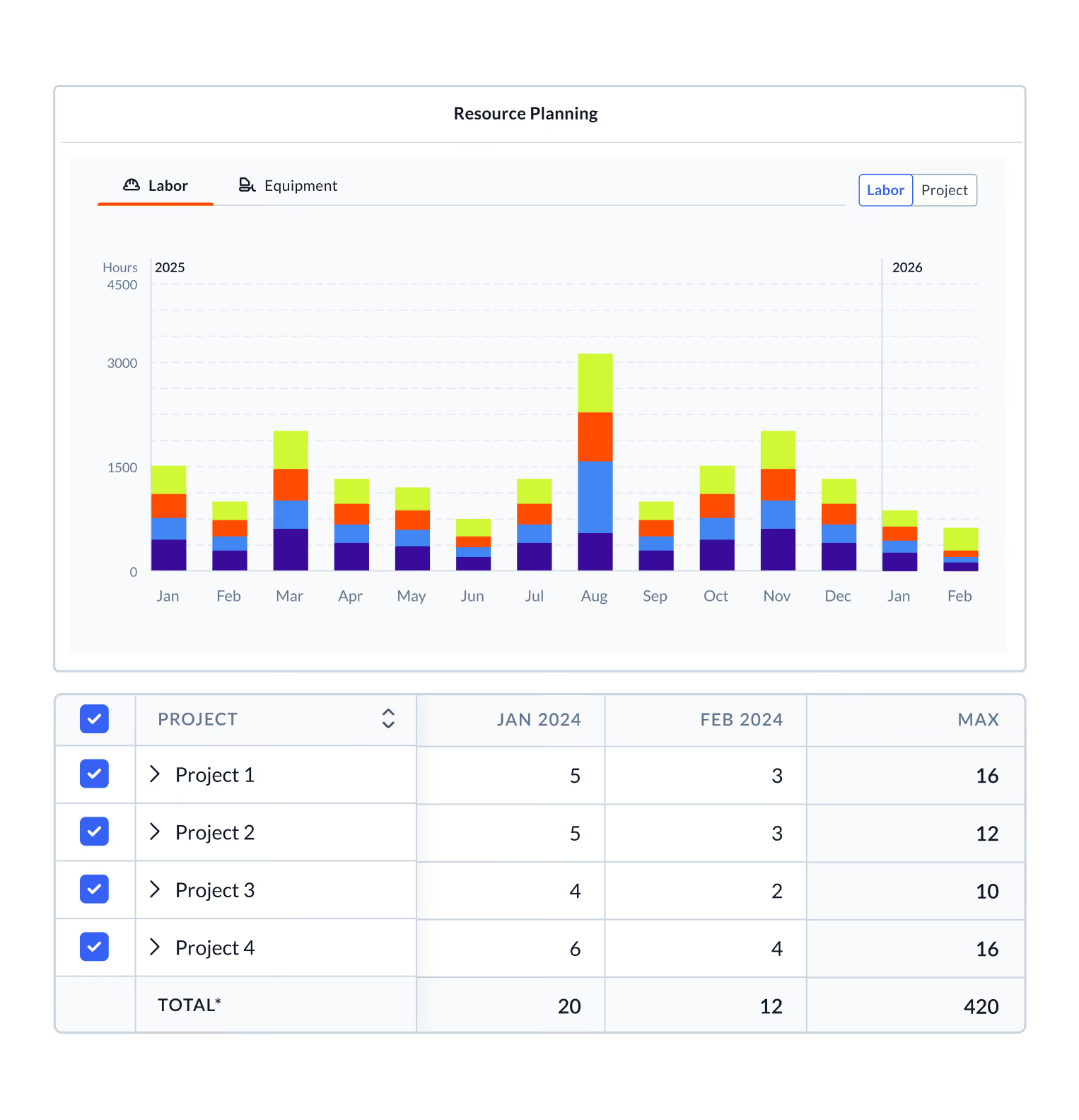
Planera connects your schedule to your labor and equipment plan so you can balance demand across activities, crews, and projects before you’re short-staffed on a critical path activity.











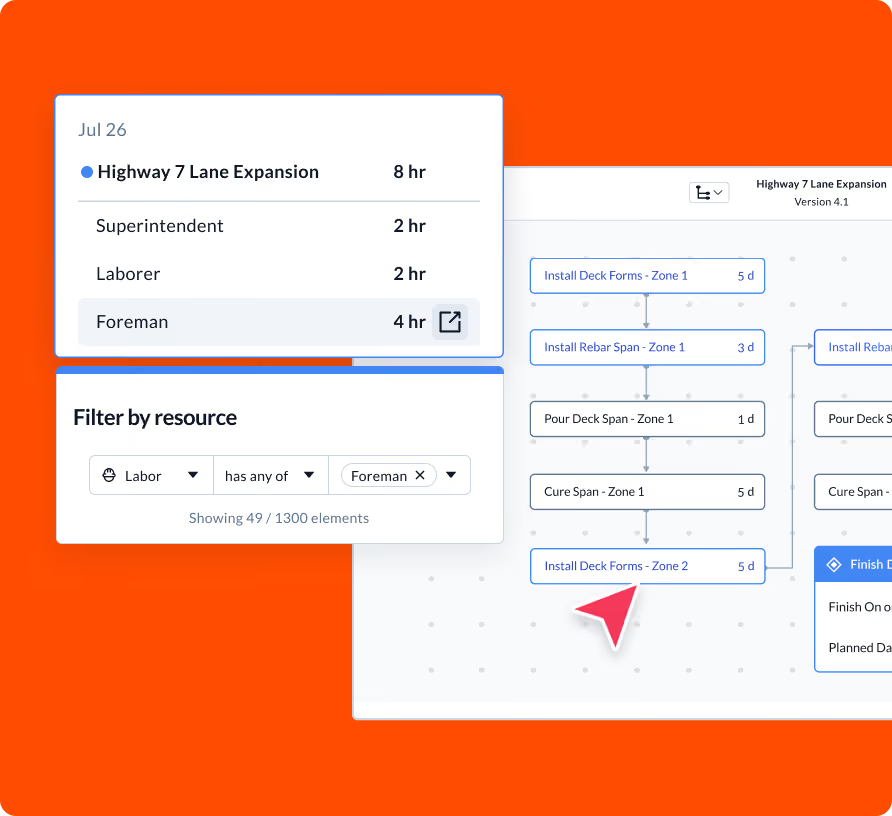
Assign resources at the activity level
Attach labor, equipment, and crew resources directly to schedule activities. Planera aggregates demand automatically so you can see exactly what your peak weeks look like, which trades are stacked, and where you have room to breathe.
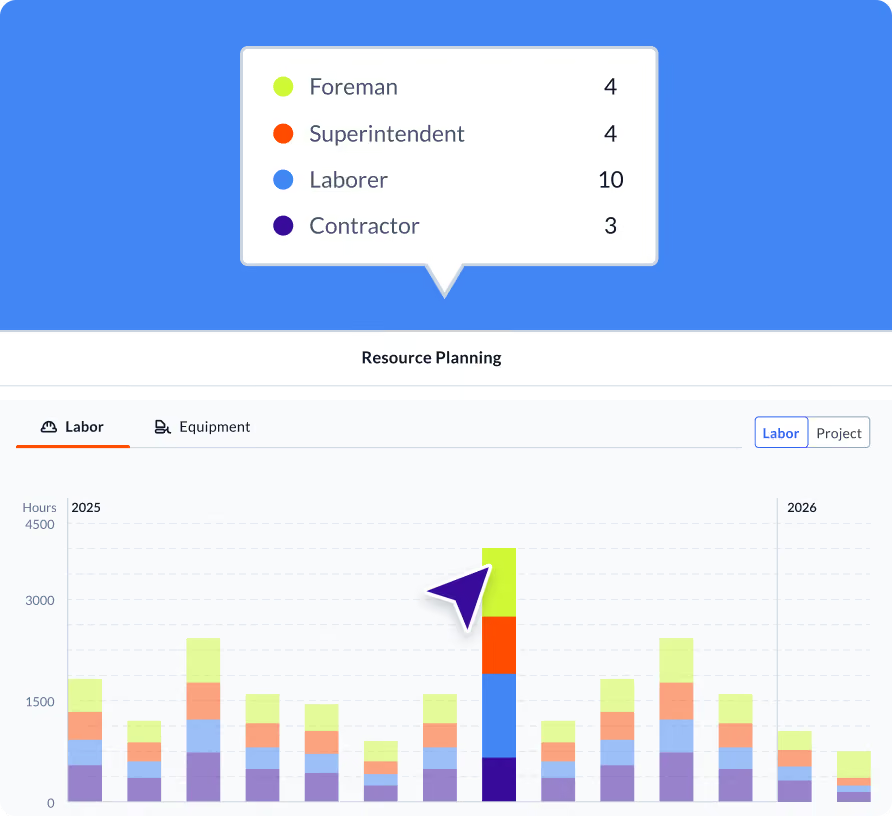
Visualize usage and forecast across the job
The labor and equipment dashboard plots resource demand over time, making it easy to spot overloads, idle periods, and the weeks where you need to line up subcontractors in advance.
Manage resources across multiple projects
For ops executives running a portfolio of jobs, the multi-project resource dashboard gives you a consolidated view of workforce demand across all active work. Move crews intelligently based on data, not instinct. Know before you commit.
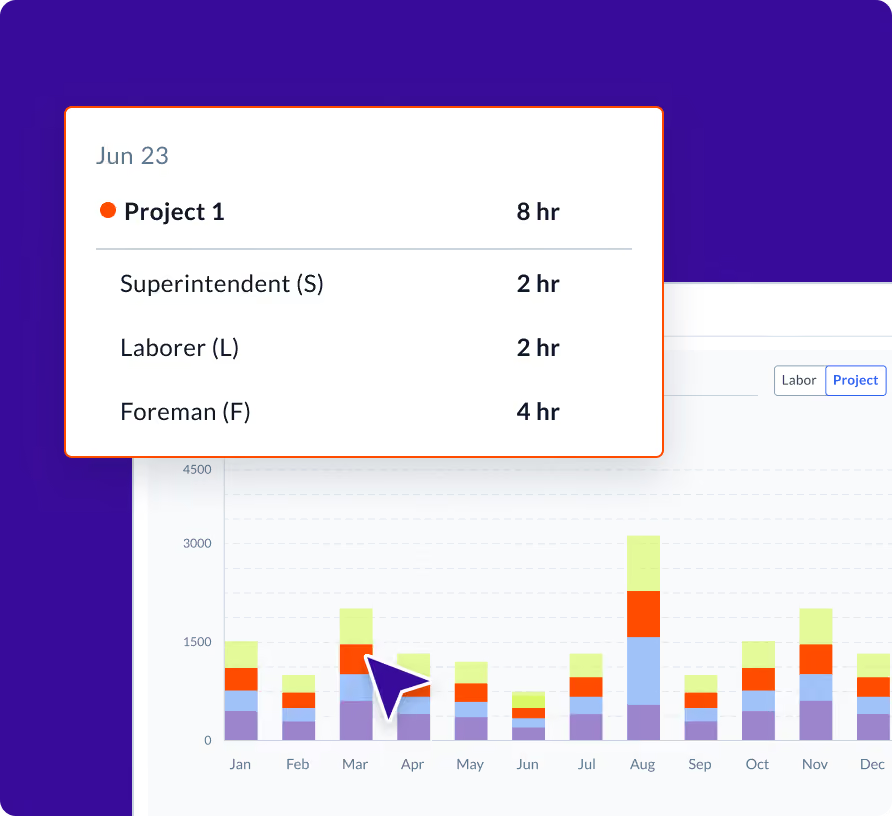

“Everyone from field leadership to project controls can now see how resources are flowing across 25 active jobs, everything from crews to cranes.”
Frequently Asked Questions
To help you make an informed decision, we’ve compiled some of the most commonly asked questions.
How do I assign a crew to a schedule activity?
Open any activity and add crew or labor resources from your resource library. Planera will reflect the demand in your resource dashboard automatically.
Can I see labor demand across multiple projects at once?
Yes. The multi-project resource planning dashboard consolidates workforce and equipment demand across your entire portfolio so you can allocate resources where they're needed most.
What is the difference between labor resources and equipment resources?
Labor resources represent people and crews, tracked by role or trade. Equipment resources represent machinery and assets. Both can be assigned to activities and tracked through the same resource dashboard.
Can I export resource data?
Yes. Planera supports exporting labor and equipment usage data for reporting and external analysis.
How does resource loading connect to the project schedule?
Resources are assigned directly to schedule activities, so as dates shift, resource demand automatically recalculates. The schedule and the resource plan stay in sync without manual updates.
Can subcontractors access field schedules in Planera?
Yes. You can invite subcontractors to view and contribute to field schedules directly in Planera. They see only the activities relevant to their scope, and their updates feed back into the master schedule. This replaces the typical workflow of printing schedules, emailing PDFs, or sharing static screenshots with trade partners.