


If a project gets out of control because your team can’t access the right information, you know why construction management software matters. Many projects run over budget, and labor is tight. Contractors relying on spreadsheets and paper are at risk of falling behind.
The construction management software market is booming. It is expected to reach 16.62 billion USD by 2030. Cloud-based solutions cover over 60% of the market. Mobile-first platforms are growing more than 13% per year. Digital workflows are already changing how construction gets done.
Finding the best construction management software is still a challenge. Hundreds of options promise everything from scheduling to safety compliance. Some platforms are great for complex schedules, but overwhelm small teams. Others handle basic tasks well but can’t scale as your business grows.
We studied top platforms, spoke with contractors, and tested performance on real projects. Whether you manage service calls or billion-dollar developments, this guide shows which tools deliver results in 2026.
What is Construction Management Software?
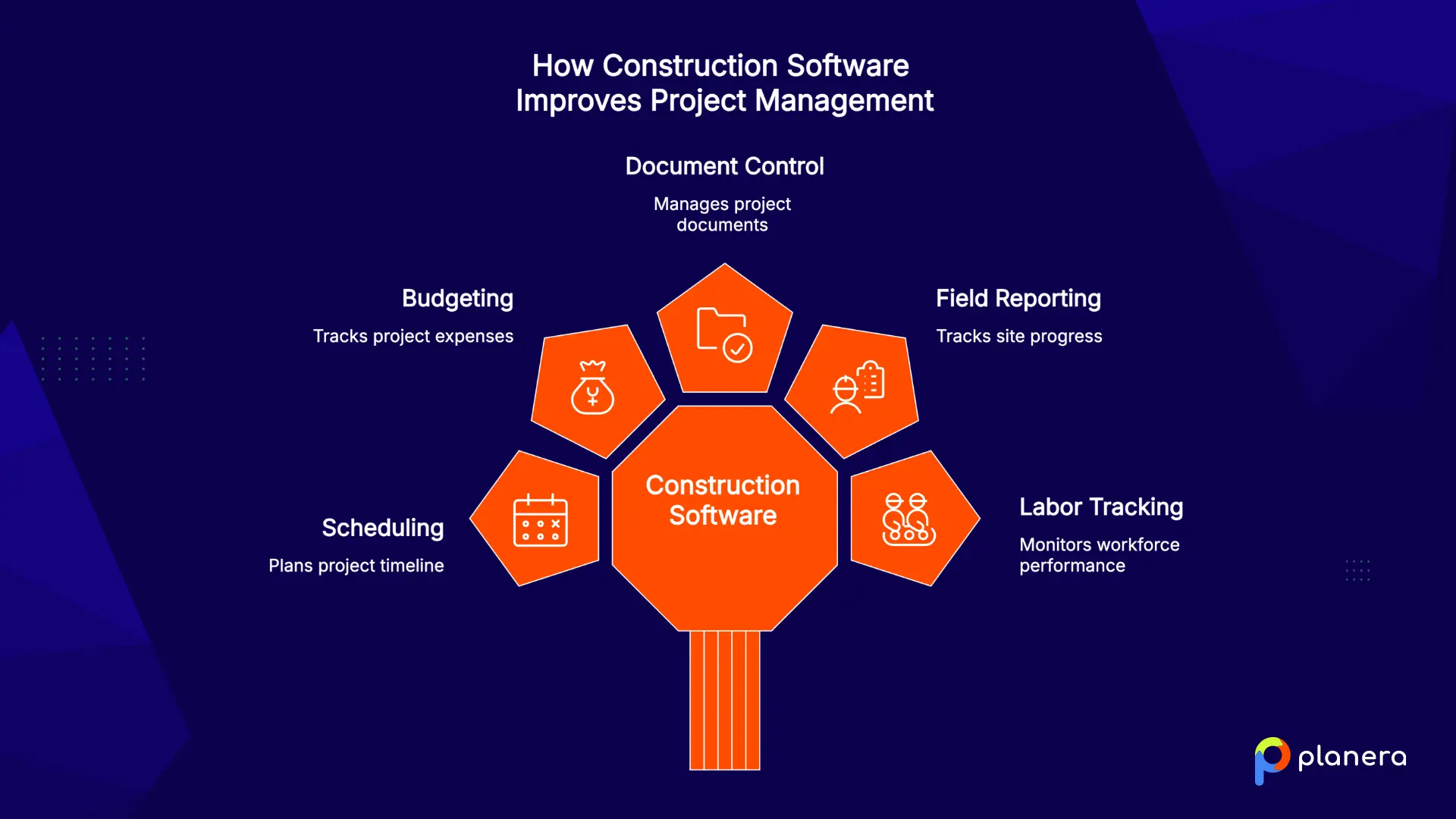
Construction management software is a type of construction business software that helps contractors plan, manage, and track project work. Some platforms focus on scheduling, while others support budgeting, document control, field reporting, labor tracking, or owner-level portfolio management. The best construction software depends on the workflow your team needs to improve first.
Why Should Construction Teams Use Construction Management Software?
The construction industry is under a lot of pressure. Teams have to do more with fewer people, budgets are tight, and projects are getting more complicated. Clients expect updates quickly and accurately, and paper-based systems just can’t keep up.
Modern construction management software keeps teams organized. Most projects today are commercial. Coordinating offices, retail, or industrial sites leaves little room for mistakes. Even small delays can turn into expensive problems.
Cloud-based tools make advanced features available to smaller contractors. Subscription models let businesses start small and add features over time, often for a reasonable monthly cost.
Artificial intelligence is changing how projects are planned. AI tools can schedule work, predict costs, and track progress faster and more accurately than manual methods. Some platforms even warn you about potential delays from weather or resource shortages, so teams can act before problems grow.
Mobile access is now a must. Field teams can update tasks, view drawings, and report issues directly from the job site. Real-time updates let project managers fix problems quickly and keep projects on track.
Security and compliance are important. Government projects often need certified platforms, while private projects require good document control, audit trails, and safe storage. One security mistake can hurt a contractor’s reputation and finances, making strong security just as important as the software itself.
What Features and Functionality Should Construction Management Software Have?
Choosing construction software is not only about finding the platform with the longest feature list. The right tool should match the way your team plans, tracks, communicates, and reports on work every day.
Start with your main workflow gap. Some teams need better scheduling, while others need stronger field reporting, job costing, document control, or owner-level visibility. The best construction management software should solve that primary problem first, then support the surrounding workflows.
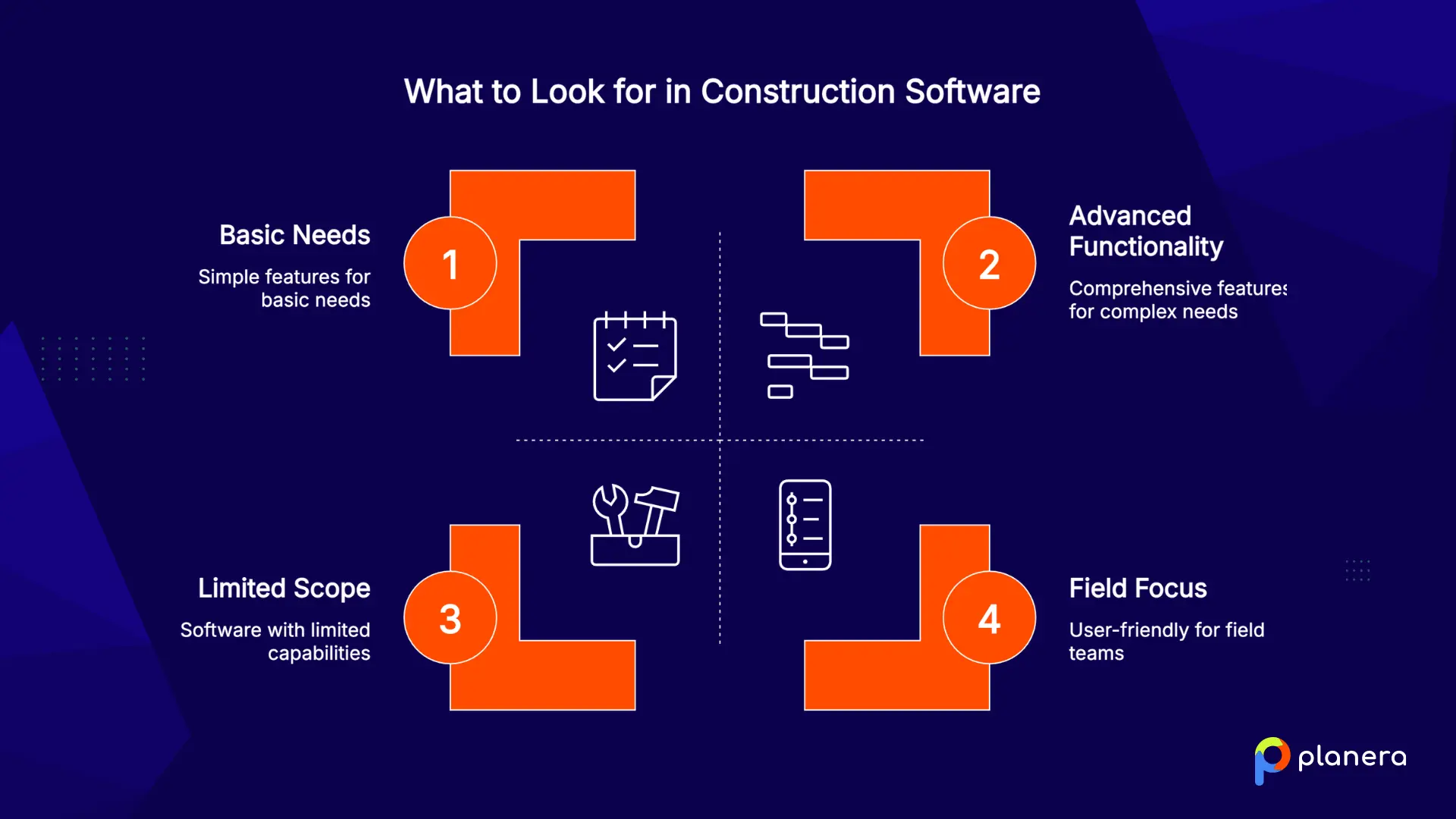
Look closely at these areas before choosing a platform:
Scheduling depth: Basic calendars may work for simple projects, but complex construction work often needs dependency logic, critical path visibility, resource planning, field schedules, and what-if scenarios.
Field adoption: A platform only works if field teams use it. Look for mobile access, simple updates, photo uploads, offline support, and clear task visibility from the job site.
Project controls: Strong software should help teams track progress, costs, risks, documents, approvals, and changes without forcing everything into spreadsheets.
Integrations: Most contractors already use accounting, payroll, ERP, Procore, Autodesk, or document management tools. Good integrations reduce duplicate entries and keep project data consistent.
Scalability: A tool that works for one crew may not support multiple projects, regions, or business units. Consider how the software will fit your team as project volume grows.
Implementation effort: Review setup time, training needs, data migration, and internal adoption. A focused pilot project is often the safest way to test if the software fits your workflow.
The right platform is not always the one with the most features. It is the one your team can adopt consistently and use to improve the work that matters most.
Top Construction Management Software Platforms by Use Case
Let’s examine each platform’s strengths, ideal use cases, and what makes it stand out in a crowded market. These platforms are not ranked. Each works best for different types of contractors and project needs.
| Platform | Focus | Key Strengths | Best For | Key Consideration |
|---|---|---|---|---|
| Planera | Scheduling & collaboration | Visual, collaborative CPM scheduling, Monte Carlo risk analysis, integrates with Procore/Autodesk | Enterprise contractors, teams transitioning from P6/MS Project, and data center construction | Not a full PM suite; needs complementary tools for RFIs/submittals |
| Workyard | Labor tracking and cost control | GPS-verified time tracking and real-time job costing | Teams running multiple active job sites | Built for field operations, not a full-scale project management tool |
| LiveCosts | Construction financial management | Job costing, real-time margins, three-way invoice matching | Construction firms, commercial contractors, and trade contractors | Purpose-built for construction cost control |
| Planyard | Budget control & profit forecasting | Live budget vs. actuals with committed costs, PO and subcontract workflows, forecasted final margin, syncs with QuickBooks/Xero/Sage | Main contractors and developers who want real-time profitability per project | Focused on financial control; pair with a scheduling tool like Planera |
| ProjectMates | Owner-focused management | Document control, compliance, portfolio-level dashboards, BIM viewer | Universities, government agencies, and real estate developers | Built for owners, not GCs or specialty contractors |
| Knowify | Trade contractors | QuickBooks integration, estimating, job costing, and dispatch for service calls | HVAC, plumbing, electrical, small to mid-sized specialty contractors | Focused on trade contractors; limited advanced CPM scheduling |
| Jonas Construction Software | Enterprise ERP for specialty contractors | Integrated modules, including PM, payroll, accounting, field apps, and SQL-based reporting | Mid to large mechanical/electrical contractors and multi-entity companies | High implementation cost and ongoing per-user fees |
| LetsBuild | Site coordination | Real-time site reporting, quality/safety compliance, lean construction tools | GCs prioritizing site coordination and lean construction teams | Needs supplemental scheduling/financial tools |
| Esub | Field-focused operations | Mobile-first tools, field visibility, and payroll integration | Large-scale projects and teams needing strong field-office communication | Limited advanced financial features; may need additional tools |
| Projul | Balanced project management | Full lifecycle management, integrated communication, and resource allocation | General contractors and teams managing diverse projects | May lack depth in specialized scheduling or owner-focused tools |
| Job Planner | Scheduling & coordination | Advanced resource leveling, constraint management, and what-if scenarios | Teams where scheduling complexity drives success | Specialized; needs complementary PM tools for full functionality |
| ArcGIS for Construction (ESRI) | GIS & spatial analysis | Site mapping, geospatial analytics, and 3D visualization | Large infrastructure projects, complex sites, and public works | Requires GIS expertise to maximize value |
| Atser | Mid-market general contractors | Budget and cost tracking, document management, and workflow customization | Mid-market GCs and teams outgrowing entry-level tools | Covers most needs but is not as deep as specialized solutions |
1. Planera: Best for Visual CPM Scheduling and Field Collaboration
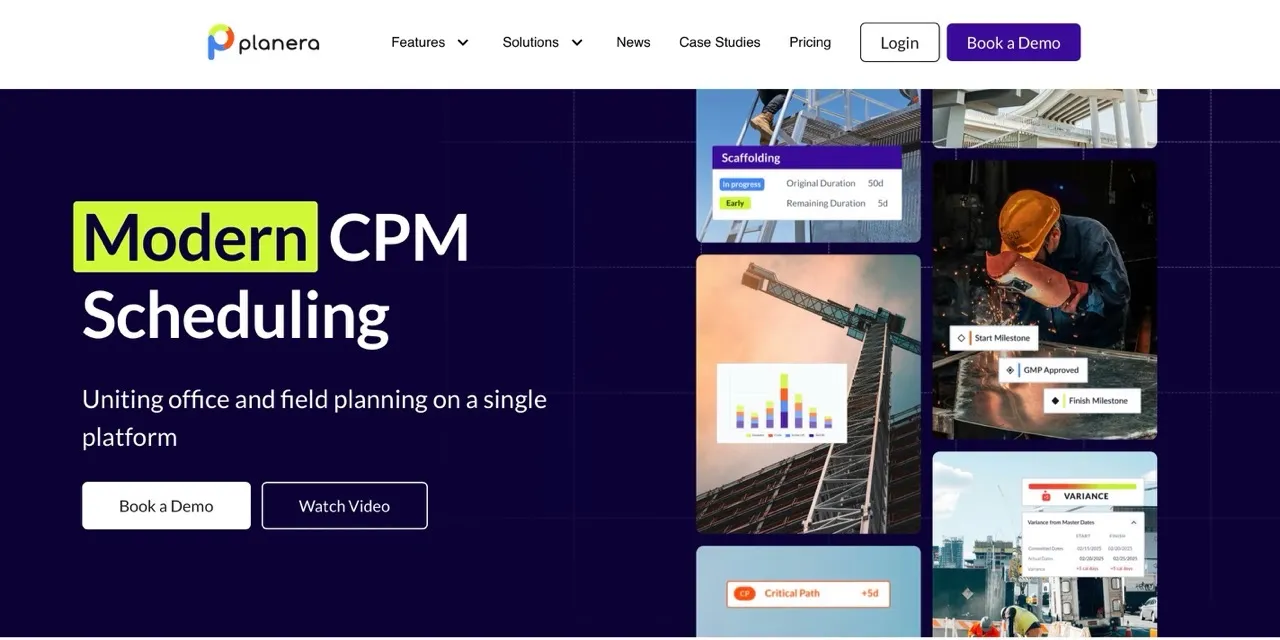
Planera makes complex scheduling simple to use. Its visual, collaborative interface turns CPM scheduling from a specialist task into something the whole team can understand and contribute to. It replaces P6’s learning curve with a digital whiteboard that still delivers professional-grade schedules.
Key Features:
- Collaborate on Whiteboard: Let the whole team work on the same project at once, similar to editing a Google Doc together.
- Project Dashboard: Access a central hub that displays a clear, high-level view of important project metrics.
- DCMA Quality Check: Simplify schedule scoring and grading, and quickly identify and fix problem areas on the table or canvas.
- Field Schedule (New Feature): Take a section of the master schedule and create a working schedule in 30 seconds or less.
- Manny AI Assistant (New): Ask plain-language questions, spot schedule risks before they grow, and test "what if" scenarios without needing advanced CPM skills.
What Makes Planera Different
Planera’s main strength is the Working Schedule. It is the first digital construction tool in the industry that lets teams link master schedules and working schedules without extra spreadsheets. Instead of managing two separate files for long-term planning and day-to-day coordination, teams can build schedules together in real time. They can drag and drop activities, and the platform takes care of all the calculations in the background.
Planera connects with Procore and Autodesk Construction Cloud. This prevents data from getting stuck in separate systems and helps keep information consistent across the company. Its Monte Carlo risk simulation and DCMA Quality Check give contractors access to advanced risk analysis that used to require expensive scheduling consultants. The platform now manages more than 25 million days of schedules, which shows strong adoption across the industry.
Best For:
- Enterprise contractors managing complex, multi-phase projects
- Data center construction requiring precise coordination
- Teams transitioning from P6 or MS Project
- Companies where non-schedulers need to understand and contribute to schedules
Key Considerations
Planera focuses on scheduling and does not provide a full project management suite. Teams still need other tools for RFIs, submittals, and project documentation. ProjectTeam.com, a construction management software platform, handles those workflows alongside cost management and field operations.
2. Workyard: Best for Workforce Management and Labor Cost Tracking
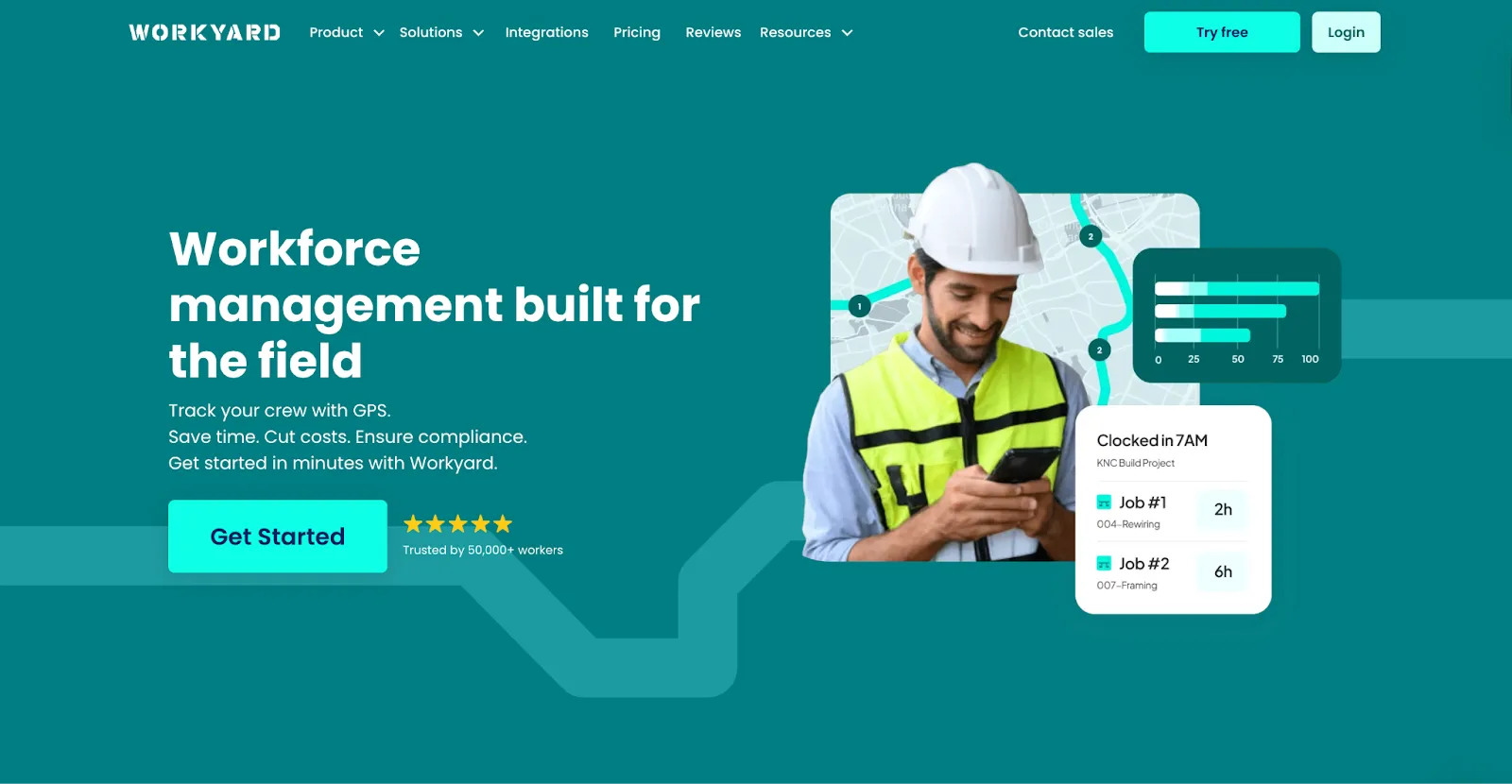
Workyard is a GPS-based time tracking and labor cost management system for construction companies operating across multiple jobsites. It brings field time records, scheduling, and payroll-related labor data into one platform, creating a structured way to track and review labor activity.
Key Features:
- GPS-Verified Time Tracking: Capture exact clock-in/out times and locations with GPS-verified proof of when and where work happened.
- Geofencing and Automated Clock-Ins: Trigger automatic clock-ins the moment crews arrive on site.
- Real-Time Job Costing: Assign verified hours to job, phase, and cost codes to give project managers live visibility into labor burn.
- Contractor Scheduling: Organize crew assignments and schedules in a visual calendar that syncs directly to the field app.
- Automated Compliance Tools: Calculate complex pay rules, overtime, and certified payroll requirements automatically.
- Payroll and Accounting Integration: Export time data directly to QuickBooks, Sage, ADP, and others to eliminate double-entry and payroll delays.
What Makes Workyard Different
Workyard is built around labor tracking and cost control. Time entries connect directly to job and cost codes, and location data is captured as part of the record rather than as a separate add-on.
Crews learn the app in minutes; it works offline or in low-signal jobsites, and adoption stays high because it doesn't get in the way of the actual work.
Workyard’s compliance side is also worth mentioning. If you're running prevailing wage or union work. Workyard handles it automatically, so the administrative side doesn't pile up.
Best For:
- General and specialty contractors with field crews
- Companies that depend on accurate labor tracking
- Contractors handling union or prevailing wage work
- Teams managing multiple active jobsites
- Firms using QuickBooks, Sage, or ADP
Key Considerations:
Workyard is focused on time tracking and job costing, and it's genuinely good at both. But it's not built to replace a full project management platform. If your team also needs CPM scheduling, BIM viewing, or document control, you'll want to pair it with a solution that covers those bases.
3. LiveCosts: Best for Real-Time Job Costing and Financial Management
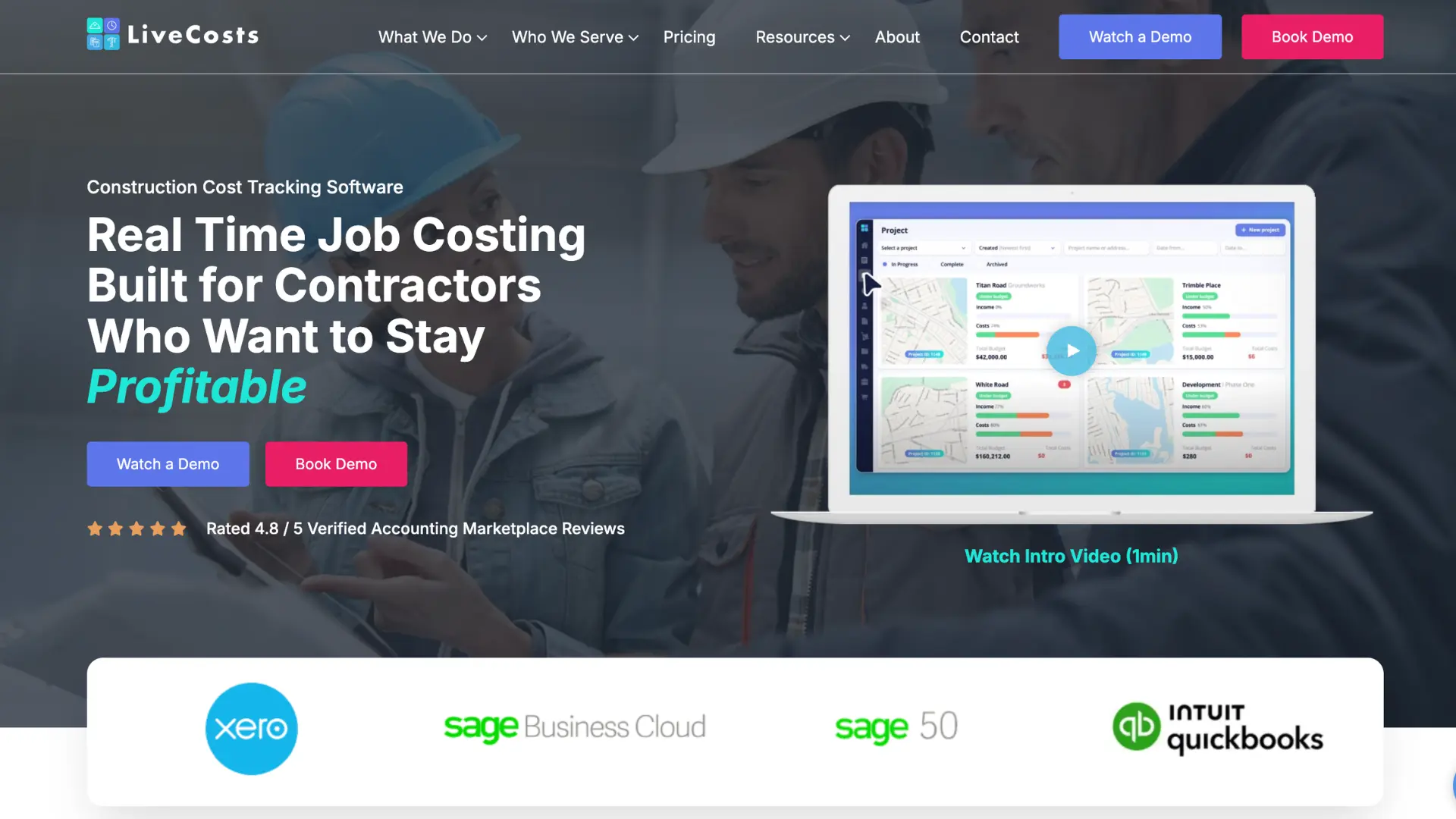
LiveCosts is construction cost management software to track materials, labour and plant in real-time, created specifically for SMBs who are tired of chasing numbers in spreadsheets. Instead of finding out a project went over budget at the end of the month, LiveCosts shows contractors where money is going as it's spent, so problems can get caught while there's still time to fix them.
Key Features:
- Live Budget vs. Actuals: Compare planned costs against real spending in real time, across labour, materials, subcontractors, and plant/equipment.
- Procurement Workflows: Create purchase orders, issue requests for quotation to multiple suppliers at once, and compare pricing line by line.
- 3-way invoice matching: Scan supplier invoices, use AI to automatically extract the data and match it against the right project, PO, and delivery receipt.
- Labour and Time Tracking: Log employee and subcontractor hours from the mobile app or office, with multiple pay rates assigned directly to project budgets.
- Financial Reporting: Generate reports on budgets, work in progress, profitability, and subcontractor claims by phase or cost code.
- Accounting Integrations: Sync with Xero, QuickBooks, and Sage so project data and company books stay consistent without double entry.
What Makes LiveCosts Different
Most job costing tools are not built for construction or are too advanced for a small or mid-sized contractor to actually run. LiveCosts is built by construction people specifically for SMB contractors, and it can be up and running in days rather than weeks or months of implementation.
The platform's real strength is connecting the field to the office. A site professional can log labour hours or a delivery from his device, and that data flows straight into the budget without manual re-entry. LiveCosts adds the construction-specific context, like cost codes, POs, and phase budgets, that accountancy tools like Xero Projects or QuickBooks don't provide.
Best For:
- Small and mid-sized contractors managing multiple active projects
- Quantity surveyors and office admins who need accurate, real-time cost data instead of month-end surprises
- Electrical, plumbing, HVAC, and subcontractor businesses looking to protect margins
- Teams already using Xero, QuickBooks, or Sage who want construction-specific detail layered on top
Key Considerations:
LiveCosts is the best solution for job costing, procurement, and cost tracking. It gives construction firms clear financial visibility and control in one unified platform instead of scattered spreadsheets and WhatsApp messages.
4. Planyard: Best for Budget Control and Profit Forecasting
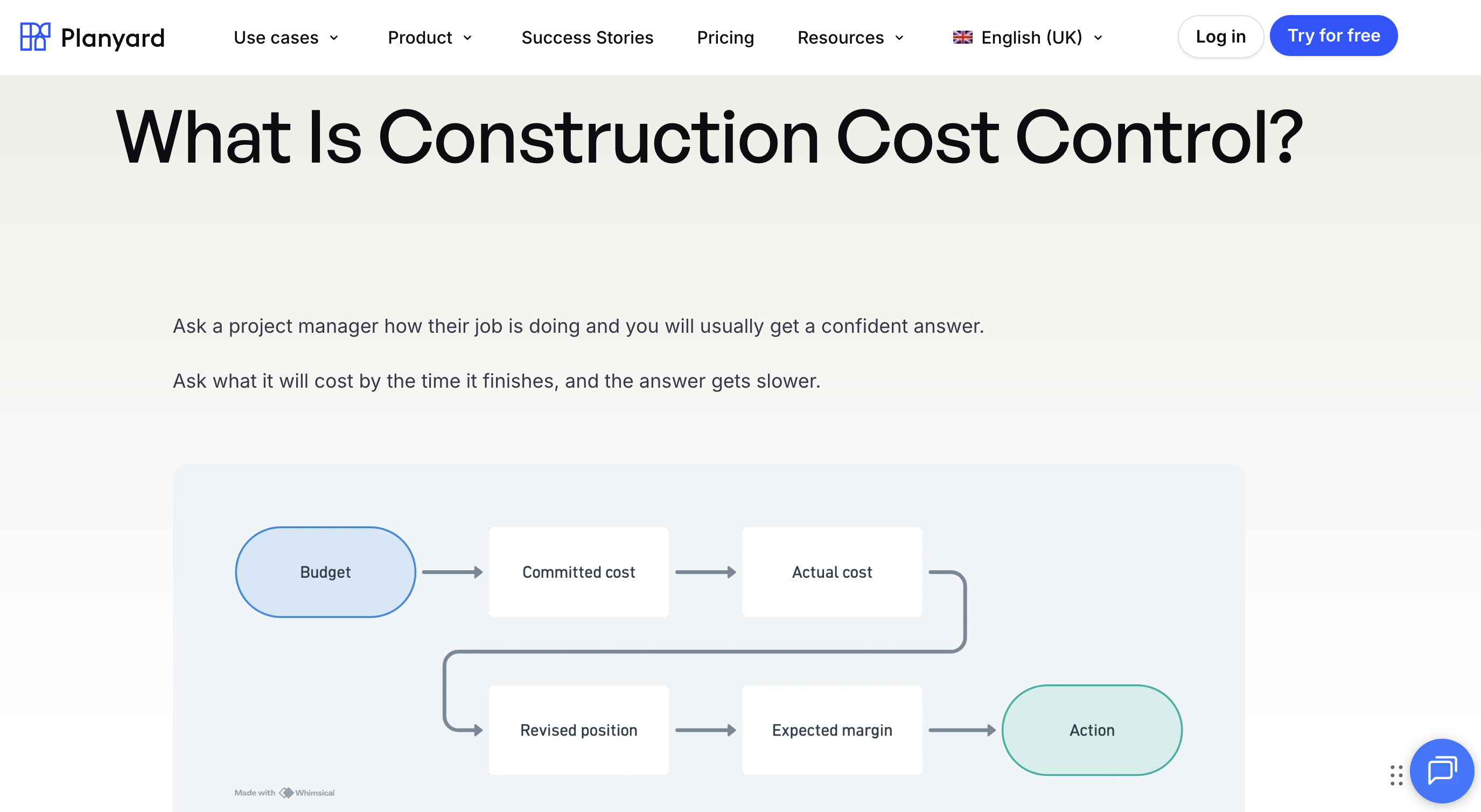
Planyard is construction budgeting and cost control software for contractors who want to know where a project's margin will land - not just where the money has gone. The estimate becomes a live budget, and every purchase order, subcontractor contract, and change order updates the forecasted final cost the moment it's raised, so owners see profitability problems while there's still time to fix them.
Key Features:
- Live Budget and Forecasted Profit: Track budget vs. actuals including committed costs, with the forecasted final margin per project updating in real time.
- Purchase Order Workflows: Raise POs against budget lines, send RFQs to multiple suppliers, and compare quotes before committing money.
- Subcontractor Management: Manage subcontract agreements, progress claims, and retention, with subcontractors submitting valuations through their own portal.
- Change Order Tracking: Capture variations and price them against the budget before the work happens, so scope creep never surprises the month-end report.
- Invoice Approvals: Route supplier invoices to the right approver with everything auto-matched to the budget line and PO.
- Accounting Integrations: Two-way sync with QuickBooks, Xero, and Sage, so accounting receives clean, coded invoices without double entry.
What Makes Planyard Different
Most cost tools tell you what a project has spent. Planyard is built around what a project will cost - every commitment updates the cost-to-complete and forecasted profit, which is the number owners actually make decisions on. That forward-looking view is what replaces the "wait for the accounts, then find out we lost money" cycle.
The workflows are built for the people who create the costs: project managers raise POs and approve invoices in the same system that holds the budget, so the commercial picture stays current without anyone re-keying data. Teams are typically live within a week rather than months, and it's rated 4.6 on Capterra.
Best For:
- Main contractors and developers who need real-time profitability per project
- Owners who want committed costs and margin forecasts, not just paid invoices
- Teams running QuickBooks, Xero, or Sage that have outgrown budget spreadsheets
- Companies managing multiple projects where one bad job can erase the year's margin
Key Considerations:
Planyard focuses on financial control and doesn't do CPM scheduling or field coordination - pair it with a scheduling platform like Planera for the full picture.
5. ProjectMates: Best for Owners Managing Capital Construction Programs
ProjectMates approaches construction management from the owner’s perspective. With more than 100,000 active projects on the platform, it has become the go-to solution for organizations managing capital construction programs rather than single projects.
Key Features:
- Document Control: Centralize and manage all project documents, ensuring easy access and organized records.
- Compliance Tracking: Maintain comprehensive audit trails that meet strict government and institutional standards.
- BIM Viewer: View 2D and 3D files directly in the platform without additional plugins.
- Portfolio Dashboards: Get real-time visibility across multiple projects, from high-level summaries to individual RFIs and change orders.
- Procurement Integration: Pre-approval with GSA, Texas DIR, and TIPS systems reduces delays for public projects.
What Makes ProjectMates Different
The platform is great at document management and compliance, which makes it ideal for universities, government agencies, and large corporations running multiple projects at once. An 86% user satisfaction rating shows how well the platform addresses owner needs.
ProjectMates also provides clear visibility across entire project portfolios. Executives can monitor high-level dashboards while project managers focus on specific RFIs or change orders. Integration with public procurement systems removes common administrative hurdles.
Best For:
- Universities that manage campus construction programs
- Government agencies that have strict compliance requirements
- Real estate developers who oversee multiple properties
- Owner organizations that prioritize document control and audit trails
Key Considerations:
ProjectMates is designed for owners, not contractors. General contractors or specialty contractors may find better options elsewhere on this list.
6. Knowify: Best for Specialty Contractors and Job Costing
Knowify recognizes that trade contractors have different needs than general contractors. It is the only platform that handles both multi-phase construction projects and single-day service calls, with easy QuickBooks integration that eliminates duplicate data entry.
Key Features
- Project Management: Manage both long-term construction projects and short-term service calls in one system.
- Estimating and Job Costing: Create detailed estimates and track costs across every job.
- Resource Scheduling: Assign and manage labor and materials efficiently.
- Service Pro Addon: Convert the platform into a dispatch system for service work, reducing the need for separate tools.
- QuickBooks Integration: Maintain true bidirectional sync so invoices and data update instantly in both systems.
What Makes Knowify Different
Knowify starts at $99 per month, making professional project management accessible to small specialty contractors. The platform is affordable but still includes advanced features such as estimating, job costing, and resource scheduling.
The Service Pro addon extends the same system into a dispatch platform for service work, removing the need for separate software.
One of Knowify’s important features is its integration with QuickBooks. Unlike add-on connections that sync periodically, Knowify updates both systems in real time. For contractors that already use QuickBooks, this feature alone often justifies the switch.
Best For:
- HVAC, plumbing, and electrical contractors
- Small to mid-sized specialty contractors
- Companies combining project work with service calls
- Contractors already using QuickBooks
Key Considerations:
Knowify focuses on trade contractors. General contractors that manage multiple subcontractors will find it lacking in features like advanced CPM scheduling.
7. Jonas Construction Software: Best for Construction Accounting and ERP
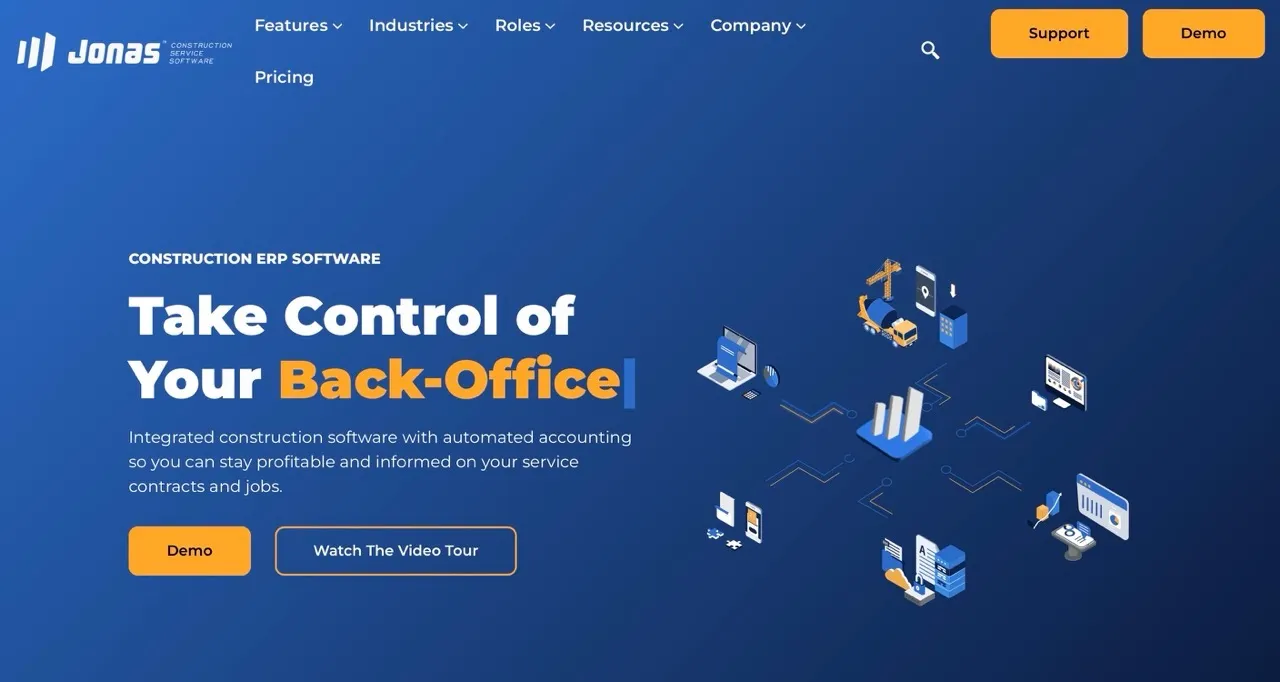
Jonas Construction brings enterprise resource planning to specialty contractors. The platform offers over 40 integrated modules that cover project management, accounting, payroll, and more. More than 1,000 construction companies use Jonas, which is designed specifically for mechanical, electrical, and HVAC contractors who need deep operational integration.
Key Features:
- Project Management: Plan, track, and manage projects with full operational oversight.
- Accounting and Payroll: Handle financial operations, invoicing, and payroll within the same system.
- Job Costing: Access real-time profitability insights for every project.
- eMobile and Field Time: Enable fully paperless workflows for field teams.
- Data Mart Reporting: Generate SQL-based reports for detailed analysis across multiple entities.
What Makes Jonas Construction Software Different
Jonas is great at managing complex, multi-entity operations. Its eMobile and Field Time applications support completely paperless workflows, while job costing provides instant insight into project profitability. The Data Mart feature allows larger contractors to perform advanced, SQL-based reporting for deeper analysis.
Users like the intuitive interface and responsive support. Jonas Construction continues to modernize with cloud enhancements and user experience improvements in its 2025/2026 roadmap.
Best For:
- Mid to large mechanical and electrical contractors
- Multi-entity construction companies
- Specialty contractors needing integrated accounting and operations
- Organizations requiring detailed financial reporting
Key Consideration
Jonas’s implementation usually requires a $20,000+ investment, with additional costs around $200+ per user. This is enterprise software with enterprise-level pricing.
8. LetsBuild: Best for Field Coordination and Site Progress Tracking
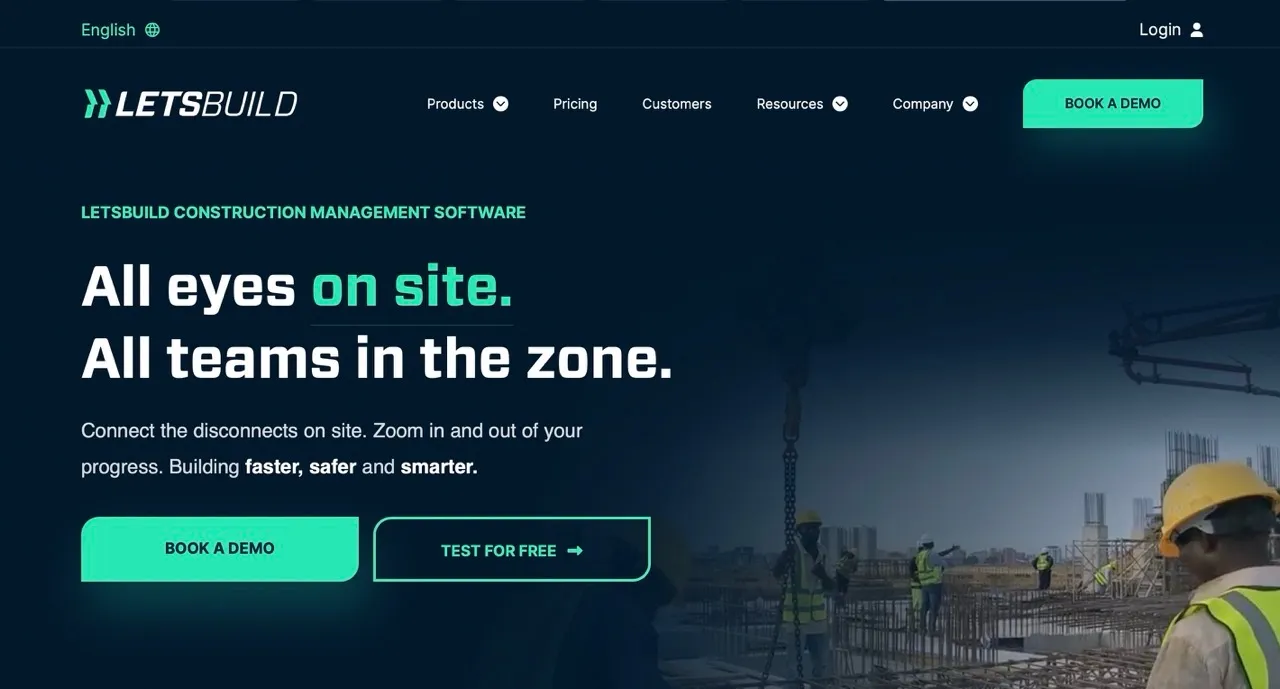
LetsBuild transforms site coordination by providing tools that simplify even the most complex construction processes. The platform has gained recognition as a leader in construction digital transformation, and focusing on what happens on-site rather than in the office.
Key Features:
- Real-Time Site Reporting: Track progress instantly and keep all team members informed.
- Quality and Safety Monitoring: Capture issues early and ensure compliance with standards.
- Lean Construction Tools: Reduce waste and improve processes for more efficient operations.
- Integration Options: Connect with Bricsys, Tableau, and Landax without changing your existing systems.
- Mobile Inspection: Document issues immediately in the field with photos and notes.
What Makes LetsBuild Different
LetsBuild helps teams keep projects on track with real-time site updates and progress tracking. Teams don’t have to sit through long meetings just to see what’s happening. Its quality and safety tools catch problems early, so issues get fixed before they slow work down. Lean construction features also help contractors work faster and use resources more efficiently, which is important when budgets are tight.
The platform works with other systems, so contractors can add features without replacing what they already use. Mobile inspection tools let field teams log issues right away, making sure nothing is forgotten or overlooked.
Best For:
- General contractors who prioritize site coordination
- Projects that have strict quality and safety requirements
- Teams that want to implement lean construction practices
- Companies that are starting digital transformation in the field
Key Considerations:
LetsBuild specializes in site coordination. Teams may need additional tools for scheduling or financial management to cover all project needs.
9. Esub: Best for Commercial Subcontractor Project Management
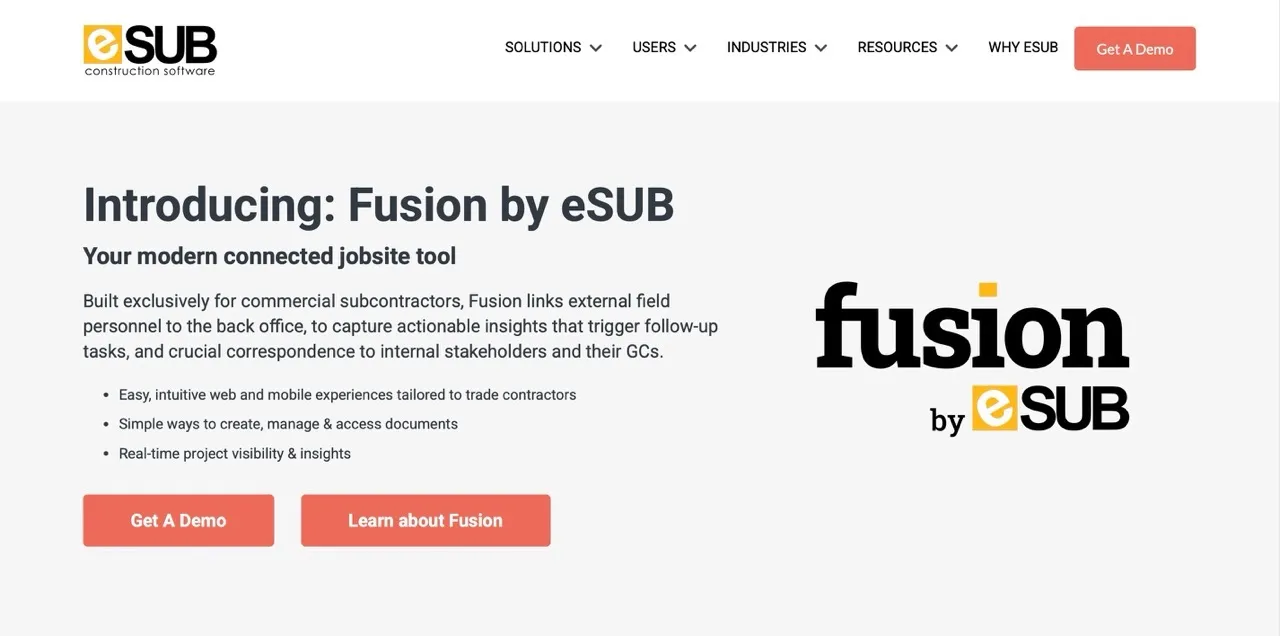
Esub helps field teams stay connected to every part of a project. Project managers, superintendents, and foremen can see schedules, progress updates, and labor tracking in real time, so problems are noticed and fixed quickly.
Key Features:
- Mobile-First Interface: Access a fully functional platform optimized for job site conditions.
- Real-Time Project Monitoring: Track progress and updates instantly across all teams.
- Payroll Integration: Connect field time directly to payroll to reduce duplicate entry and errors.
- Labor Tracking: Monitor workforce and productivity in real time.
- Project Dashboards: View high-level metrics and dive into specific site activities.
What Makes Esub Different
Esub is designed for field teams. The mobile interface works anywhere, letting teams update progress right away. Payroll integration reduces mistakes and manual work by sending hours straight to payroll. Since labor is often the biggest cost on a project, this feature adds real value.
Best For:
- Contractors that manage large-scale projects
- Teams who need reliable field accessibility
- Organizations that want simple payroll integration
- Projects where communication gaps between field and office create problems
Key Considerations:
Esub focuses on field management. Teams that require advanced financial or accounting features should pair it with other software. While it manages scheduling, labor tracking, and payroll efficiently, it does not replace full-scale accounting systems for complex financial reporting.
10. Projul: Best for Small Contractors Managing Leads, Jobs, and Invoices
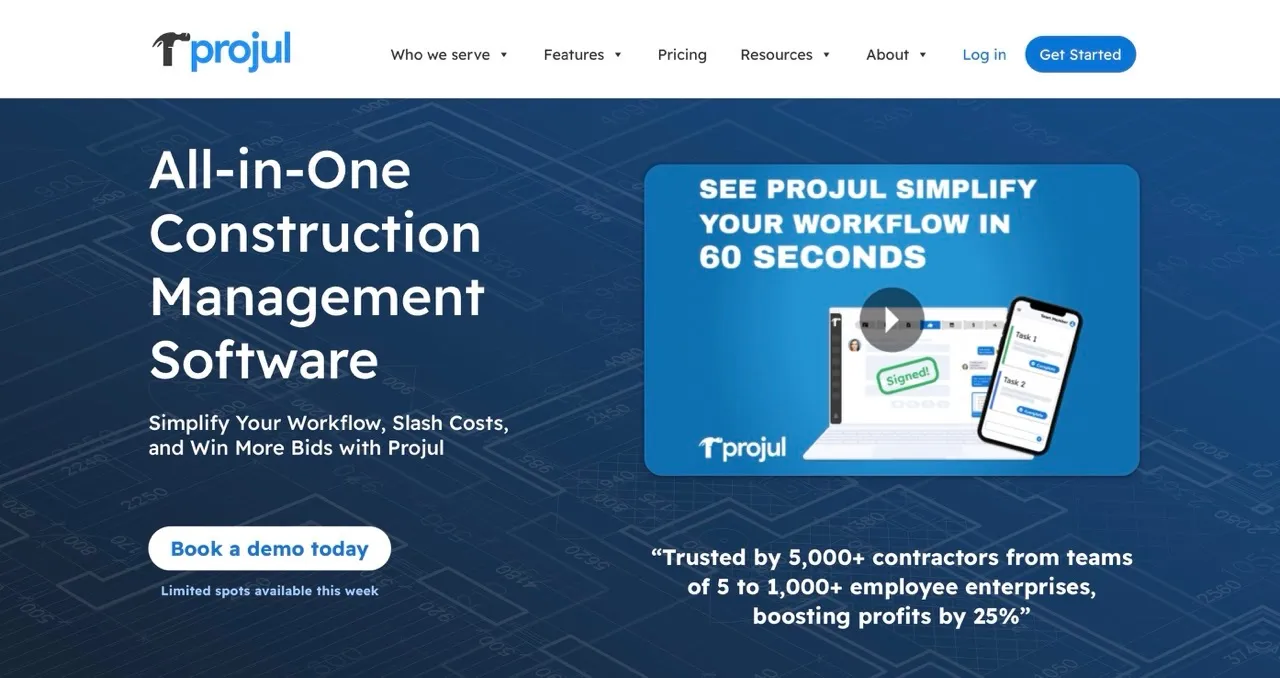
Projul provides a complete project management solution and keeps things simple for users. The platform combines powerful features with ease of use, which makes it ideal for general contractors who want reliable tools without long learning curves.
Key Features:
- Project Lifecycle Management: Plan, track, and manage projects from start to finish in one platform.
- Resource Management: Allocate labor and materials efficiently and avoid overallocation.
- Timeline and Schedule Tracking: Keep projects on course with clear schedules and milestones.
- Integrated Communication: Keep messages, RFIs, and change orders connected to the relevant documents.
- Flexible Workflows: Manage multiple project types without forcing rigid processes.
What Makes Projul Different
Projul supports the entire project lifecycle while keeping its tools easy to use. Timeline and schedule tracking help projects stay on track, and resource management prevents overallocation. The platform works with multiple project types without forcing teams into rigid workflows.
Built-in communication tools reduce the need for email or separate messaging apps. Conversations about RFIs or change orders stay attached to the relevant document, so everyone can see the information in context.
Best For:
- General contractors looking for balanced functionality
- Project managers needing comprehensive tools without complexity
- Companies managing a variety of project types
- Organizations that value integrated communication
Key Considerations:
Projul offers strong overall capabilities. But it may not match specialized platforms in areas like advanced scheduling or owner-focused project management. Teams that need highly specific features may want to add dedicated tools.
11. Job Planner: Best for Simple Construction Scheduling and Job Planning
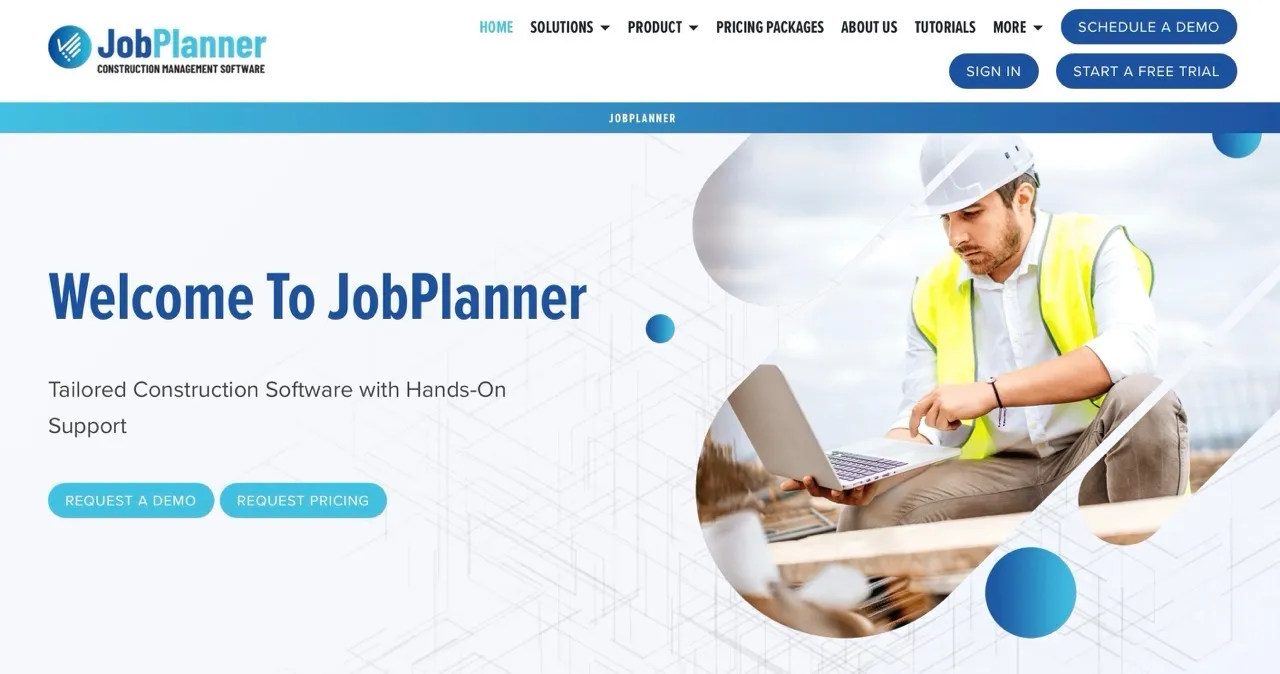
Job Planner focuses on construction scheduling and coordination instead of trying to cover every part of project management. The platform invests all its effort into helping teams plan, sequence, and coordinate work with clarity.
Key Features:
- Advanced Timeline Planning: Build detailed schedules with constraints, dependencies, and clear task sequencing.
- What-If Scenarios: Test different timeline options before committing to a plan.
- Resource Leveling: Spot staffing or equipment conflicts and correct them early.
- Task Coordination: Assign work to the right people and give teams clear timelines and responsibilities.
- Centralized Activity View: Track activities, milestones, and handoffs in one place.
What Makes Job Planner Different
Job Planner focuses on scheduling depth, which is something most general tools overlook. The platform supports resource leveling, constraint planning, and scenario testing. This helps teams understand what needs to happen, who will do it, and when the work needs to start.
Their resource planning tools help you see potential conflicts before they turn into real delays. If your plumbers or electricians show up as overbooked next week, you can adjust the plan before the issue reaches the field. This type of early visibility makes Job Planner more effective than basic scheduling tools that only show tasks and dates.
Best For:
- Contractors where scheduling accuracy drives project outcomes
- Construction managers who focus heavily on timelines
- Teams that need scheduling depth beyond standard project management tools
- Organizations that want strong scheduling without buying a full PM suite
Key Considerations:
Job Planner focuses on scheduling, so you’ll need other tools for documents, finances, and overall project management. Some teams like this focused approach, while others prefer a more complete platform.
12. ArcGIS GeoBIM (ESRI): Best for Location-Based Construction Project Visibility

ESRI’s ArcGIS for Construction brings GIS technology into everyday construction planning. For projects where location affects design, sequencing, safety, or logistics, these tools give teams a clear view that regular project management software can’t.
Key Features:
- Interactive Site Mapping: Visualize boundaries, terrain, utilities, and nearby infrastructure.
- Geospatial Analytics: Identify risks tied to geography such as traffic flow, environmental limits, or utility conflicts.
- Field Data Capture: Collect real-world site data with mobile tools and sync it to the main platform.
- 3D Site Visualization: Understand slope, elevation, and site constraints with accurate 3D models.
- Workflow Integration: Connect geospatial insights to planning, permitting, and design processes.
What Makes ESRI Different:
ESRI lets construction teams see their projects on a map instead of just spreadsheets or static drawings. This makes it easier to spot alignment issues, access limits, or environmental restrictions before they cause delays.
Its geospatial analysis also shows patterns that standard reports can miss, like traffic flows or utility conflicts. Integration with existing construction workflows means teams get these insights without rebuilding their systems.
Best For:
- Large infrastructure projects
- Sites with complex environmental or geographic conditions
- Projects that require precise land and boundary data
- Government agencies and public works teams
Key Considerations:
ESRI offers powerful capabilities, but teams need some GIS understanding to make the most of it. Without someone who can interpret spatial data, key insights will be overlooked.
13. Atser: Best for Infrastructure, Compliance, and Quality Management

Atser supports contractors who are between small firms and large enterprises. The platform gives mid-market teams the structure they need without adding layers of complexity. This makes it a great choice for companies that have outgrown basic tools and want dependable project management without omplex training requirements.
Key Features:
- Budget and Cost Tracking: Track spending, commitments, and forecasts in one place.
- Document Management: Store drawings, contracts, and files in organized, easy-to-find folders.
- Project Controls: Monitor deadlines, deliverables, and status updates across several projects.
- Workflow Customization: Adjust approvals and processes to match the requirements of each project.
- Reporting Tools: Generate clear summaries for leadership, clients, and internal teams.
What Makes Atser Different:
Atser gives contractors a balanced experience. Its financial tools offer enough depth to guide decisions without requiring accounting knowledge. The document management system keeps project files organized and accessible. Teams can manage different project types without the need to force everything into a strict template. This helps contractors avoid unnecessary process changes.
Best For:
- Mid-market general contractors
- Companies moving beyond entry-level tools
- Teams managing several ongoing projects
- Organizations that want dependable software at a reasonable cost
Key Considerations:
Atser delivers steady, well-rounded performance, but it may not reach the depth of highly specialized tools in areas such as advanced scheduling or geospatial analysis. Before choosing it, decide whether you prefer a platform that covers all major needs or a specialized solution that
How We Selected the List Of The Best Construction Management Software Platforms
We built this list after months of hands-on testing, discussions among our team, and conversations with contractors who use these platforms every day. We reviewed over 120 construction software tools, from scheduling apps to full project management systems, to identify the best construction management software for real-world use. We looked closely at listings, user reviews, and market research to see how each product performs in active projects.
Our team also considered how well each tool fits different types of contractors. We spoke with commercial GCs, trade contractors that managed both projects and service calls. This approach helped us avoid a one-size-fits-all list.
The final selection highlights platforms that consistently support real construction teams. Some shine in scheduling, others in field clarity or owner-level controls. All the software we included delivers practical value, gets strong feedback from users, and truly represents the best construction management software available in 2026.
Moving Beyond Selection: Successful Implementation Strategies
Buying construction management software is fast. Getting your team to actually use it takes time. Most contractors struggle not because the software is hard, but because old habits are hard to change.
Changing habits is more important than the software itself. Someone who has used the same Excel sheet for 20 years won’t switch just because there’s a new tool. They’ll switch when it saves time, cuts errors, or gets rid of tasks they don’t like.
Start small with controlled pilots. Pick a team comfortable with technology and let them show the first wins. Their success will encourage other crews to adopt the platform without resistance.
Data migration is where surprises usually happen. Old spreadsheets, inconsistent file names, scattered documents, and outdated templates all come up at once. Cleaning up this mess almost always takes longer than vendors estimate, so plan extra time.
Focus on quick wins to build momentum. It could be speeding up estimates or replacing paper timecards with something the field team actually likes. Highlight these wins across the company to show the value of the new system.
Avoid big-bang rollouts. Run the old system alongside the new one for at least one project cycle. It adds some extra work but protects your team if something breaks and gives everyone room to adjust.
Think of training as ongoing, not a one-time event. Hold regular refresher sessions, pick team members to guide others, and make short videos showing how your company uses the platform. Vendor training helps, but your own materials make it easy for your team to stick with it.
Conclusion
Larger contractors often benefit from software with more features and integrations, while smaller firms usually do better with simple, easy-to-use systems. Teams that struggle with scheduling should look for tools with visual planning and faster updates.
The best construction management software is not the same for every contractor. Large teams may need stronger scheduling, integrations, and portfolio visibility, while smaller contractors often need simple tools for job tracking, labor management, and invoicing. Start with your company size, project type, and biggest workflow gap, then compare platforms based on how well they solve that need.
Ready to see how Planera can transform your project management? Book a demo with Planera today and start planning smarter.
FAQs
What is the best construction management software for my company?
The best construction management software depends on your company size, project type, and main workflow challenge. Large contractors may need scheduling depth, integrations, and reporting, while smaller teams may prefer simpler tools for job tracking, labor management, and invoicing.
Which construction technology is best?
The right platform depends on your team, project types, and daily processes. Some tools are great for scheduling, others for field collaboration. Try a few options, involve your field teams in demos, and choose the platform your people will actually use every day.
How do I know if a construction management platform will work for my team?
Look for tools that fit your actual workflow, not just your wish list. Run a real project as a pilot, involve field and office staff, and watch how it changes daily tasks. Platforms your team can adopt smoothly almost always deliver the most value, even if they don’t have every feature.
How long does it take to implement a construction management system?
It depends on team size and project complexity. Small teams can often get started in a few weeks, while larger organizations need a few months for data migration and pilot runs.
Can construction software improve project profitability?
Yes. Good construction software platforms reduce delays, prevent errors, and give managers better insight into costs. When teams spend less time chasing updates and more time executing work, projects finish faster and profitability improves.

You deserve better scheduling software.
Drive revenue, reduce costs, and manage scheduling with Planera.
Request a Demo