


Anyone who works in construction knows the moment when a project starts slipping, and no one can clearly explain why. This happens far more often than people admit. Like Love Do reports that 70% of construction projects go over budget, and weak schedule planning is one of the biggest reasons behind those overruns.
The critical path method shows which tasks truly control the project timeline. Choosing the right platform matters because the best cpm software turns your schedule from a static document into a tool that actively guides your project.
The project management software market has grown quickly. Straits Research reports that it reached 8.72 billion dollars in 2024 and is on track to reach 40.12 billion dollars by 2033 with an annual growth rate of 18.48 percent. The AI market within construction is projected to reach 4.5 billion dollars by 2026. This level of expansion is driving new ideas in how teams plan, monitor, and deliver work.
This guide reviews the eleven strongest critical path software options for 2026. Each section offers a straightforward look at what the tool does well and where it may fall short. Whether you oversee a data center project, run a software development portfolio, or manage a highway expansion, you will find a solution that fits your workflow.
What is Critical Path Method (CPM) Software?
CPM software is a tool that helps you plan and manage projects by showing which tasks are most important to finish on time. It identifies the chain of tasks that directly affect the project’s completion date, updates schedules automatically when things change, and helps teams see risks, manage resources, and stay on track. Many construction teams use CPM as part of broader construction management software to keep complex projects organized.
Before, project managers had to recalculate the critical path by hand every time something changed. Now, a CPM tool updates schedules automatically when you change task durations, add dependencies, or log progress.
Here’s what CPM tools can help you do in practical terms:
- See the full timeline. Understand how tasks connect and which ones really affect the finish date.
- Catch problems early. Spot tasks that might slow things down before they become a crisis.
- Balance workloads. Make sure your team and equipment aren’t stretched too thin.
- Keep everyone on the same page. Everyone knows which tasks are the priority today.
- Plan smarter bids. Build realistic schedules that protect your margins and make winning work easier.
CPM software goes beyond basic project management tools. It makes dependencies clear, helps you analyze schedules in depth, and handles complex projects like construction, engineering, or large IT initiatives.
Top 11 Best CPM Software Solutions for 2026
| Software | Starting Price | Key Strength | Best For | Critical Path Features |
|---|---|---|---|---|
| Planera | Custom | Construction collaboration | Construction teams | Full CPM, DCMA-14 |
| Birdview PSA | Contact | Resource-driven planning | Construction & services teams | CPM via Gantt & dependencies |
| ClickUp | Free | All-in-one customization | Versatile teams | Gantt with critical path |
| Wrike | Free | Enterprise analytics | Large organizations | Business tier+ |
| Monday.com | $9/seat | Visual interface | Mid-sized teams | Pro tier+ |
| Smartsheet | $9/user | Spreadsheet familiarity | Excel users | All tiers |
| Microsoft Project | $10/user | Microsoft integration | MS365 orgs | Plan 3+ |
| ProjectManager | Contact | Mid-market balance | Growing teams | All plans |
| GanttPRO | $7/user | Gantt focus | CPM beginners | All plans |
| nTask | Free | Budget-friendly | Small teams | Premium+ |
| LiquidPlanner | Contact | Dynamic scheduling | Agile teams | Priority-based |
We looked at features, pricing, reviews, industry focus, and innovation. Every tool has its strengths, so check the “Best For” notes to see what fits your team.
1. Planera
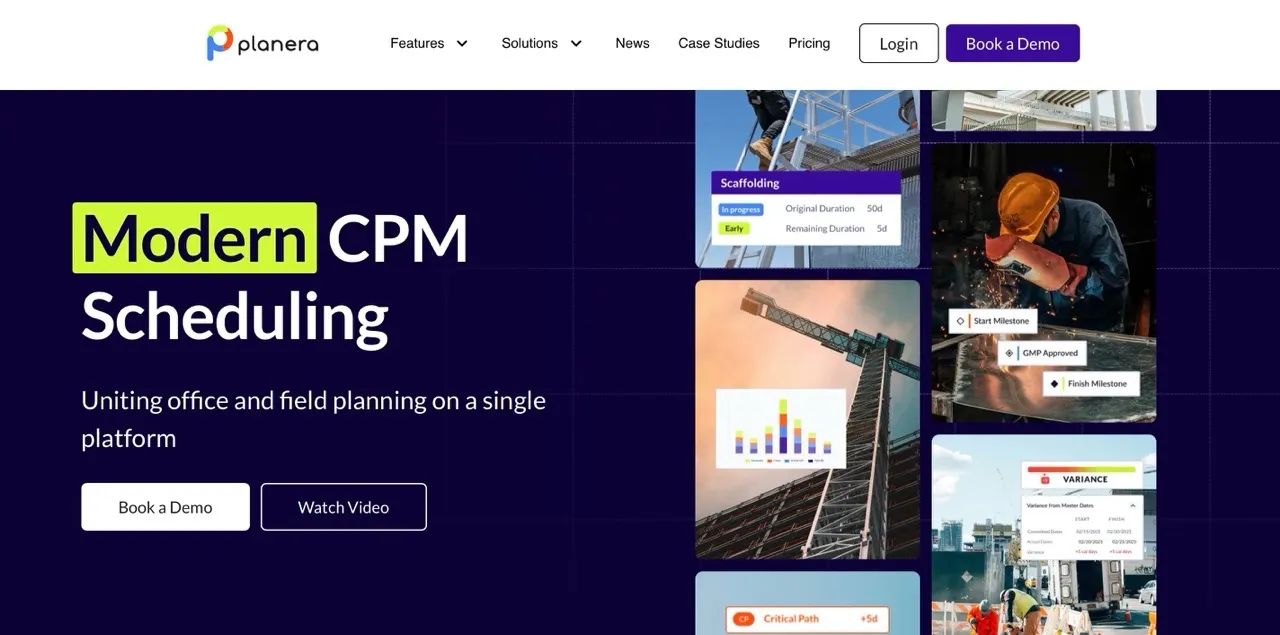
Planera is one of the best critical path method software platforms made for construction teams. Based in San Ramon, California, it’s used by contractors like Balfour Beatty, HITT Contracting, and Skanska. It stands out as a leading solution among digital construction tools that help teams plan, track, and deliver projects efficiently.
What Makes It Different:
Planera’s whiteboard-style interface makes scheduling intuitive. Teams can drag and drop tasks, draw connections, and see the schedule build in real time. Users report creating schedules 75% faster than with traditional tools like P6. The cloud-based system keeps everyone looking at the same up-to-date plan, with no emails back and forth.
Core Features:
- Collaborate on Whiteboard: Let the whole team work on the same project at once, similar to editing a Google Doc together.
- Project Dashboard: Access a central hub that displays a clear, high-level view of important project metrics.
- DCMA Quality Check: Simplify schedule scoring and grading, and quickly identify and fix problem areas on the table or canvas.
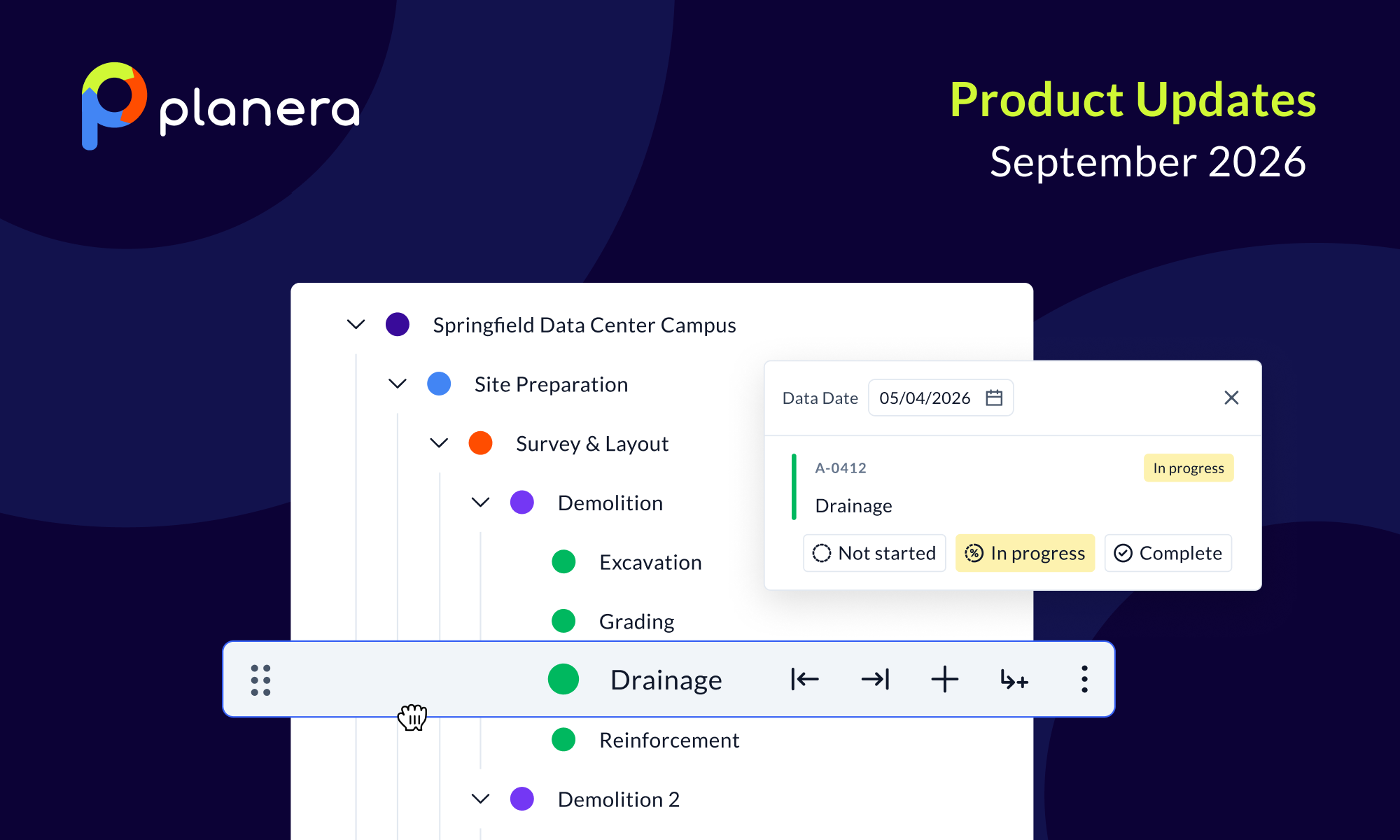
- Field Schedule (New Feature): Take a section of the master schedule and create a working schedule in 30 seconds or less.
- Manny AI Assistant (New): Ask plain-language questions, spot schedule risks before they grow, and test "what if" scenarios without needing advanced CPM skills.
Best For: Construction companies, teams that move from P6 or Microsoft Project, and projects that need strong office-to-field coordination
2. Birdview PSA
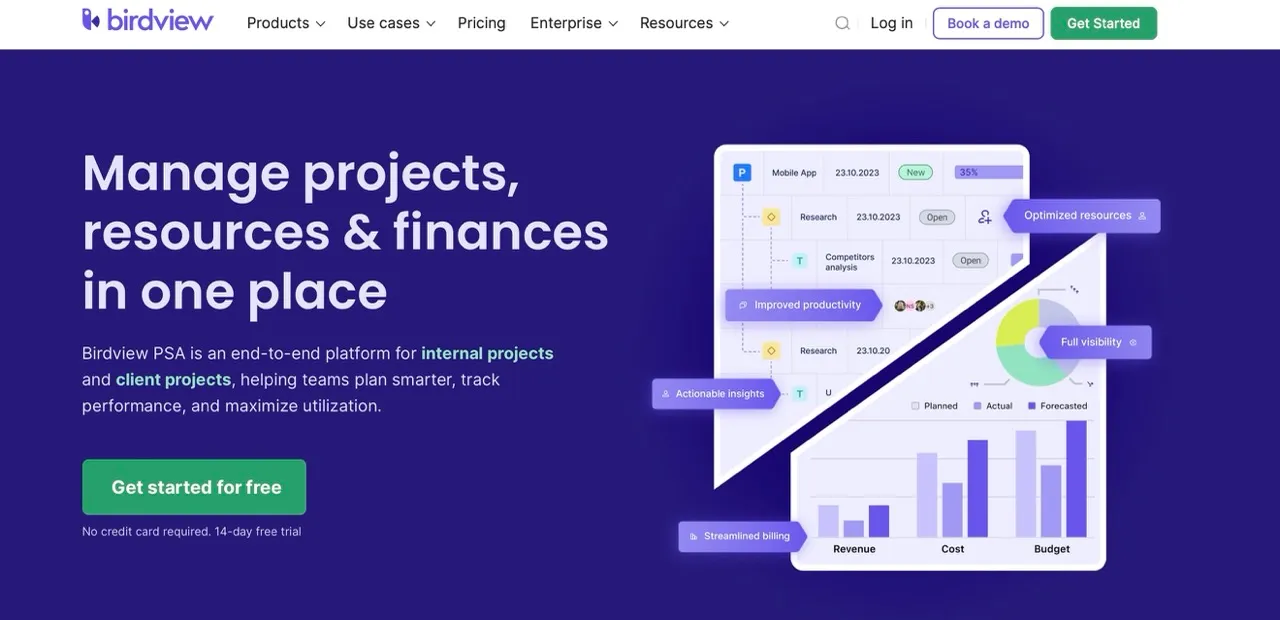
Birdview PSA combines critical path scheduling with strong resource and financial controls, making it well-suited for construction projects where timelines, capacity, and costs are tightly connected. It supports end-to-end project planning, from early schedules to execution and tracking, without relying on disconnected tools.
What Makes It Different:
Birdview PSA focuses on resource-driven and cost-aware scheduling. Instead of viewing the critical path in isolation, teams can see how dependencies, labor availability, and budgets affect delivery dates. This makes it especially useful for construction projects that involve multiple crews, subcontractors, and overlapping phases.
Core Features:
- Advanced Gantt charts with task dependencies and critical path visualization
- Resource capacity planning and workload management across crews and roles
- Cost tracking, budgets, and project financial visibility
- Milestones, phases, and multi-project timeline management
- Scenario planning for schedule and resource impact analysis
- Real-time dashboards and portfolio-level reporting
Best For: Construction and project-based teams that need critical path scheduling combined with resource and cost control.
3. ClickUp
ClickUp positions itself as the everything platform, and for teams that want a critical path tool to rule their entire workflow, it delivers. The platform supports task management, document collaboration, goals, time tracking, and yes, critical path scheduling.
What Makes It Different:
ClickUp is an all-in-one platform. Teams can manage tasks, documents, goals, and timelines in one place. It is flexible enough for teams using both agile and traditional project management.
Core Features:
- Customizable fields and views
- Task dependencies for all types
- Critical path and slack visualization in Gantt charts
- Network diagrams, WBS, and PERT charts
- Automation for alerts and notifications
Best For: Teams needing a single tool for task management and scheduling, including software development teams.
4. Wrike
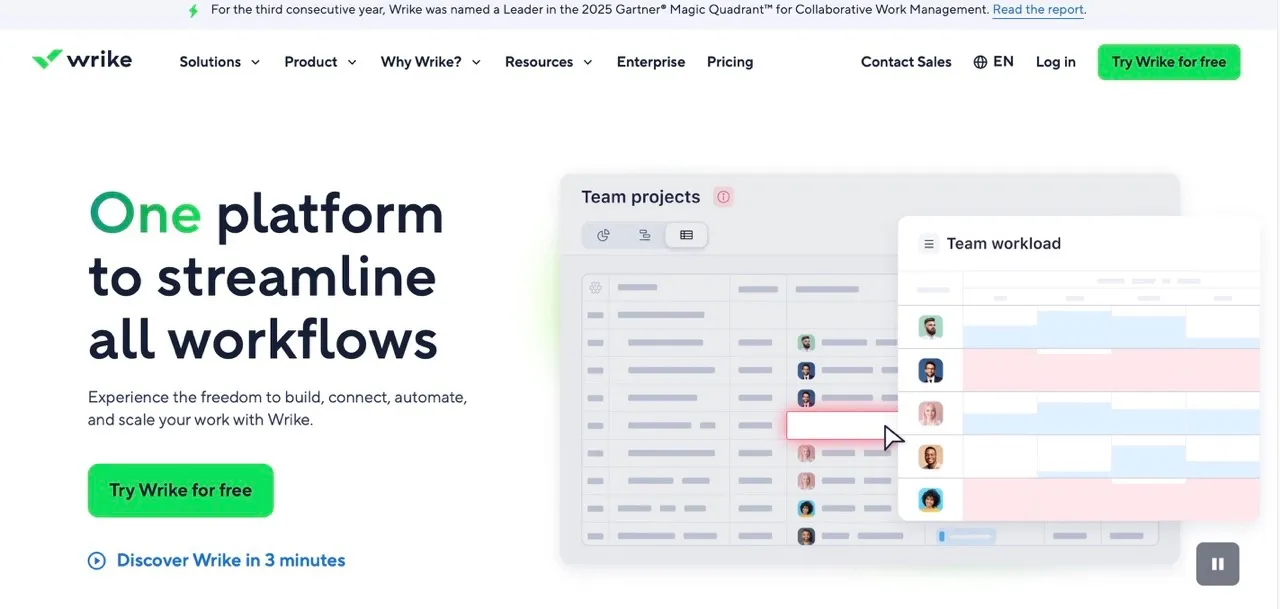
Wrike serves organizations with sophisticated critical path tools. The platform offers advanced analytics, portfolio management, and deep integrations with enterprise software.
What Makes It Different:
Wrike is built for enterprise teams. It offers advanced reporting, portfolio management, and integrates with enterprise software like Salesforce, SAP, and Adobe Creative Cloud.
Core Features:
- Interactive Gantt charts with critical path mapping
- Advanced reporting and analytics
- Custom views and real-time reports
- Resource management and workload tracking
- Task dependencies and milestone tracking
Best For: Large organizations with complex projects and deep integration needs.
5. Monday.com
Monday.com has built its reputation as one of the best CPM software tools. It has a colorful interface that makes project management feel less like wrestling with a spreadsheet. The platform offers multiple views and strong automation capabilities.
What Makes It Different:
Monday.com is known for its visual and colorful interface. It is easy for teams to adopt and makes managing schedules simple.
Core Features:
- Gantt chart view for the critical path
- Visual planning with customizable workflows
- Multiple project views (Gantt, Kanban, Calendar, Timeline)
- Automation for repetitive tasks
Best For: Mid-sized teams looking for easy-to-use project management for marketing, operations, and general business projects.
6. Smartsheet
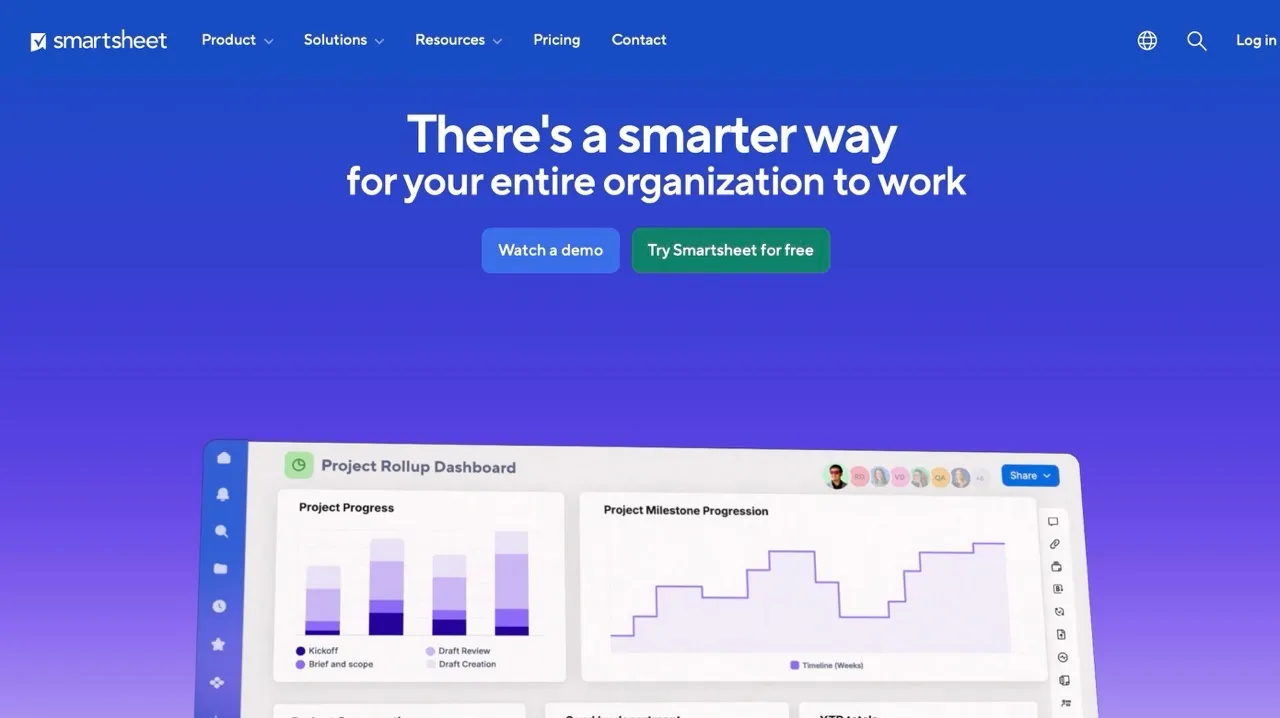
Smartsheet helps teams that work across departments or locations keep projects on track. It’s easy to see timelines, track dependencies, and monitor progress without losing the bigger picture. It gives a familiar starting point while adding the structure you’d expect from the best cpm software options on the market.
What Makes It Different:
With multiple views, dashboards, and automations, Smartsheet turns project data into actionable insights. Teams can spot problems early and adjust schedules without manually hunting through spreadsheets.
Core Features:
- Gantt charts for the timeline and the critical path
- Grid, Gantt, Card, and Calendar views
- Task dependencies and progress tracking
- Automation and real-time dashboards
- Resource management and collaboration tools
Best For: Teams that transition from Excel or spreadsheet-based scheduling.
7. Microsoft Project
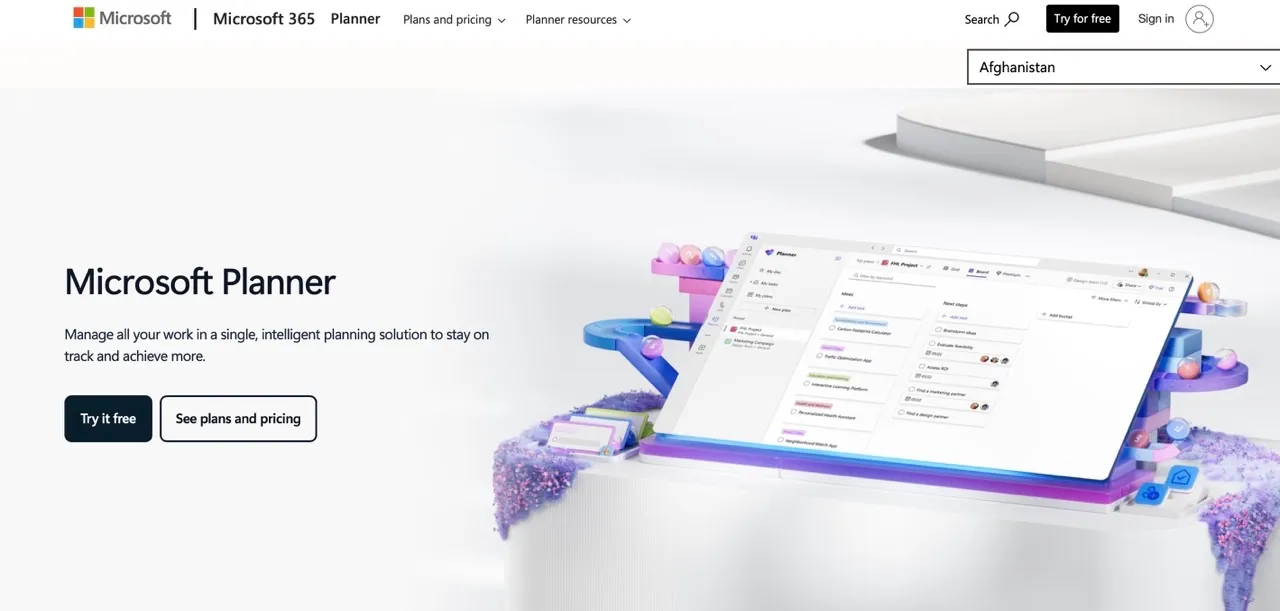
Microsoft Project has decades of history and works well for teams invested in the Microsoft ecosystem. It provides advanced scheduling tools, detailed resource management, and strong cost tracking, which keeps it in the conversation when teams compare the best cpm software options.
What Makes It Different:
Deep integration with Microsoft 365 tools means teams can link schedules with other business data. Scenario planning and earned value management help large projects stay on track.
Core Features:
- Critical path analysis
- Resource allocation and leveling
- Earned Value Management (EVM)
- Scenario analysis
- Cost tracking and forecasting
Best For: Large organizations already using Microsoft 365, at least until Project Online sunsets in 2026.
8. ProjectManager
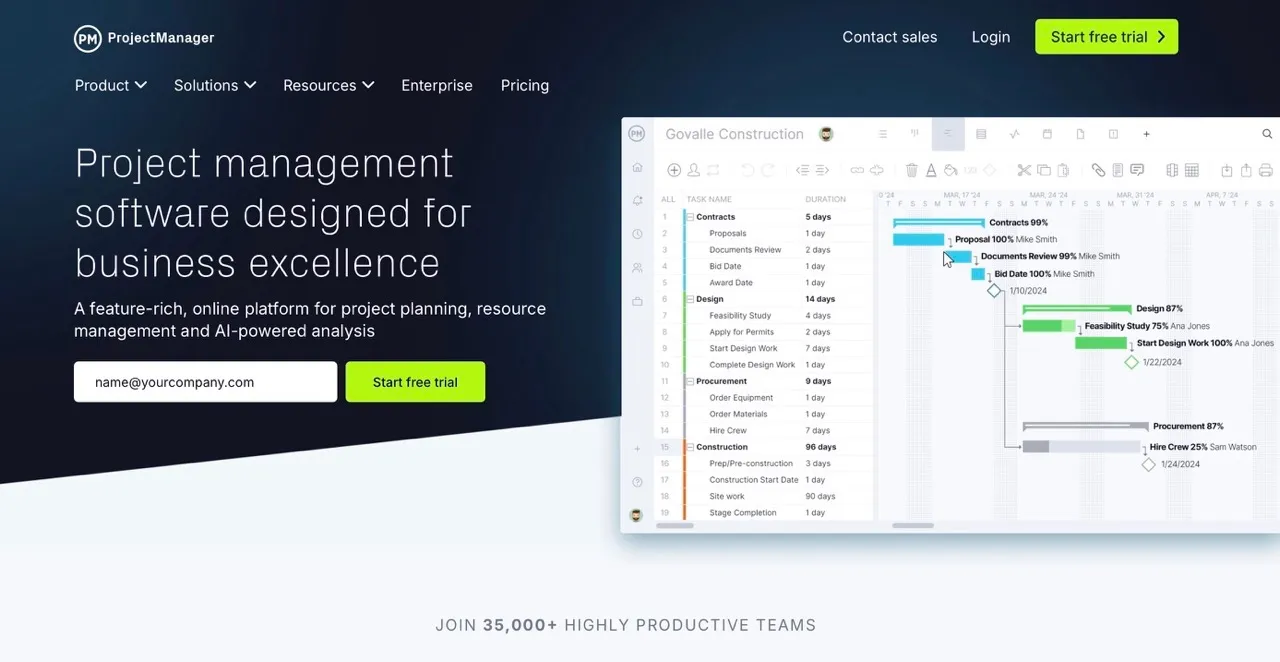
ProjectManager is one of the best-known critical path project management software platforms. It balances simplicity and functionality. It provides strong CPM features without the complexity or cost of enterprise platforms.
What Makes It Different:
It’s perfect for teams who want fast scheduling without overwhelming complexity. Automatic updates to the critical path save time, and baseline tracking helps measure progress against plans.
Core Features:
- Automatic critical path identification
- Task dependency links
- Baseline tracking
- Real-time dashboards and reporting
- Time tracking and project metrics
Best For: Teams seeking robust CPM features without enterprise complexity.
9. GanttPRO
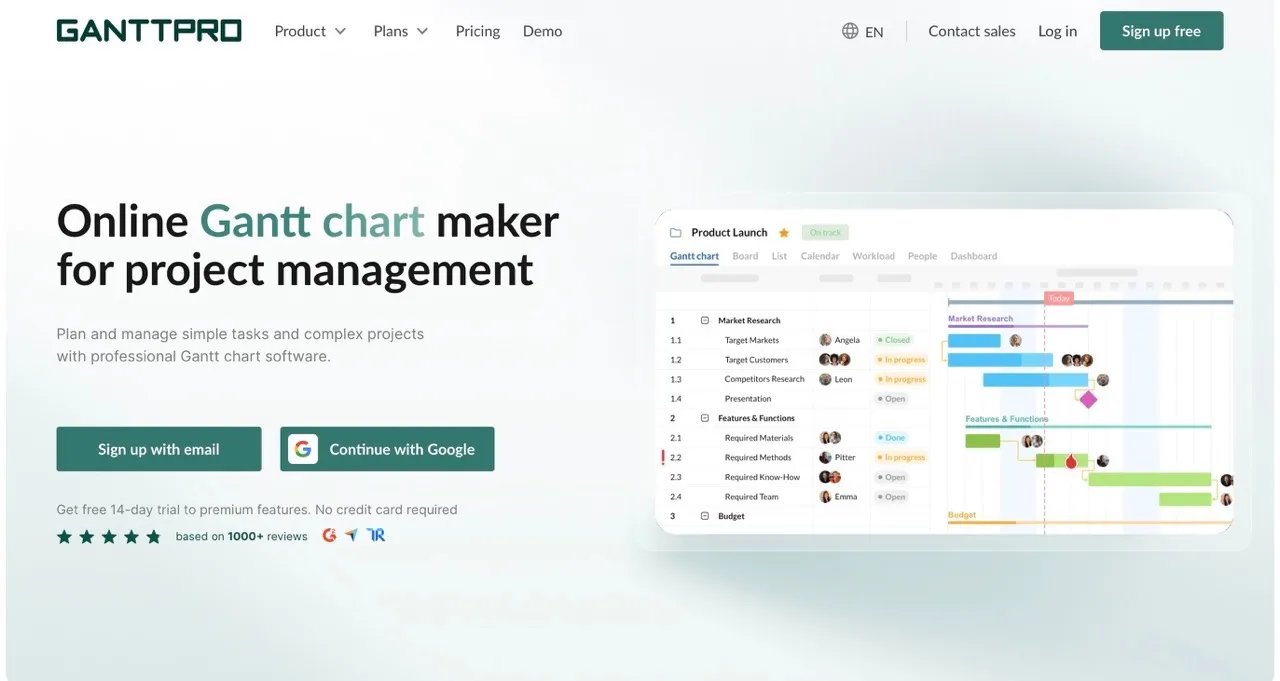
GanttPRO focuses on visual scheduling. It’s straightforward, so teams can quickly create Gantt charts with dependencies and manage resources.
What Makes It Different:
GanttPRO keeps things simple and clear. Pre-built templates and drag-and-drop scheduling make it easy to start new projects quickly, making it perfect for smaller teams or first-time CPM users.
Core Features:
- Quick critical path generation
- Drag-and-drop task management
- Resource and time tracking
- Multiple project management views
- Templates and file sharing
Best For: Small to mid-sized teams looking for simple visual scheduling.
10. nTask
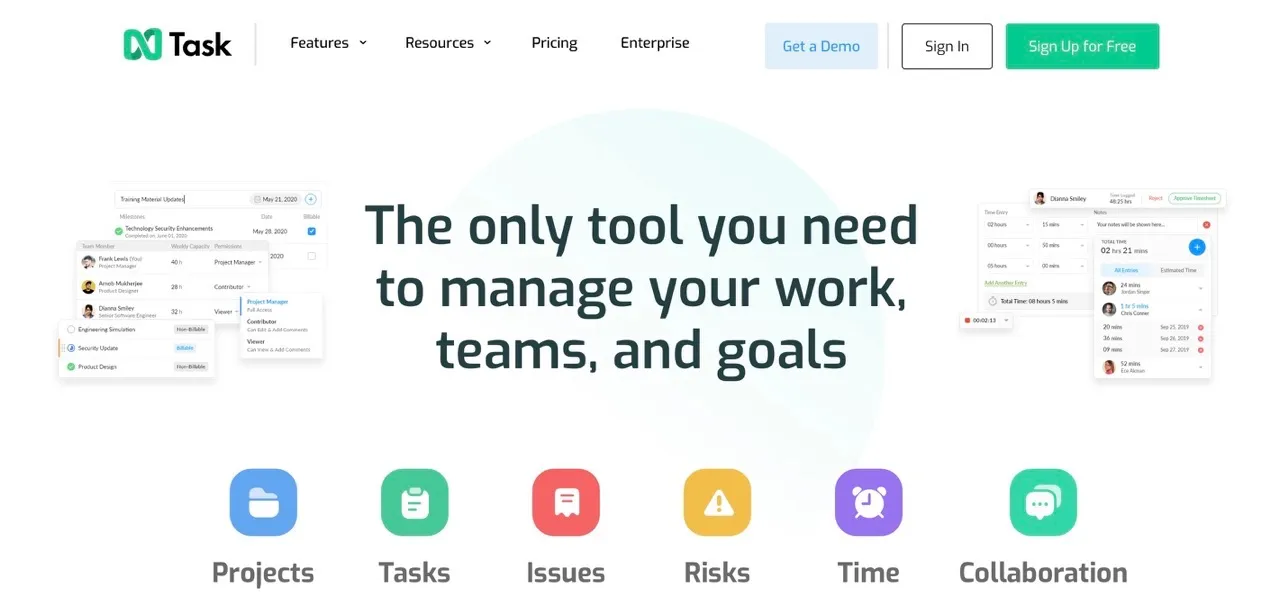
nTask is a budget-friendly option that still covers the essentials of critical path management. You can set milestones, track risks, and see how tasks are linked in a simple, easy-to-use interface.
What Makes It Different:
Small teams can get started without worrying about cost. It provides enough functionality to manage critical tasks while staying simple for teams that don’t need enterprise-level features.
Core Features:
- Gantt chart and Kanban board views
- Dynamic timeline in grid view showing task links
- Milestones and progress comparison
- Risk and resource management
- Time tracking and financial summaries
Best For: Small teams with limited budgets needing real CPM functionality.
11. Portfolio Manager (formerly LiquidPlanner)
LiquidPlanner uses a priority-based approach. Task dates update automatically based on estimates, so schedules shift naturally as priorities change.
What Makes It Different:
It’s great for teams that deal with uncertainty. The platform adjusts in real time as work progresses, helping teams focus on the most important tasks without constantly recalculating timelines.
Core Features:
- Automatic due dates based on estimates
- Priority-based scheduling
- Real-time resource management
- Drag-and-drop task manager with automatic updates
- Smart schedule bars showing task completion
Best For: Marketing, software development, and manufacturing teams needing adaptive schedules.
The Future of CPM Software: 2026 and Beyond
The CPM software world is changing fast. Here’s what to watch for in the next few years.
AI Integration
AI is becoming a standard part of scheduling. Expect tools that can spot risks before they happen and suggest how to shift resources and adjust schedules automatically. With the AI construction market expected to hit 4.5 billion dollars by 2026, these features are getting serious investment.
Better Visualization
Seeing your project in new ways is becoming possible. Augmented reality can show scheduled tasks on site, and virtual reality can help stakeholders walk through the project timeline. These tools are moving from futuristic ideas to real-world applications.
Sustainability Tracking
More tools now track environmental impact. Teams can see carbon footprints and other sustainability metrics alongside their project timeline, making it easier to stay on top of green goals.
Market Shifts
Microsoft Project Online will be phased out in September 2026. Many organizations will look for modern alternatives, and cloud-based platforms like Planera, ClickUp, and Wrike are well-positioned to meet that demand.
Collaboration-Focused Design
The days of a single scheduler working alone are ending. Future CPM tools will focus on bringing entire teams together, making schedule planning a shared, real-time effort.
Making the Decision
Selecting CPM software isn't about finding the tool with the most features. It's about finding the tool that fits how your team actually works.
Construction teams building complex projects should look hard at Planera. The visual, collaborative approach reflects how construction schedules should be built: by the people who understand the work, not locked away with a scheduling specialist.
Teams wanting maximum flexibility will find it in ClickUp or Wrike. Spreadsheet loyalists will feel at home in Smartsheet. Budget-conscious small teams can start with nTask and grow from there.
Whatever you choose, commit to actually using it. The best CPM software is the one your team adopts, not the one with the longest feature list.
The 70% project overrun rate isn't inevitable. Better scheduling leads to better outcomes. The tools exist. The question is whether you'll use them. If you want to see how a modern scheduling platform works in real life, book a demo with Planera and explore it firsthand.
Frequently Asked Questions
How much does CPM software cost?
Costs vary a lot. Some tools are free, like basic ClickUp or nTask. Others, like Microsoft Project Plan 5, can reach $55 per user per month. Planera works differently. It uses project-based custom pricing rather than per user fees, so your whole team can collaborate without paying for extra seats.
Can CPM software integrate with existing tools?
Yes, most modern CPM software offers extensive integrations. Planera integrates with Procore and Autodesk Construction Cloud. Wrike and ClickUp connect to 100+ third-party applications.
Do I still need CPM software if I have Microsoft Project?
With Microsoft Project Online ending in September 2026, many teams are switching to modern cloud tools. Options like Planera, Wrike, and ClickUp offer real time collaboration and simpler interfaces, which makes them more practical than relying on Microsoft Project alone.
What's the difference between CPM software and general project management tools?
CPM software focuses on the critical path method, identifying and managing the longest sequence of dependent tasks. General PM tools may include basic Gantt charts, but dedicated CPM software provides deeper analysis, better visualization, and more sophisticated dependency management.
Which CPM software has the best mobile app?
Planera offers field-specific scheduling features with mobile access. ClickUp and Monday.com provide solid mobile experiences for on-the-go updates.

You deserve better scheduling software.
Drive revenue, reduce costs, and manage scheduling with Planera.
Request a Demo