

Scheduling software for electrical contractors
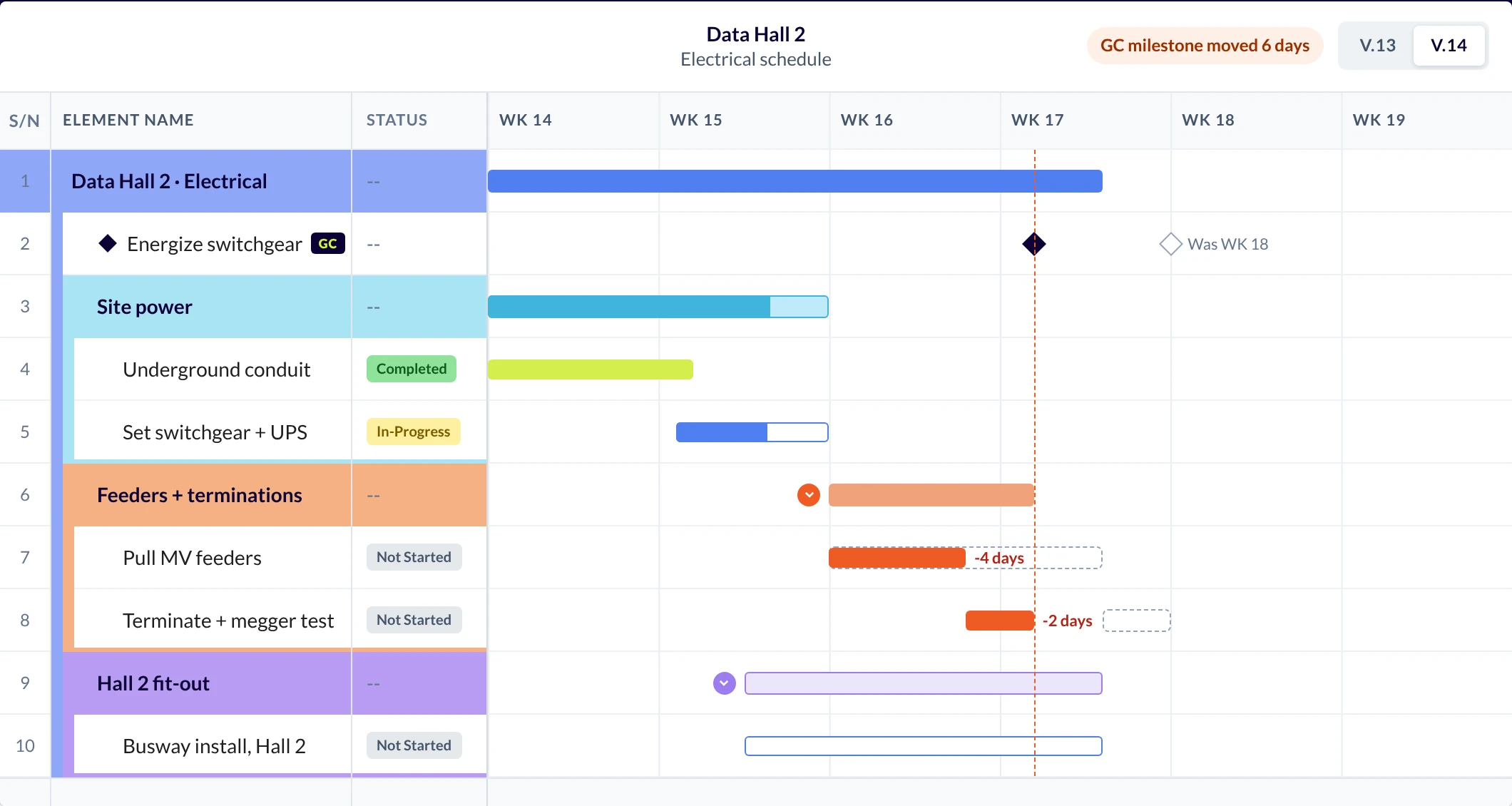
The GC owns the master schedule. Your crews absorb every change. Build your own CPM schedule and plan labor before the next Milestone moves.
Switch versions or hover a bar
Trusted by electrical contractors and the GCs they build for







Labor overruns rarely come from one big miss
They come from dozens of small schedule changes nobody quantified in time. By the time the impact shows up in the labor report, the hours are already spent.
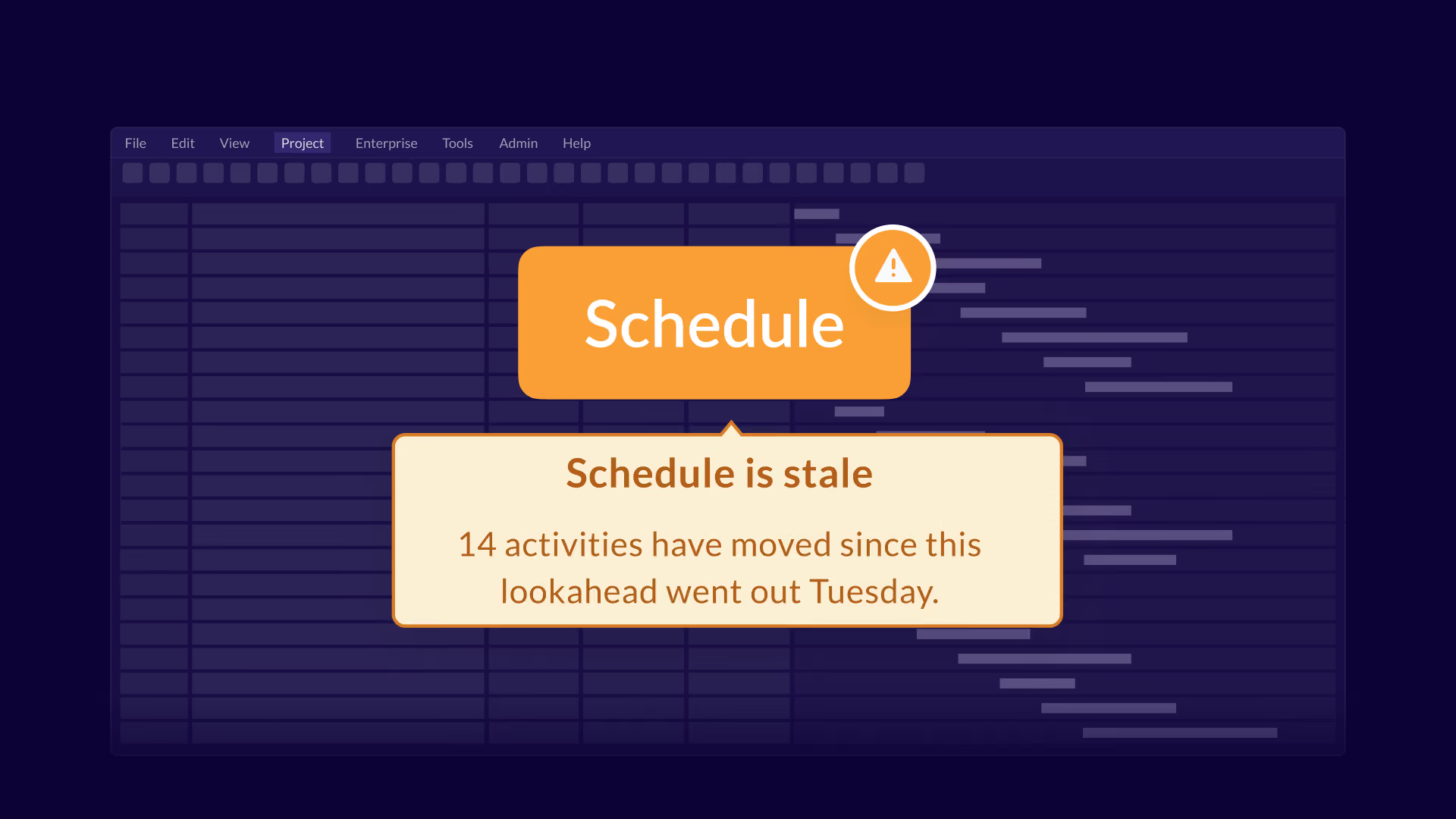
Your durations compress quietly
The three-week lLookahead you got last Tuesday is already out of date, and someone is comparing PDFs line by line to find out what changed.
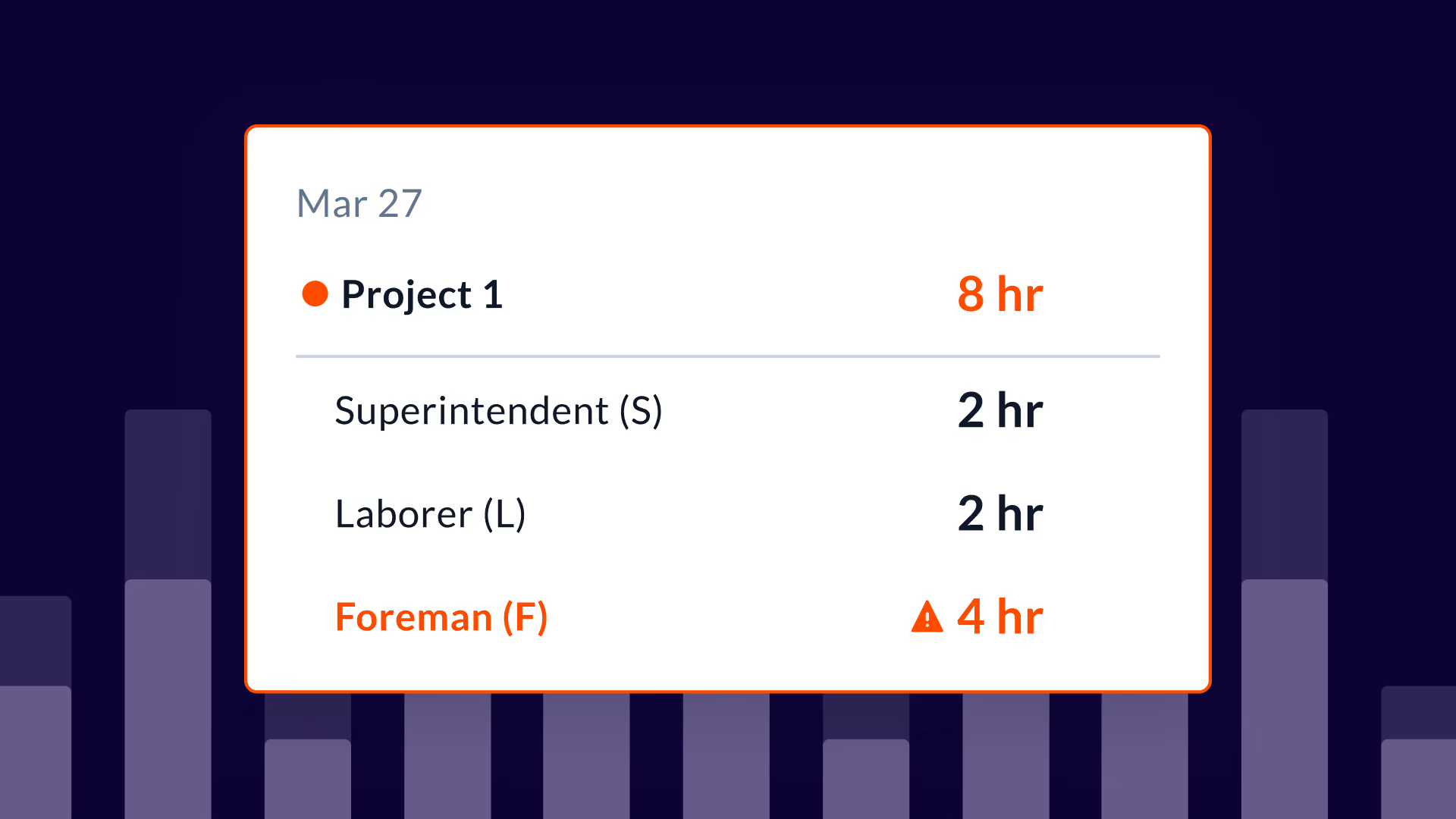
Headcount changes nobody upstream sees
Crew sizes shift on site to keep up. Operations finds out when the job is already over on hours.
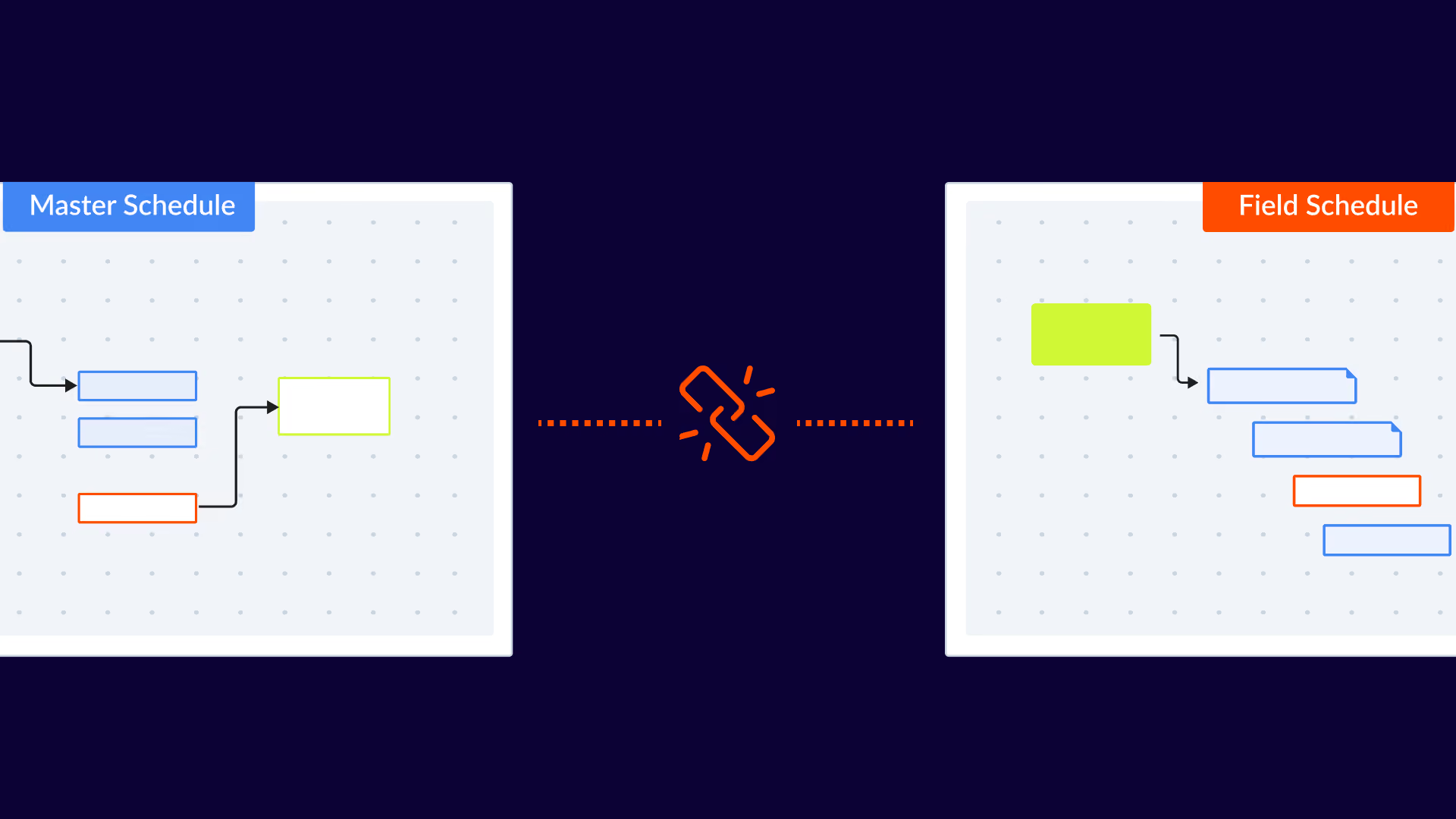
Field plans disconnected from the schedule
Foremen plan in Excel and on whiteboards, and none of it makes it back into the schedule that is supposed to drive the work.
Your schedule, built around the GC’s
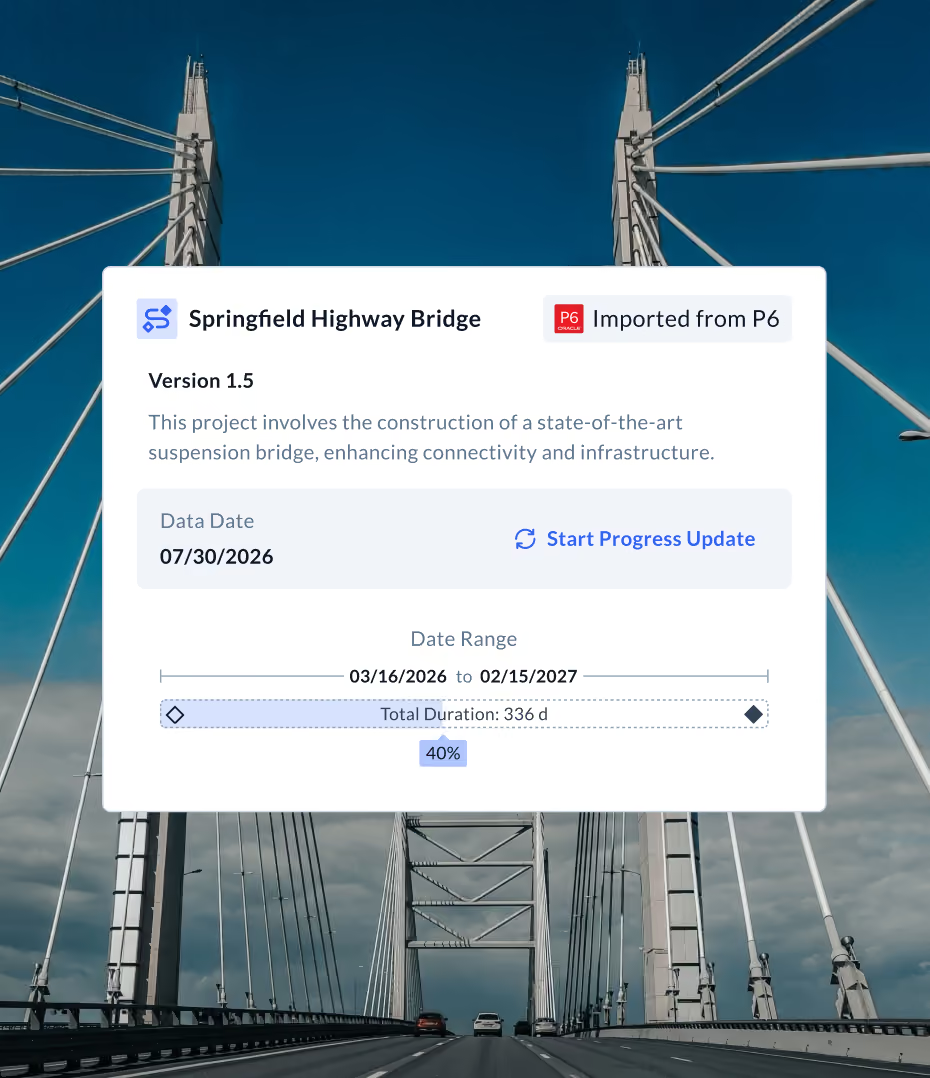
Import the GC’s P6 or Microsoft Project file, pull the Milestones that drive your scope, and build your own detailed CPM schedule underneath them. Your logic, your durations, your crews. When the GC asks for an update, send it back as an XER.
- Imports XER, XML and MPP files
- Built-in DCMA 14-point quality check
- Designed for teams without a P6 expert
Staff the job before the peak hits
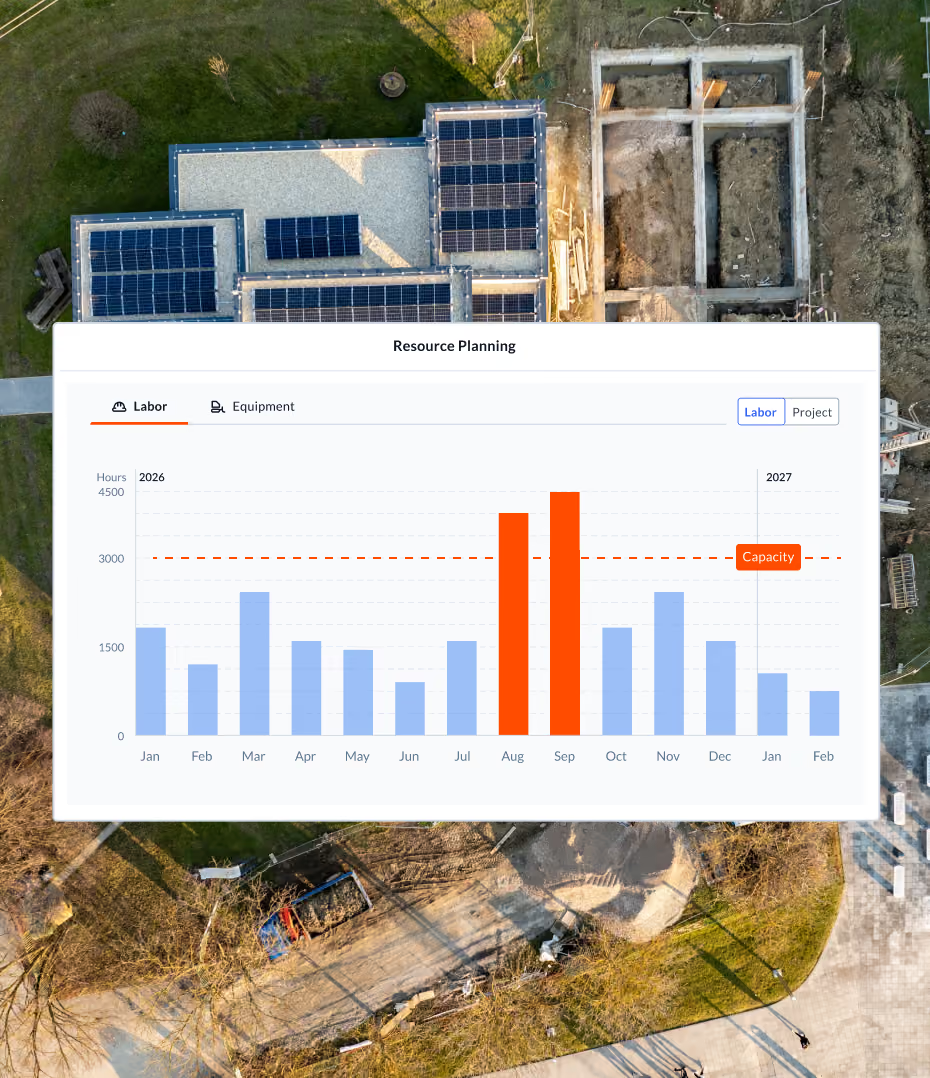
Load Activities by headcount, down to partial crews. The resource view shows the peaks and valleys in manpower across your active projects, and you can click into a spike to see which Activities are driving it.
When the GC moves a Milestone, you see the crew impact weeks ahead, not when it’s too late.
Prove the time, not just the dollars
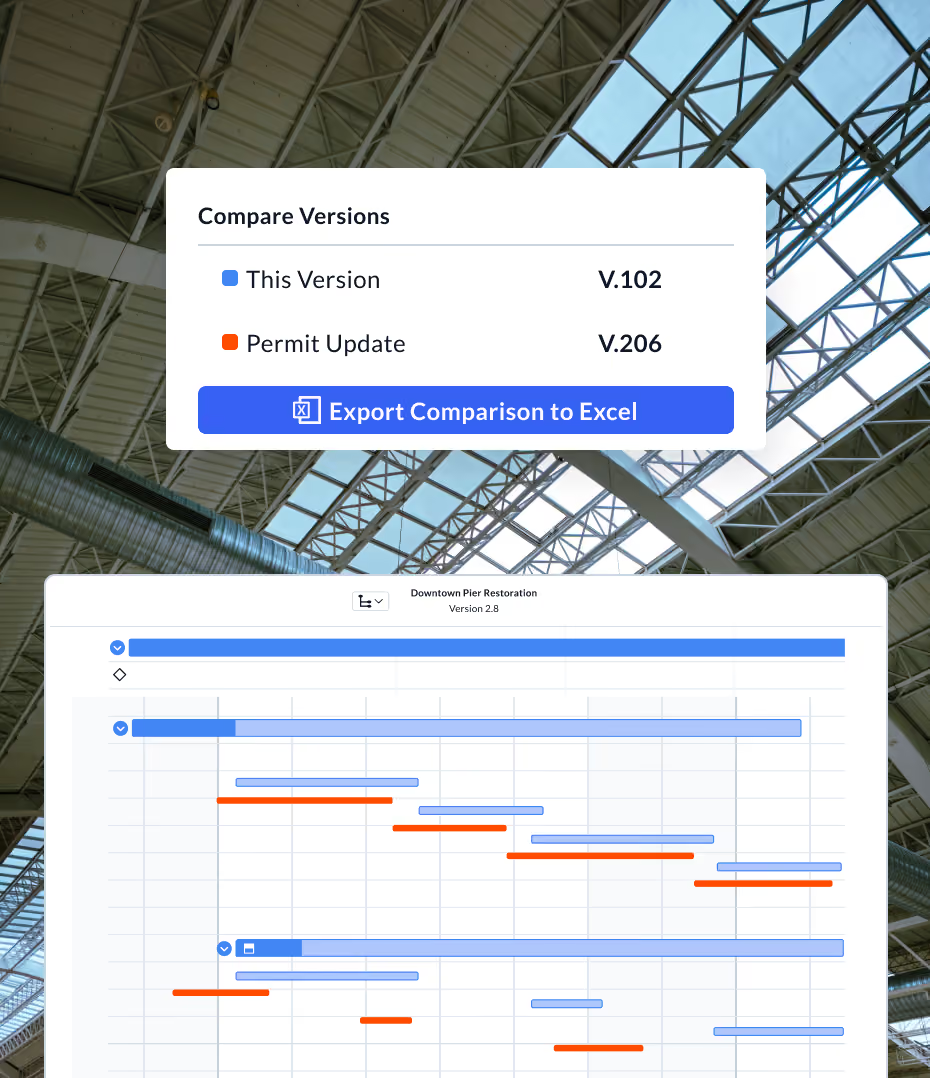
Electrical contractors track change orders to the dollar and often leave the schedule impact on the table. Compare any two versions of the schedule side by side to show exactly what the GC moved, which of your Activities it pushed, and how much float you lost.
Then make the case for the time extension with the schedule in hand, not a marked-up PDF.
Find the recovery plan before the overtime starts
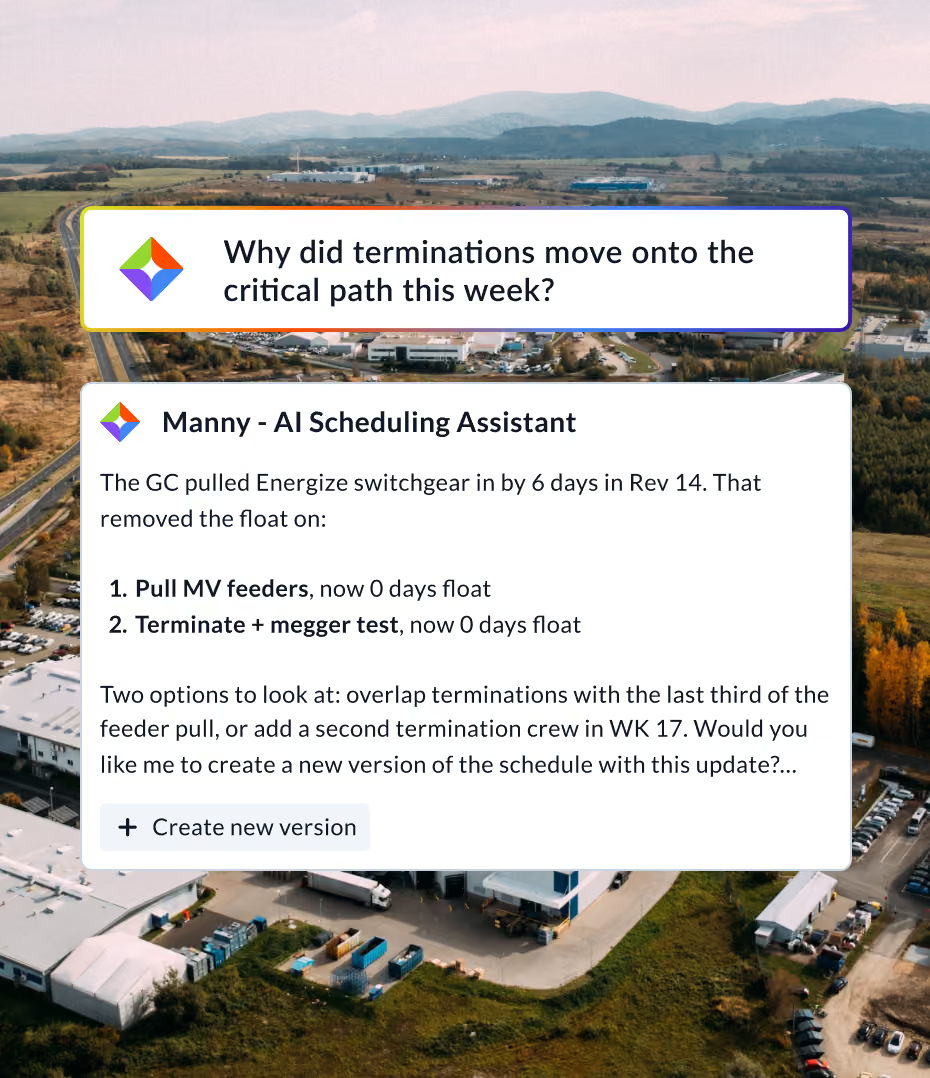
When the GC squeezes your window, Manny works through your CPM logic to show what’s driving the crunch and surfaces recovery options, like resequencing work, overlapping Activities or adding a crew. Test each one against the schedule before you commit labor. Your team makes the call.
“Manny is like having an expert sitting next to you who can explain exactly why your schedule is behaving the way it is.”
Damon Toivonen, Mill Plain Electric
Built for every role
Project managers
Own the schedule for your scope without waiting on a scheduler to make every change.
General foremen and superintendents
Build lookaheads from the real schedule and see what your crew needs next week, on desktop or iPad.
Operations leaders
See manpower demand across projects before you commit crews to the next job.
Estimators and schedulers
Spend less time copying GC dates out of PDFs and more time on what the changes cost.
On fast-tracked hyperscale electrical installations, our crews need clear alignment with the Master Schedule every single day. Planera takes the complexity out of CPM scheduling.
Alec HoffmanLead Estimator, Aldridge Electric
Making the switch is easy
Bring in the GC’s schedule
Import XER, XML or MPP files with activity codes, relationships and calendars intact.
Load your crews
Build your Activities under the Milestones that matter and assign headcount to each one.
Put it in front of the field
PMs and foremen plan from the same schedule, with full control over what makes it into the official version.
Frequently asked questions
What is the best scheduling software for electrical contractors?
Planera is a CPM scheduling platform that electrical contractors use to build their own schedules around the GC’s Milestones, load crews by headcount, and see how schedule changes affect labor. It’s built for teams that don’t have a dedicated P6 expert.
Can I import my GC’s P6 or Microsoft Project schedule?
Yes. Planera imports XER, XML and MPP files and keeps activity codes, relationships and calendars.
Can I send my schedule back to the GC in P6 format?
Yes. Export your schedule as an XER or MPP file whenever the GC or owner asks for an update.
Do we need a scheduler on staff to use Planera?
No. PMs and general foremen build and update schedules directly, and the built-in DCMA 14-point check keeps schedule quality in view. Teams that do have a scheduler spend less time on admin and more on analysis.
Can Planera resource-load a schedule by crew size?
Yes. Assign headcount to Activities, including partial crews, and see manpower peaks and valleys across your active projects.
Does Planera work on data center and mission-critical projects?
Yes. Electrical contractors use Planera on hyperscale data center work, where GC Milestones move often and crews need daily alignment with the Master Schedule. See data center scheduling.
Raise the standard for electrical scheduling
See why electrical contractors on fast-tracked, high-stakes work run their schedules in Planera.