



Procore is built to manage construction, not schedule it. For documents, financials, quality, and safety, it works. Teams using lean construction scheduling may still need dedicated planning tools. But its scheduling toolset falls short of what CPM-driven projects actually need, and that's what sends contractors searching for alternatives.
69% of construction projects go over budget, and only 25% finish on time. Poor scheduling sits at the center of most of those failures, not a lack of document management or financial tracking modules.
In this guide, we break down the top construction scheduling software alternatives to Procore for different team sizes and specialties, evaluated on ease of use, pricing transparency, scheduling capabilities, and mobile access.
Procore: Features, Advantages, and Downsides
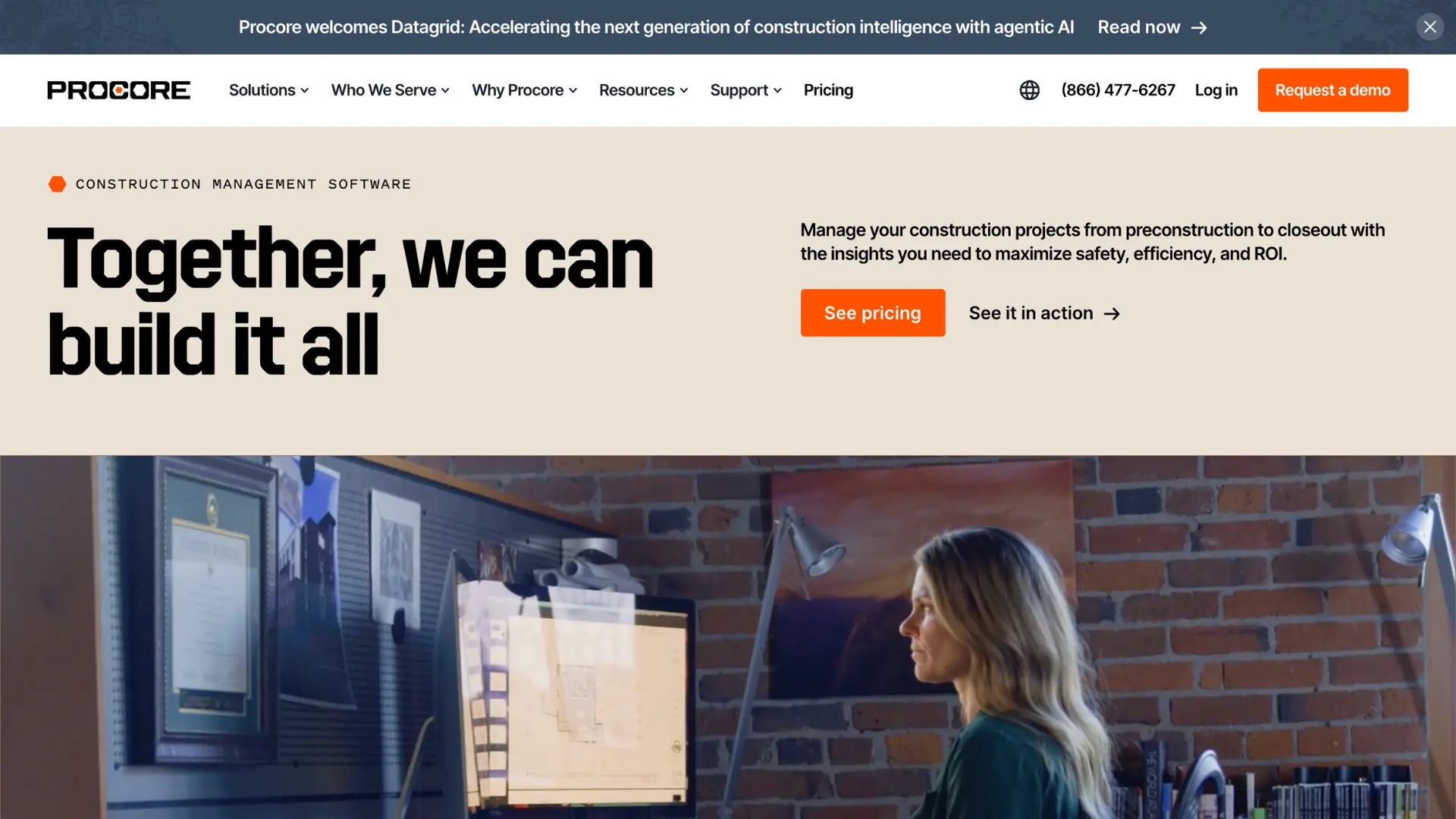
Procore is one of the most recognized names in construction project management. It covers document control, financial tracking, quality management, safety tools, and more. In February 2026, Procore Scheduling launched as a generally available product. But for teams whose primary need is scheduling, the platform creates real problems because it is not a CPM engine.
Procore Scheduling Is Not a CPM Tool
Procore Scheduling operates in two modes: a read-only import of P6/MSP files paired with a disconnected lookahead tab, or a simple editable Gantt built from scratch. In both modes, it does not perform forward- or backward-pass calculations. There is no automated float calculation.
The critical path display is a visual toggle, not a computed output from logic. Users can freely override dates without upstream validation. This is not CPM; it is a colored Gantt chart.
PDF-Only Export Traps Your Data
Procore Scheduling can only export to PDF. There is no ability to export as an XER, MPP, or XML file. For any contractor required to submit an electronic schedule to an owner or CM, this is a disqualifying limitation. Your schedule data is locked inside Procore's ecosystem with no way to produce files for third-party review, claims analysis, or forensic work.
No Audit Trail, No Data Date, No Quality Checks
There is no record of who changed what, when, or why. No changelog, no version history, no edit tracking. There is no data date support, which means no structured way to track progress over time. There are no DCMA-14 quality checks, no open-end detection, and no constraint validation. On a contract-critical project, these are serious governance gaps.
The 'One Platform' Integration Promise Is Vapor
Procore's marketing claims that their construction scheduling integrates with RFIs, submittals, and inspections. But as of the GA release, there is no functional link between the scheduling module and these tools. The RFI tool has a manual "Schedule Impact" dropdown (Yes/No/TBD), but it does not connect to the schedule. A late submittal does not surface a schedule risk. An open RFI cannot be tied to an activity.
Setup Takes Months
Research from OneCrew found that 92% of Procore users say the platform has a steep learning curve, and it takes most teams 3 to 6 months to get fully comfortable. Many features are never used, even after training. If scheduling is your main pain point, that is a lot of overhead for a tool that does not actually solve the scheduling problem.
To be fair, Procore works well for large companies that need financial management, document control, and safety tools connected in one system. If that is what your team needs, Procore may be the right fit. But if scheduling is your main concern, a focused tool will serve you better.
Planera: The Best Procore Alternative Built for Construction Scheduling
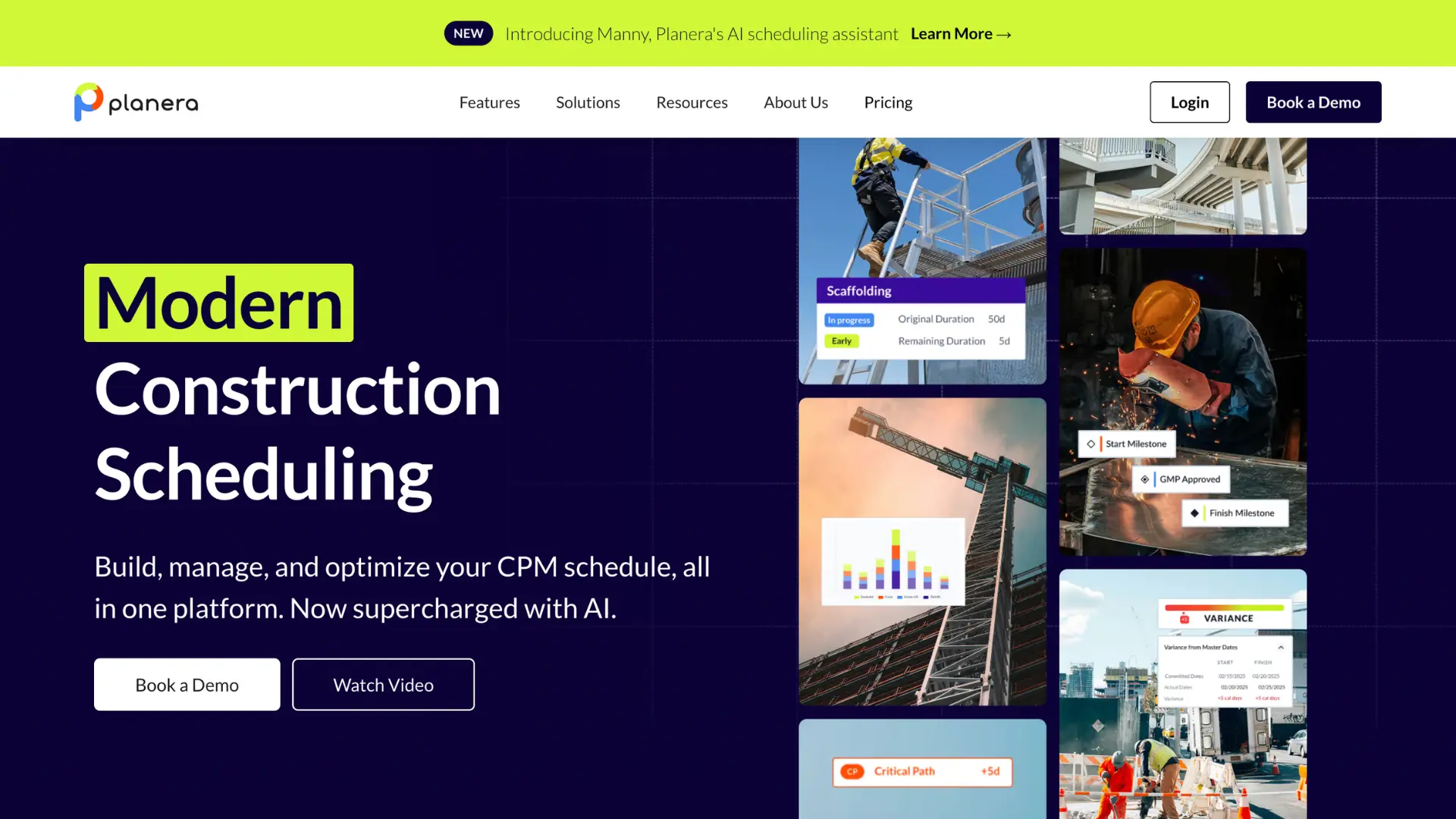
Planera was built around one clear idea: construction teams work better when their scheduling tool matches how they actually build. Instead of trying to be an all-in-one platform, Planera focuses fully on scheduling. That focus shows in every feature.
A Real CPM Engine
Planera runs full forward and backward pass calculations with real float. The critical path updates dynamically as you edit. Dependencies are enforced. Constraints are validated. This is not a Gantt chart with a critical path toggle; it is a scheduling engine that computes dates from logic. If your schedules need to hold up in a dispute, Planera gives you the forensic foundation that Procore Scheduling structurally cannot.
Schedules That Adapt to Your Needs
Planera exports to XER, MPP, and XML for owner submittals, third-party review, and claims analysis. Most owners and CMs require electronic schedule submittals. With Procore’s scheduling tool, your schedule data is trapped in PDF format. With Planera, it travels wherever it needs to go.
Procore Integration
Planera connects directly with Procore through the Procore Marketplace. Once your CPM schedule is built in Planera, you can sync it to Procore in one click, so the Gantt appears in Procore's schedule module, where your team already lives. It's not a replacement for Procore; it's the scheduling layer that Procore is missing. Your document management, financials, and RFIs stay in Procore. Your critical path, resource loading, and scenario analysis happen in Planera.
Scheduling Depth Without Platform Overhead
When a software company splits attention across 30 modules, each one gets only a small share. Planera dedicates all product development to CPM scheduling. In-platform DCMA-14 quality checks, risk detection, data date support, and real-time collaboration are all built in. No extra modules, no outside consulting, no separate tools.
Predictable Pricing With Unlimited Users
Planera uses volume-based pricing that includes unlimited users. Field crews, subcontractors, and stakeholders can all access the schedule without increasing your bill.
Tablet Access Built for the Field
Planera built its tablet experience with site use in mind from the start. Superintendents and trade leads can view schedules, post updates, and stay coordinated using an interface designed for touch input, outdoor visibility, and real job conditions.
AI Scheduling Assistant
Manny, Planera's AI assistant, lets you ask plain-language questions about your schedule, run what-if scenarios, and get actionable insights. Procore announced AI scheduling agents at Groundbreak 2024, but as of the February 2026 GA release, there is no evidence of schedule intelligence in the shipped product.
“The collaborative capabilities of Planera in real time are far and away above any other scheduling software. Multiple people can use it at one time and develop a schedule together.”
- Troy S Thompson, COO, Big D Construction
Planera vs. Procore: A Direct Comparison
Procore covers a wider range of functions. For teams that need document management, financials, quality, and safety in one place, Procore can be the right choice. For teams whose main need is scheduling, the comparison is decisive.
| Feature | Planera | Procore Scheduling |
|---|---|---|
| CPM Engine | Full forward/backward pass, float calculation | No CPM engine; visual-only critical path toggle |
| Electronic Export | XER, MPP, XML | PDF only; no electronic file output |
| Data Date Support | Yes, structured update cadence | Not supported |
| Audit Trail | Full changelog with user, timestamp, and detail | None; no record of changes |
| Schedule Quality | DCMA-14 built in | None |
| Dependency Types | FS, FF, SS, SF with lag/lead | FS only (observed) |
| Logic Enforcement | Enforced; prevents broken schedules | Users can freely override dates |
| Field/Master Sync | Controlled, reviewable handoff | One-way; the field never reaches the master |
| AI Assistant | Manny: live, conversational | Announced; not shipped |
| RFI/Submittal Integration | Schedule-aware project controls | Marketing claim; not functional at GA |
| Activity ID Control | Editable, owner-configurable | System-generated |
| Import Behavior | Merge-aware | Re-import overwrites everything |

What Are Other Procore Alternatives Worth Considering?
Different tools work better for different teams. Below are eight alternatives to Procore, with a clear look at where each works well and where it falls short.
Microsoft Project
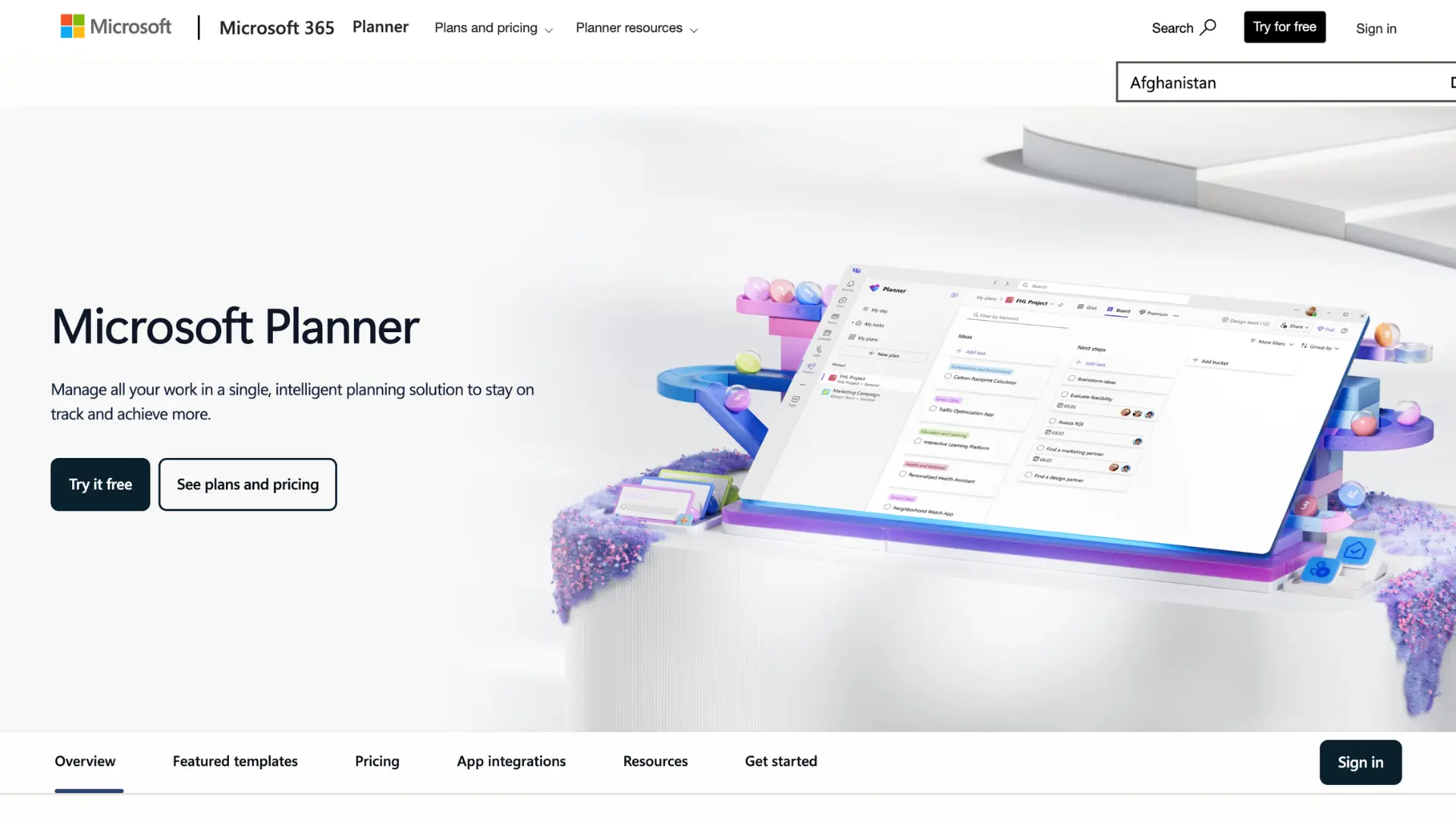
Microsoft Project offers standard CPM scheduling at $30 per user per month. The scheduling engine handles complex dependency logic well within the Microsoft 365 ecosystem. However, Microsoft Project Online will retire on September 30, 2026. Its replacement, Planner, is a task management tool, not a CPM platform.
Beyond that, the platform is desktop-first with no Mac support and file-based workflows that create version control headaches.
Best for: Teams embedded in Microsoft 365 that don’t require collaborative or cloud-based scheduling and minimal construction-focused features.
Touchplan
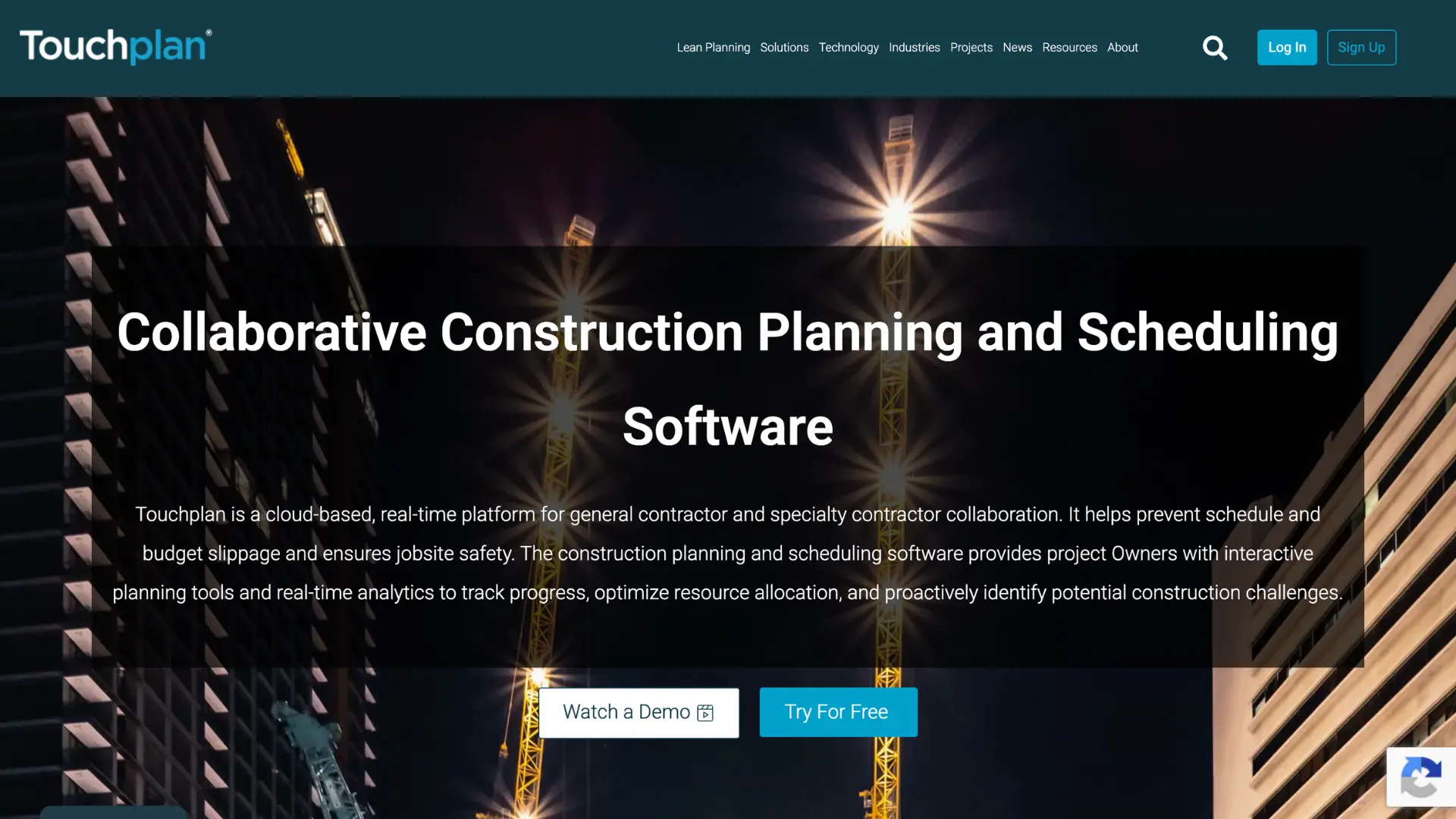
Touchplan is a cloud-based Lean planning platform built around the Last Planner System. Large GCs like Suffolk, DPR, and Whiting-Turner use it for pull planning and Takt planning. It integrates with P6, OPC, and MS Project.
Best for: Teams using the Last Planner System who also maintain a separate master scheduling tool.
Nialli Visual Planner

Nialli brings the Last Planner System into a digital format with an interface that feels like working with sticky notes on a wall. Connects with Power BI and offers a 30-day trial.
Best for: Simple visual pull planning with a short learning curve. Not a replacement for a CPM tool.
Outbuild
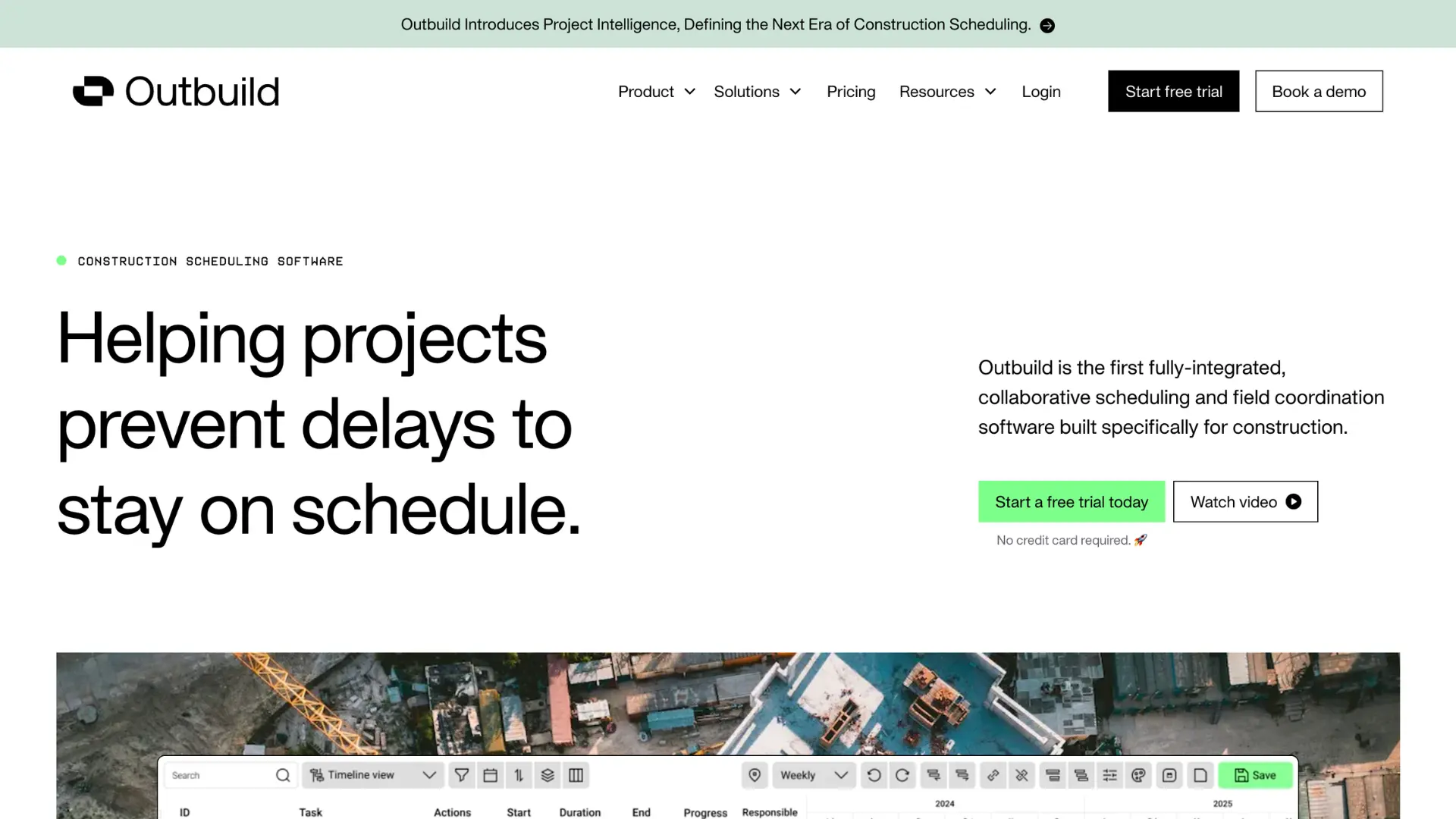
Outbuild combines a master schedule, six-week lookahead, and weekly work plans in one place. It connects well with Procore and supports P6 imports. The iPad app makes it accessible for field teams. However, Outbuild has no data date support, which makes schedules forensically indefensible in disputes. It lacks DCMA-14 quality checks, logic enforcement, and struggles with performance at scale. Activity IDs are stripped on P6 import.
Best for: Small to mid-size projects where lookahead planning is the primary need and forensic CPM depth is not required.
Asta Powerproject
Asta Powerproject offers strong CPM scheduling with 4D BIM tools and flexible licensing at roughly half the cost of P6. Well-regarded among experienced schedulers, especially in the UK and Europe.
Best for: Large contractors with dedicated planning teams. Desktop-first with limited field collaboration.
Phoenix Project Manager

Phoenix is a desktop CPM tool with a Time-Scaled Logic Diagram (TSLD) view. One-time purchase model keeps costs down. Supports P6 and MS Project imports, plus SDEF format for USACE.
Best for: Technical schedulers who need focused CPM at a lower cost. No cloud collaboration or field access.
Hoylu
Hoylu combines a digital whiteboard with Lean planning tools. GCs like Gilbane, Swinerton, and Skanska use it for pull planning. Integrates with Oracle P6 and MS Project.
Best for: Visual pull planning sessions. Not a standalone scheduling solution.
Allucent
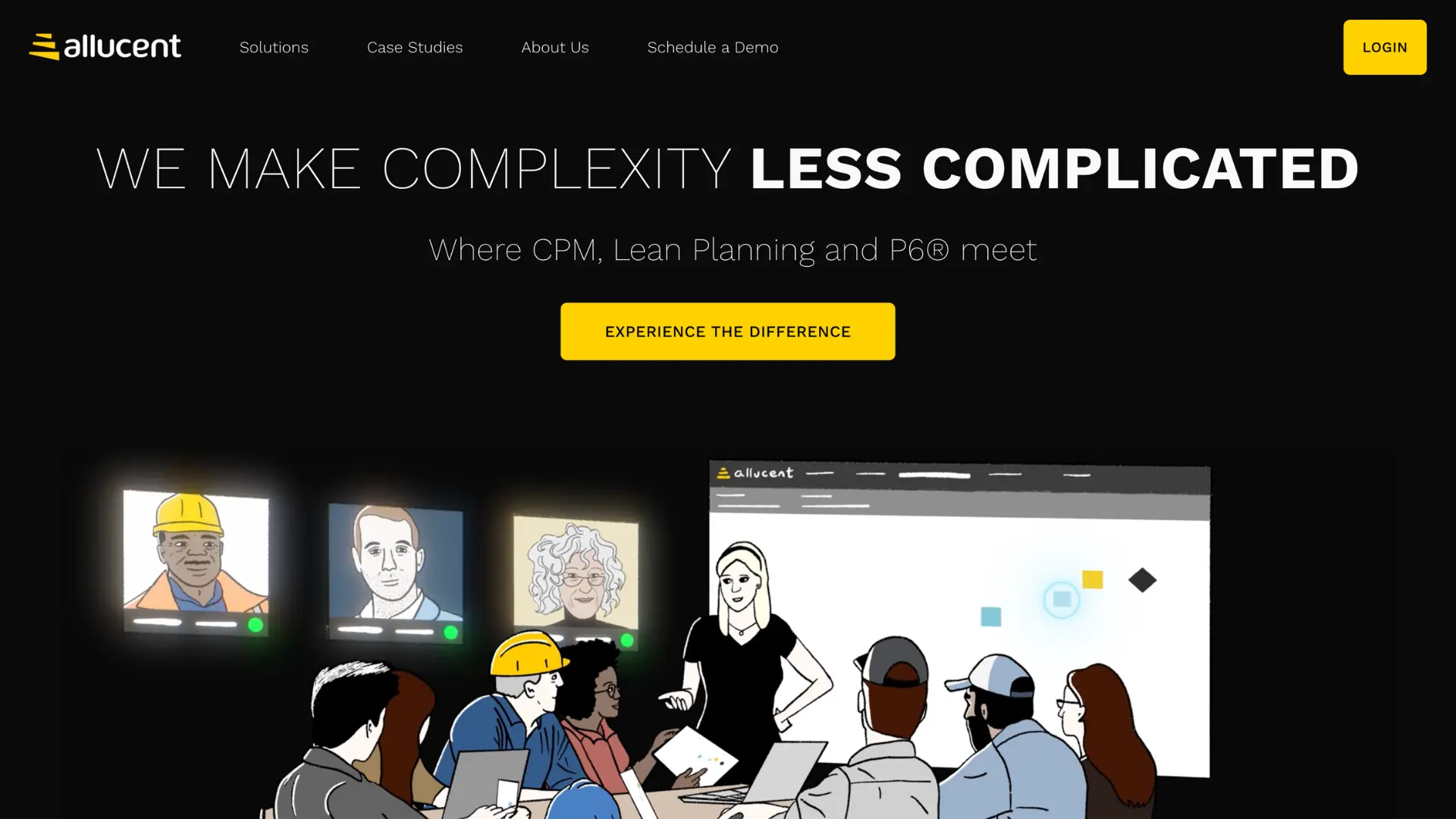
Allucent puts a cleaner interface on top of P6, making common scheduling tasks easier without working through P6's native UI. The underlying P6 database, IT requirements, and administrative overhead all remain.
Best for: Teams who are staying on Primavera P6 and are looking for Procore alternatives with an easier day-to-day interface.
What to Consider When Choosing a Procore Alternative
Choosing the right Procore alternative starts with understanding what problem you are trying to solve. Some teams need stronger scheduling, while others need a broader project management system that covers multiple workflows.
Scheduling vs. full project management: Start by defining what you actually need. Are you looking for a dedicated scheduling solution or a complete project management platform? Focused tools often provide stronger scheduling capabilities. If scheduling is your main pain point, there is no reason to pay for 30 modules your team will not use.
Does it have a real CPM engine? A Gantt chart with a colored critical path is not the same as CPM. Check if the tool dynamically calculates float based on logic, enforces dependencies, and supports multiple relationship types. If it does not, your schedules are just visuals, not reliable plans.
Can your schedules leave the platform? Electronic export to XER, MPP, or XML should be standard for any contractor submitting schedules to owners. PDF-only export is a serious limitation for contract-critical work.
Field and tablet functionality: Field adoption determines if the tool will actually work in daily use. Look for a tablet-friendly design and real-time sync between the field and office.
How to Choose the Right Tool for the Job
The best Procore alternative is the one your team actually uses every day. If scheduling is your main problem, use a tool built for scheduling.
Planera gives you full critical path control, real-time collaboration, data date support, DCMA-14 quality checks, and mobile access for field teams, without the weight of a large enterprise system. With Project Online retiring in September 2026 and Procore's scheduling module lacking CPM fundamentals, the market is shifting toward purpose-built scheduling platforms.
If you want to see how collaborative, construction-first scheduling works in practice, request a Planera demo and test it on one of your real projects.
FAQs
Do I need to replace Procore entirely to use Planera?
No. Many teams run Planera alongside Procore. Use Procore for document management, financials, quality, and safety. Use Planera for scheduling. The two integrate natively.
Is Procore Scheduling really not a CPM tool?
Correct. Procore Scheduling does not perform forward- or backward-pass calculations. There is no automated float calculation. Users can override dates without upstream validation. It is a field coordination layer, not a scheduling engine.
What connections does Planera support?
Planera has native integrations with Procore and Autodesk Construction Cloud. It supports P6 and MS Project import/export. An API is available for custom setups.
How does Planera handle resource conflicts across projects?
Planera identifies conflicts and provides real-time visibility into resource demand across your full portfolio. Labor and equipment planning are fully integrated into the scheduling engine.
Can Planera handle large project portfolios?
Yes. Planera supports everything from single projects to large portfolios without performance degradation. Volume-based pricing scales with unlimited users.
What is the typical return timeline after switching?
Most teams see positive returns within the first quarter through time savings, fewer schedule-related delays, and lower software costs compared to platform tools.
How does Planera handle data security?
Planera uses SOC 2 compliance, encrypted data transmission and storage, regular security audits, and role-based access controls.
You deserve better scheduling software.
Drive revenue, reduce costs, and manage scheduling with Planera.
Request a Demo