

.webp)


Commercial construction projects are difficult to keep on track because delays in one phase can quickly affect trades, inspections, material deliveries, and final handover. 98% of North American construction projects face delays, with average project duration running 37% longer than originally planned.
A commercial construction project schedule keeps every phase organized, from pre-construction planning to final handover. It coordinates trades, inspections, material deliveries, and key milestones so work happens in the right sequence. Commercial construction schedule software can make this easier by helping teams update timelines, track dependencies, and keep everyone working from the same plan.
This guide covers how to build a commercial construction project schedule, what it should include, the scheduling methods teams use, and best practices for keeping it up to date.
What Is Commercial Construction Scheduling?
Commercial construction scheduling is the process of planning and organizing every phase of a project, from site preparation to final inspections and handover. It maps activities onto a timeline, showing what needs to happen, when it should happen, and how each task depends on the next. The project manager or scheduler creates the schedule and updates it throughout the project.
Commercial projects involve more stakeholders, stricter regulatory requirements, and greater coordination than residential builds. To keep work moving smoothly, a commercial construction schedule typically includes:
- A work breakdown structure (WBS) that organizes the project into manageable phases.
- Task dependencies and durations that show the order of work.
- Project milestones for major approvals and phase completions.
- Resource and procurement planning to coordinate labor, equipment, and long-lead materials.
- Inspections, deadlines, and contingency time to manage compliance and reduce schedule risk.
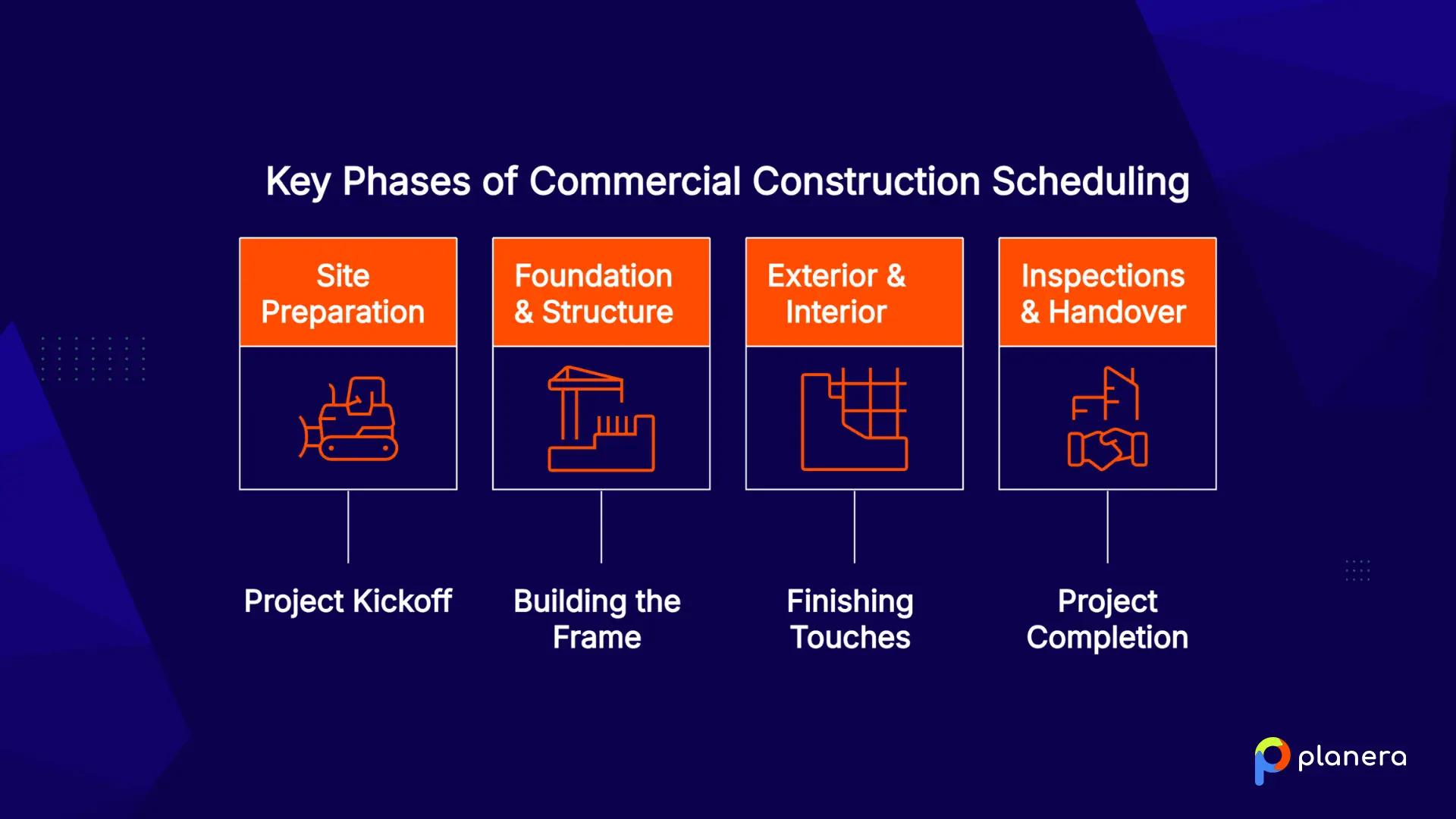
Together, these elements create a single roadmap that helps teams coordinate work, manage risks, and keep the project on schedule.
What Are the Steps to Create a Commercial Construction Schedule?
Good schedules follow a repeatable sequence. Start with scope, break the work down, assign durations and resources, tie the logic together, then review the draft with the people who will execute it.
1. Define the Project Scope and Requirements
Start by reviewing the project drawings, specifications, and contract documents. This helps you identify the project scope, deliverables, major milestones, and any constraints that could affect the schedule. A well-defined scope also makes it easier to estimate task durations accurately, while missing details often lead to unrealistic timelines and unexpected delays.
2. Break the Project Into Construction Activities
Divide the project into smaller, manageable tasks using a work breakdown structure (WBS). List every activity required to complete the project before arranging them into the correct sequence. Building the task list first helps prevent gaps and makes it easier to create a complete schedule.
3. Estimate Activity Durations and Resources
Assign realistic durations to each activity based on crew size, productivity, material availability, and equipment requirements. Include procurement lead times and inspection periods in your estimates instead of treating them as separate activities. Accurate durations create a schedule that reflects how the project will actually be built.
4. Identify Task Dependencies and Project Milestones
Define the relationships between activities to establish the critical path and identify where work can happen in parallel. Then add milestones for major approvals, inspections, and phase completions so stakeholders can track progress throughout the project.
5. Build and Review the Initial Project Timeline
Bring all activities, dependencies, resources, and milestones together into a master schedule. Before setting the baseline, review the timeline with superintendents, subcontractors, and other key stakeholders to catch sequencing issues and confirm the schedule reflects real site conditions.
What Should Be Included in a Commercial Construction Project Schedule?
A complete commercial construction schedule does more than show start and finish dates. It connects the activities, resources, and decisions that move the project from planning through completion.
| Activity | Duration | Dependency | Responsible Party | Milestone |
|---|---|---|---|---|
| Site preparation | 10 days | Permit approval | General contractor | Site ready |
| Foundation work | 20 days | Site preparation | Concrete subcontractor | Foundation complete |
| Structural framing | 30 days | Foundation work | Framing subcontractor | Structure topped out |
| MEP rough-in | 25 days | Structural framing | MEP trades | Rough-in complete |

The key elements include:
- Project milestones and key dates: Milestones mark the major checkpoints that define project progress, such as permit approval, foundation completion, structural topping out, substantial completion, and handover. They give owners, lenders, and project teams clear points to measure progress against the plan.
- Construction activities and work packages: The schedule should break the project into manageable activities based on the work breakdown structure (WBS). Each activity should have a defined scope, responsible party, duration, and place within the overall timeline.
- Task dependencies and relationships: Dependencies show how activities connect and determine the correct sequence of work. Relationships like finish-to-start and start-to-start help teams understand what can happen in parallel and what must wait before the next activity begins.
- Labor and resource allocation: A reliable schedule accounts for crews, equipment, and material availability. Resource planning helps identify potential conflicts, such as multiple trades needing the same space or equipment at the same time.
- Subcontractor and supplier coordination: Trade handoffs, material deliveries, and long-lead items should be built into the schedule. Coordinating subcontractors early helps prevent delays when one team's work depends on another team's completion.
- Inspections, approvals, and permits: Regulatory requirements should be tied directly to the activities they affect. Including inspections, approvals, and permit milestones keeps compliance steps visible and reduces the risk of unexpected delays.
Which Scheduling Methods Are Used in Commercial Construction?
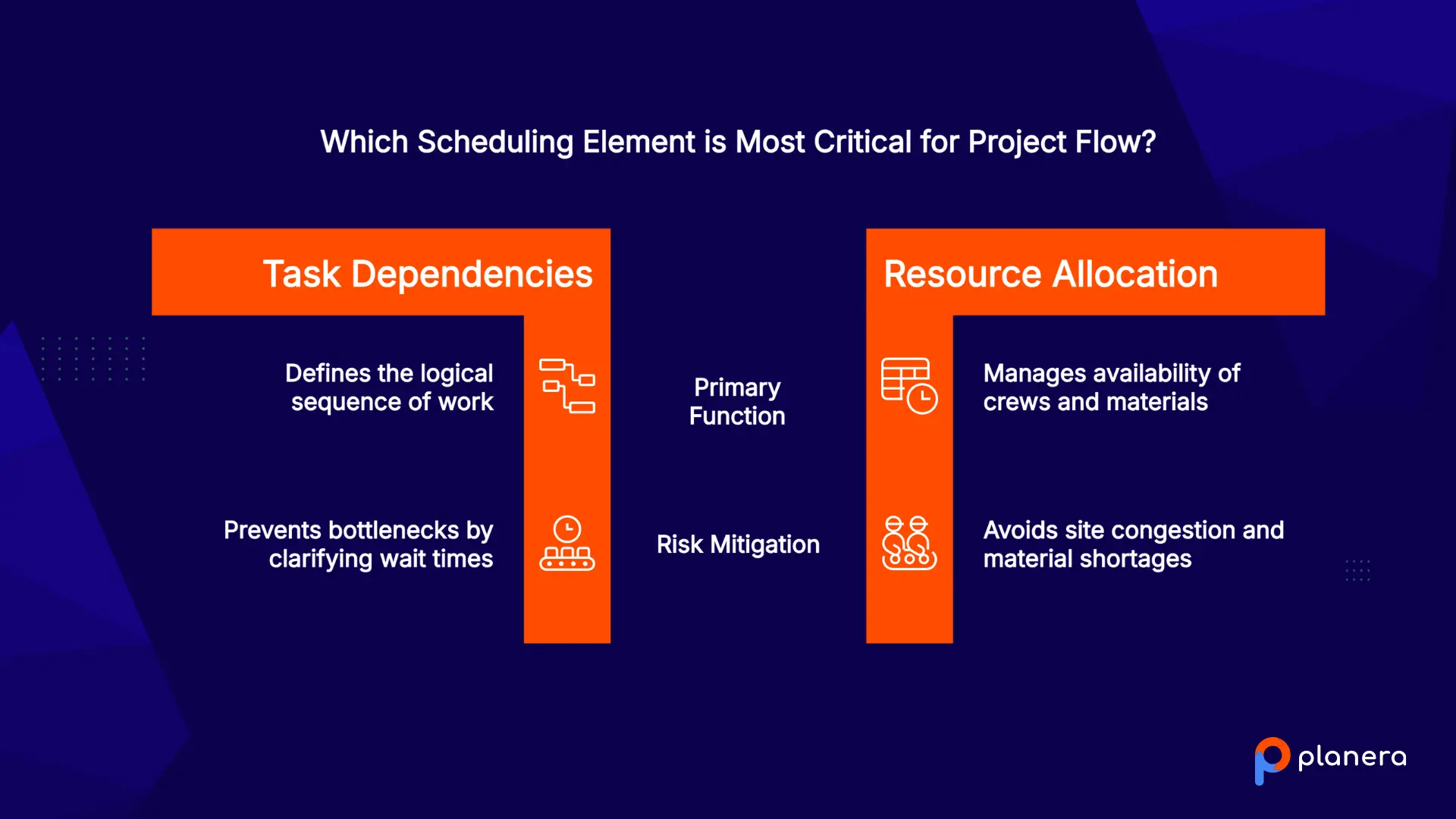
Commercial construction teams rarely rely on one scheduling method alone. CPM provides the logic behind the project timeline, Gantt charts make the plan easier to understand, and Lean-based methods help teams coordinate and execute work in the field.
Critical Path Method (CPM) Scheduling
CPM schedule is the foundation of many commercial construction schedules. It maps dependencies between activities, calculates float, and identifies the critical path, which is the sequence of tasks that determines the project's completion date.
The main value of CPM is focus. If a team needs to accelerate the project, the critical path shows which activities will actually affect the finish date. However, CPM is only as reliable as the information behind it. Incorrect durations or missing dependencies can produce a misleading critical path.
Gantt Chart Scheduling
Gantt charts are the visual layer used to communicate many construction schedules. They display activities as timeline bars, showing durations, sequencing, milestones, and dependencies in a format that owners, project managers, and field teams can quickly understand.
While a Gantt chart does not calculate the critical path on its own, it makes complex CPM schedules easier to review and manage.
Pull Planning
Pull planning takes a collaborative approach by starting with a major milestone and working backward to determine the activities needed to achieve it. Instead of pushing work forward as soon as possible, teams coordinate around when the next trade is ready to begin.
Because subcontractors and field teams contribute to the plan, pull planning often creates more realistic sequences and helps identify potential bottlenecks before they affect production.
Lookahead Scheduling
Lookahead schedules translate the broader project plan into near-term execution. Typically covering several weeks ahead, they help teams identify constraints such as missing materials, pending approvals, unresolved RFIs, or access issues before they delay field work.
In lean construction, lookahead planning is often part of the make-ready process: preparing upcoming activities so they are ready to start when scheduled.
Short-Term Construction Planning
Short-term plans break upcoming work into weekly and daily commitments for crews. They connect the master schedule with actual field execution by tracking what teams planned to complete, what was achieved, and what prevented progress.
This feedback helps project teams adjust the schedule based on real site conditions instead of assumptions.
How to Manage and Update a Commercial Construction Schedule
A commercial construction schedule is a living document that needs regular attention throughout the project. Teams should continuously track progress, identify constraints, and adjust the plan as conditions change.
Key schedule management tasks include:
- Compare actual progress against the baseline: Review completed activities, milestone dates, and planned versus actual performance to see where the project is ahead or behind.
- Monitor the critical path and float: Delays can change the critical path during construction. Regular reviews help teams identify which activities now have the biggest impact on the completion date.
- Update for project changes: Change orders, design revisions, late deliveries, and inspection delays should be reflected in the schedule as soon as they occur.
- Collect updates from the field: Superintendents and subcontractors provide the most accurate view of current site conditions. Their input helps keep the schedule aligned with actual progress.
- Use technology to keep teams aligned: Construction scheduling software makes it easier to update activities, track performance, and ensure everyone is working from the same version of the plan.
Regular schedule updates help teams respond to problems early instead of discovering delays after they have already affected the project timeline.
Common Commercial Construction Scheduling Challenges
Even well-developed schedules face unexpected problems during construction. The most common challenges usually come from supply issues, coordination gaps, changing requirements, and inaccurate progress tracking.
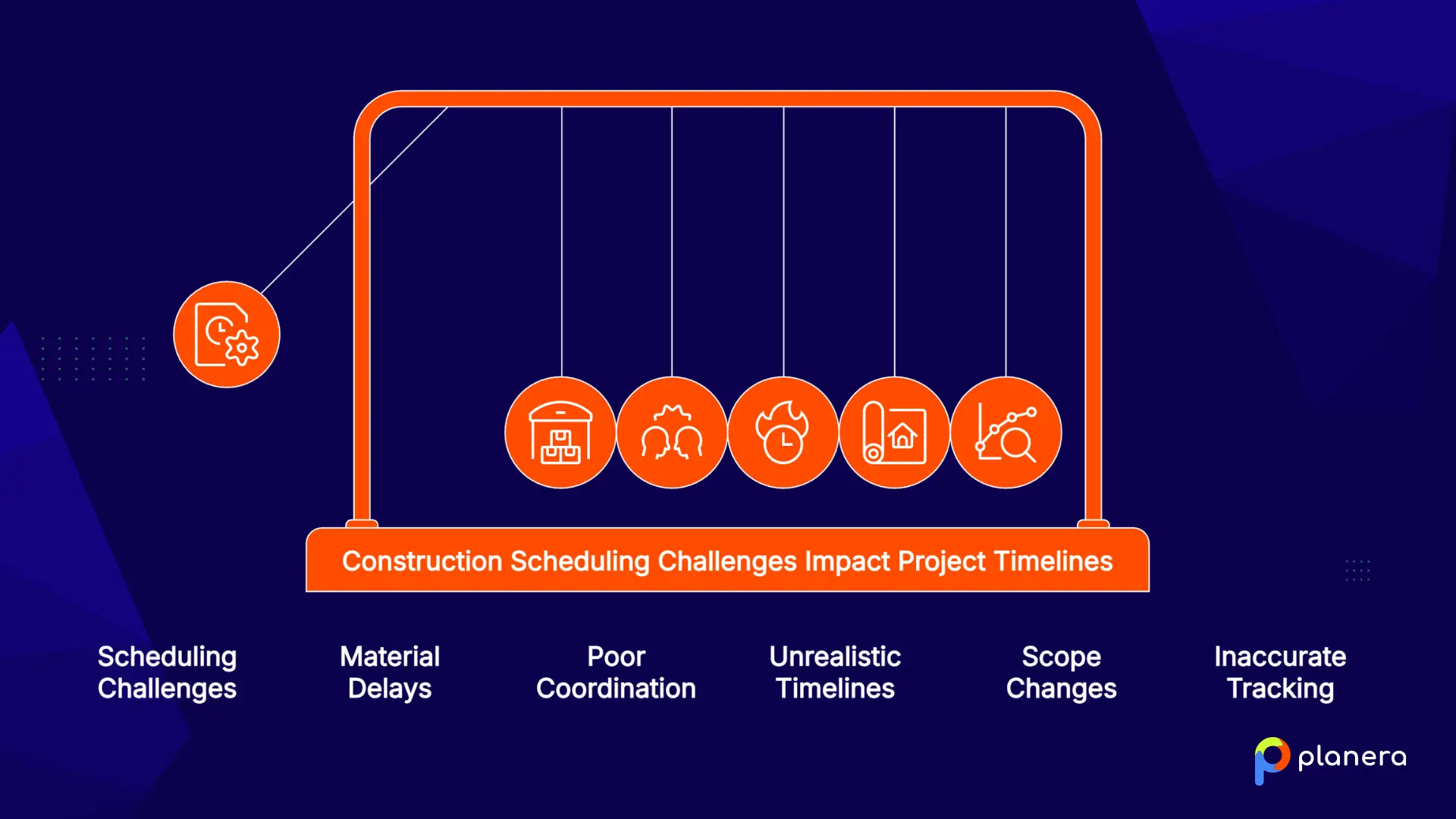
Delays From Material Availability
Material delays can quickly disrupt the entire construction sequence. Long lead times for critical items, especially electrical equipment and specialty materials, can leave crews waiting or force teams to reorganize the work around missing components.
Material availability issues affect 71% of contractors, with some electrical equipment facing lead times of more than 12 months. Tracking procurement activities closely and identifying long-lead items early helps reduce the risk of schedule disruption.
Poor Coordination Between Contractors
Commercial projects depend on multiple trades working in the right sequence. When communication between contractors, suppliers, and project teams breaks down, one delayed activity can prevent several others from moving forward.
Clear scheduling responsibilities, regular coordination meetings, and shared project information help teams identify conflicts before they affect the timeline.
Unrealistic Project Timelines
Schedules created around overly optimistic deadlines often fail once construction begins. Compressed timelines may not account for permitting, procurement, weather, inspections, or the actual time needed to complete complex work.
Realistic durations based on historical data, subcontractor input, and project constraints create schedules that teams can actually follow.
Changes to Project Scope
Design changes and scope revisions can create major schedule impacts, especially after procurement and construction activities have already started. A single change may affect multiple trades, material orders, and planned sequences.
Updating the schedule as changes occur helps teams understand the impact and adjust resources or timelines before delays grow.
Lack of Accurate Progress Tracking
A schedule is only useful when it reflects what is happening on site. Without accurate progress updates, teams may not notice delays until they have already affected the completion date.
Regular tracking against the baseline, combined with field input from superintendents and subcontractors, helps project teams identify problems early and make informed adjustments.
Best Practices for Better Commercial Construction Scheduling
A good construction schedule is not just created once and left alone. It needs accurate inputs, regular updates, and collaboration between the teams responsible for planning and execution. These practices help keep schedules realistic and reliable.
Involve Key Stakeholders During Planning
The people performing the work should help shape the schedule. Project managers, superintendents, foremen, and trade partners can provide practical input on sequencing, constraints, and realistic durations.
Collaborative planning helps teams identify problems earlier and creates stronger commitment to the final schedule.
Create Realistic Task Durations
Accurate durations are the foundation of a reliable schedule. Teams should consider project specifications, resource availability, procurement lead times, and previous project data when estimating how long activities will take.
A CPM schedule is only as accurate as the information behind it. Unrealistic durations can create an unreliable critical path and make delays harder to predict.
Keep the Schedule Updated Throughout Construction
Construction conditions change constantly, so the schedule should be reviewed and updated regularly. Track actual progress against the baseline, record delays, and adjust activities when changes affect the original plan.
Frequent updates help teams address problems early instead of discovering schedule issues after they have already affected the completion date.
Use Visual Scheduling Methods
A schedule needs to be easy for the entire team to understand. Gantt charts and visual scheduling tools help owners, project managers, and field teams quickly see activity sequences, dependencies, and upcoming work.
Clear visuals also make coordination meetings more productive because teams can identify conflicts before they reach the field.
Connect Field Progress With Project Planning
The most accurate schedule information comes from the people working on site. Field updates should flow back into the project schedule so office teams are working with current information.
When field progress and project planning stay connected, teams can respond faster to delays, adjust resources, and keep the overall timeline realistic.
How Planera Helps Teams Improve Commercial Construction Scheduling
Planera helps construction teams build, manage, and update commercial project schedules in one collaborative platform. Its CPM scheduling capabilities support dependencies, constraints, float, and critical path analysis, giving teams the control they need for complex projects.
Unlike traditional scheduling tools, Planera combines CPM functionality with a visual interface that makes schedules easier for project teams and field crews to understand. Field schedules connect short-term execution plans with the master schedule, helping office and field teams stay aligned as work progresses.
With features like AI-powered schedule insights, risk analysis, and integrations with tools such as Procore and Autodesk Construction Cloud, Planera helps teams keep schedules accurate, identify issues earlier, and make better decisions throughout the project lifecycle.
Book a demo to see how Planera can help your team improve commercial construction scheduling.
FAQ
What is commercial construction scheduling?
Commercial construction scheduling is the process of creating and managing a timeline for a project, from site preparation through completion. It organizes activities, durations, resources, dependencies, and milestones so teams understand what needs to happen, when it needs to happen, and how each task connects.
How do you create a commercial construction project schedule?
Create a commercial construction schedule by defining the project scope, breaking the work into activities using a work breakdown structure (WBS), estimating durations and resources, identifying dependencies and milestones, and building the timeline. Review the schedule with key stakeholders before setting the baseline.
What software is used for commercial construction scheduling?
Common scheduling tools include Primavera P6, Microsoft Project, and construction-focused platforms like Planera. The right choice depends on project complexity, contract requirements, and whether teams need features like CPM analysis, collaboration, field updates, and integrations with other construction systems.
What is the best scheduling method for commercial construction projects?
The Critical Path Method (CPM) is the standard scheduling approach used for commercial construction projects. Many teams combine CPM with Lean methods like pull planning and lookahead scheduling to improve coordination and manage short-term field execution.
How often should a construction schedule be updated?
Commercial construction schedules should be reviewed regularly, with many teams updating progress weekly during active construction. Frequent updates help track actual progress, identify delays early, adjust for changes, and keep the critical path accurate.
Who is responsible for creating a commercial construction schedule?
A project manager or scheduler typically creates and maintains the construction schedule. However, input from superintendents, subcontractors, and trade partners is essential, as they provide practical insights into sequencing, production rates, and site constraints.
What causes delays in commercial construction schedules?
Common causes of delays include material shortages, poor contractor coordination, scope changes, unrealistic timelines, labor challenges, and inaccurate progress tracking. Strong planning, regular updates, and early risk identification help reduce their impact.
How does CPM scheduling work in commercial construction?
CPM scheduling maps relationships between activities to identify the longest sequence of dependent tasks, known as the critical path. Activities on this path determine the project's completion date, meaning delays to those tasks can directly delay the entire project.
How can contractors improve commercial construction scheduling?
Contractors can improve scheduling by involving key stakeholders during planning, creating realistic durations, updating schedules consistently, and connecting field progress with the master schedule. Using collaborative scheduling tools also helps teams identify issues and adjust plans faster.
How does construction scheduling software help project teams?
Construction scheduling software gives teams a central place to build, update, and manage project timelines. It improves visibility, supports real-time collaboration, reduces manual schedule updates, and helps office and field teams work from the same source of truth.

You deserve better scheduling software.
Drive revenue, reduce costs, and manage scheduling with Planera.
Request a Demo