

Outbuild is known as a strong construction scheduling tool. It is easy to learn, subcontractors like using it, and it works well with Procore. But as projects get more complex and teams need stronger CPM features, its limits become clear. That is why many project managers, schedulers, and construction leaders are looking for Outbuild alternatives in 2026.
The construction project management software market reached $2.95 billion in 2025 and is expected to grow to $7.32 billion by 2032. This means teams now have more choices than ever.
In this article, we’ll look at the top 10 Outbuild alternatives. It starts with the option we think works best for most teams and explains what makes each tool different, so you can choose the right one for your projects.
Outbuild: Features, Advantages, and Limitations

Outbuild is a modern, cloud-based scheduling platform built around lookahead scheduling and field coordination. It's widely adopted for its simplicity and Procore integration. That said, it is not built for forensic or claims-defensible scheduling, a gap for teams that need that level of CPM rigor.
What Are the Key Features of Outbuild for Construction Scheduling?
- Cloud-based platform accessible through any browser and on iPad
- Master Schedule, Lookahead Planning, and Weekly Work Plan connected in a single interface
- Real-time collaboration so multiple stakeholders can update schedules together
- Procore integration for RFIs, Submittals, and Directory syncing
- Autodesk Build integration with one-click schedule sync
- P6 Import and Export for teams that need Primavera P6 interoperability
- Analytics features: Percent Planned Complete, Variance Reasons, and S-Curve reporting
- Executive Dashboard and Schedule Change Log, both added in 2025
What Are the Key Advantages of Outbuild?
- Extremely fast onboarding. According to Capterra reviews, teams build project schedules in minutes, not hours or days
- Strong subcontractor and trade buy-in thanks to simple field collaboration tools
- Real-time field updates from iPad keep the schedule current
- Customer support team staffed by former construction professionals
- Tight integration with the Procore ecosystem
What Are the Main Disadvantages of Outbuild?
- Limited CPM depth for enterprise use: Outbuild offers helpful tools for short-term planning and site coordination, but is not a full replacement for enterprise-level CPM scheduling solutions.
- Not suited for claims-intensive environments: Outbuild is not built for forensic or claims-defensible scheduling, the CPM depth needed for disputes on sophisticated commercial or heavy civil projects.
- Limited output customization: Users on SoftwareAdvice report that the "lack of customization can be frustrating for some teams."
- Narrow integration ecosystem: One G2 reviewer noted, "I don't like that Outbuild lacks integrations with some of the other tools I use daily."
Planera: The Best Outbuild Alternative Built Specifically for Construction Scheduling
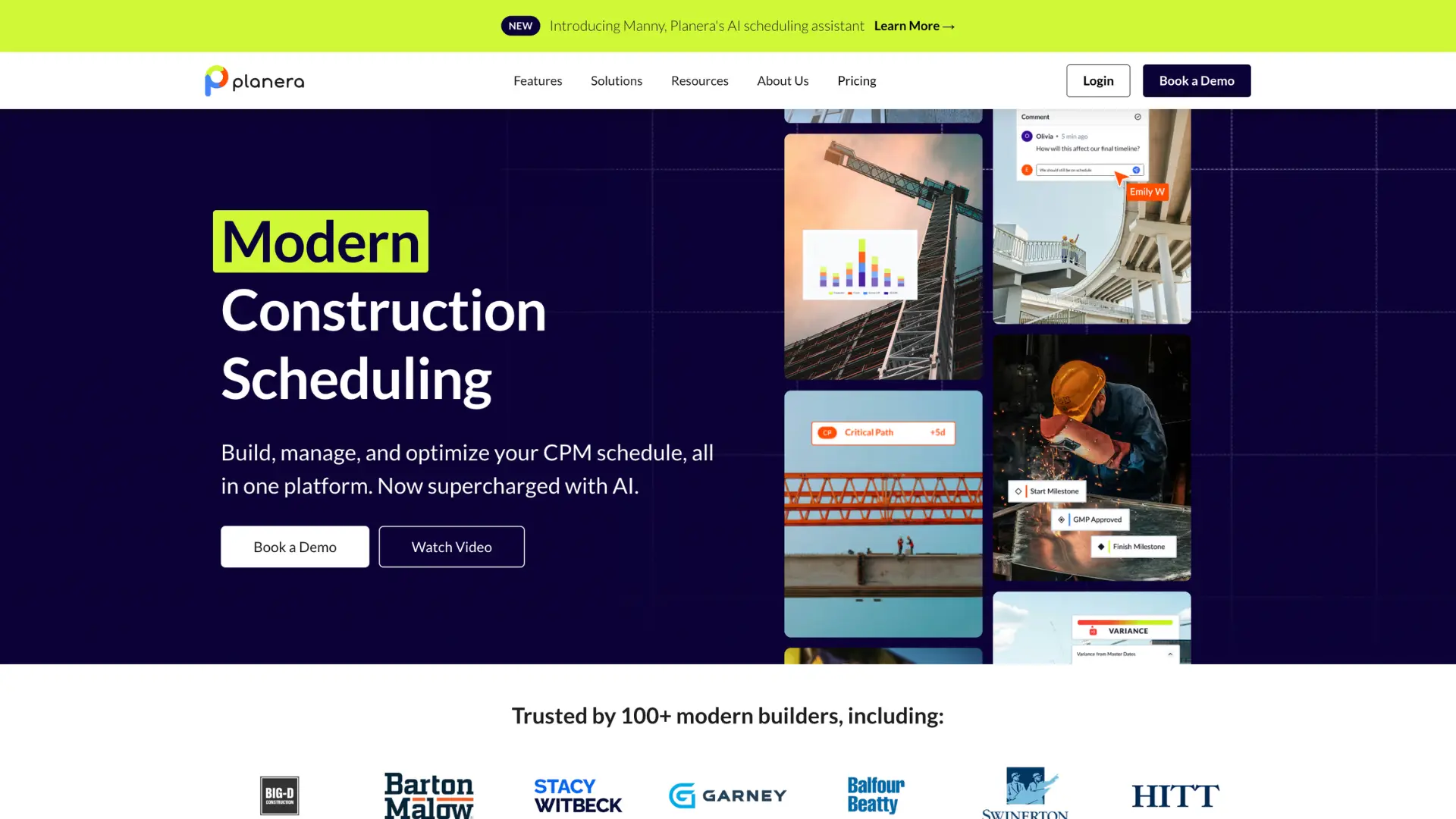
For teams that need the CPM depth of legacy tools without the legacy pain, Planera is the strongest Outbuild alternative on the market today. Over 30 ENR 100 contractors use the platform, including Shimmick, Balfour Beatty, Silverado Contractors, and Big-D Construction.
Scheduling-First Design
Planera's CPM Canvas gives you a digital whiteboard view alongside a traditional Gantt chart, all in one platform. Your whole team can work on the schedule at the same time, much like editing a shared document together. Dependencies stay intact. The critical path updates live as the schedule changes. And the drag-and-drop interface means no steep learning curve to get started.
This is what "powerful can be easy" looks like in practice. People with real project knowledge can build sophisticated schedules themselves, without needing a scheduling expert to run the software.
Rapid Implementation
Teams get up and running in hours to days, not weeks or months. Planera is fully cloud-native, so there's no desktop installation and no IT overhead. Your schedulers and PMs can both engage with the same schedule from day one, wherever they are.
Unlimited Users and White Glove Service
Planera uses a volume-based pricing model that scales from a single project to company-wide deployment. The big differentiator: unlimited users at no extra cost. Your subscription includes support, cloud hosting, updates, onboarding, and training. No per-seat fees eat into your budget as the team grows.
AI Scheduling Assistant
Planera's AI assistant Manny lets you ask plain-language questions about your schedule, spot risks before they grow into problems, and explore "what-if" scenarios directly inside the schedule without creating duplicate files. Manny also builds, edits, and bulk-updates schedules directly from plain-language instructions. Resource management tools help balance labor and equipment allocation so you can prevent bottlenecks before they happen.
The construction AI market is projected to reach $4.5 billion by 2026, and Planera is one of the few scheduling platforms with native AI built in.
Additional Capabilities
- In-Platform Quality Assessment: Validates your schedule against DCMA-based industry standards with one-click error navigation and instant quality score updates
- Version Management: Compare schedule versions side by side, track changes, and keep a full project history
- Tablet-Ready Field Access: Full iPad web app with complete functionality. Field crews update schedules and sync back to the office in real time
- Native Integrations: Connects with Procore and Autodesk Construction Cloud. Supports P6 and MS Project import/export for stakeholder handoffs
- Portfolio Dashboard: Gives leadership enterprise-wide visibility across every active project
As one Planera customer put it: "I can sit there in a room with a group of experienced, like-minded, smart people and put together a schedule that makes sense to all of them in about a quarter of the time it would have taken me with P6."
For teams seeking enterprise scheduling capabilities with modern usability standards, Planera delivers the depth and control you need without legacy interface complexity.
Planera vs Outbuild: A Direct Comparison
| Feature | Planera | Outbuild |
|---|---|---|
| CPM Scheduling | Enterprise-grade | Moderate |
| Scheduling Interface | CPM Canvas + Gantt | Gantt / Lookahead |
| AI Capabilities | Manny builds, edits, bulk-updates, and generates schedules, plus answers questions and runs what-if scenarios | Assistant, Schedule Health Agent, Co-Builder, and Generator: covers Q&A, quality checks, editing, and generation |
| Quality Assessment | In-platform DCMA 14-point validation | Schedule Health Agent runs automated pass/warning/fail checks, not marketed as DCMA-14 aligned |
| Procore Integration | Yes | Yes |
| Autodesk Integration | Yes | Yes |
| Claims-Ready Scheduling | Yes | Not built for forensic or claims-defensible scheduling |
| Best For | Enterprise CPM, modern scheduling | Field-first, lookahead-centric teams |
The main difference is in scheduling depth. Outbuild is designed for Lookahead planning and Last Planner System workflows, with strong support for field coordination. Planera is built for teams that need full CPM, shared schedule planning, and the ability to manage many projects at once.
If your work needs critical path analysis, float management, and forensic-ready schedules, Planera covers areas that Outbuild does not.
When Does Outbuild Make Sense?
Outbuild still works well for certain teams and use cases:
- Smaller or mid-sized general contractors whose primary need is a look-ahead and a weekly work plan management
- Teams whose tech stack is deeply Procore-centric and who want tight scheduling integration within that ecosystem
- Projects that don't require forensic CPM scheduling or legally defensible schedule analysis
- Organizations where adoption speed and simplicity are the top priorities, and CPM depth is secondary
When Does Planera Make Sense?
Planera is built for teams looking for a modern and intuitive CPM scheduling software solution to replace legacy tools or step up from simpler platforms:
- Commercial GCs, ENR 100 contractors, or firms managing complex multi-project portfolios
- Organizations that need enterprise scheduling capabilities but can't absorb P6's complexity, cost, and learning curve
- Teams where both schedulers and field personnel need to engage with the same live schedule
- Growing firms that want volume-based pricing and tablet-ready access without per-user fees
Planera delivers deep scheduling capabilities with the scalability organizations need, without unnecessary complexity.
What Are Other Outbuild Alternatives Worth Your Attention?
The market includes tools focused on Lean coordination, desktop CPM analysis, and project management workflows. Most require a separate master schedule or lack the CPM rigor to replace enterprise-grade schedulers fully. Here's what each one does well and where it falls short.
Primavera P6
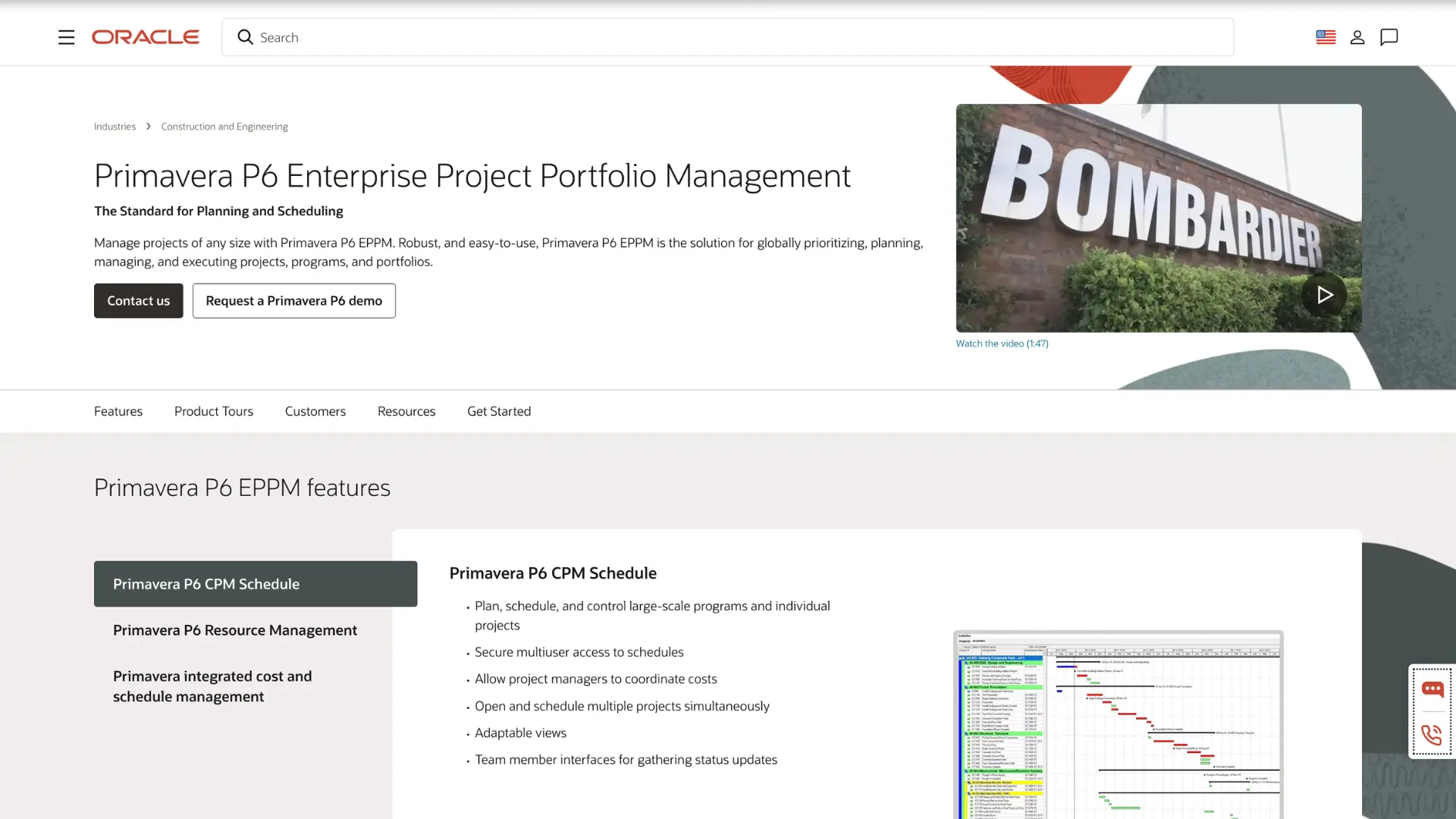
Primavera P6 remains the industry standard for large-scale construction scheduling. It handles resource management, risk analysis, and earned value tracking at a level few tools can match. The trade-off is a high learning curve (months of training), expensive licensing, and a desktop-first design that gives field teams almost nothing to work with.
Best for large infrastructure programs and government contracts with dedicated scheduling teams.
Key limitation: Requires months of training and specialized schedulers to operate. Not built for team-wide collaboration.
MS Project

Microsoft Project is widely used for Gantt-based scheduling within the Microsoft 365 ecosystem. It has moderate CPM capability and supports dependencies and basic critical path. It's not built for construction, though, and it lacks construction-specific workflows. Product versions are fragmented, and Microsoft Project Online is sunsetting in 2026, which adds uncertainty for current users.
Key limitation: Not purpose-built for construction CPM. No native construction workflows or field access.
Touchplan
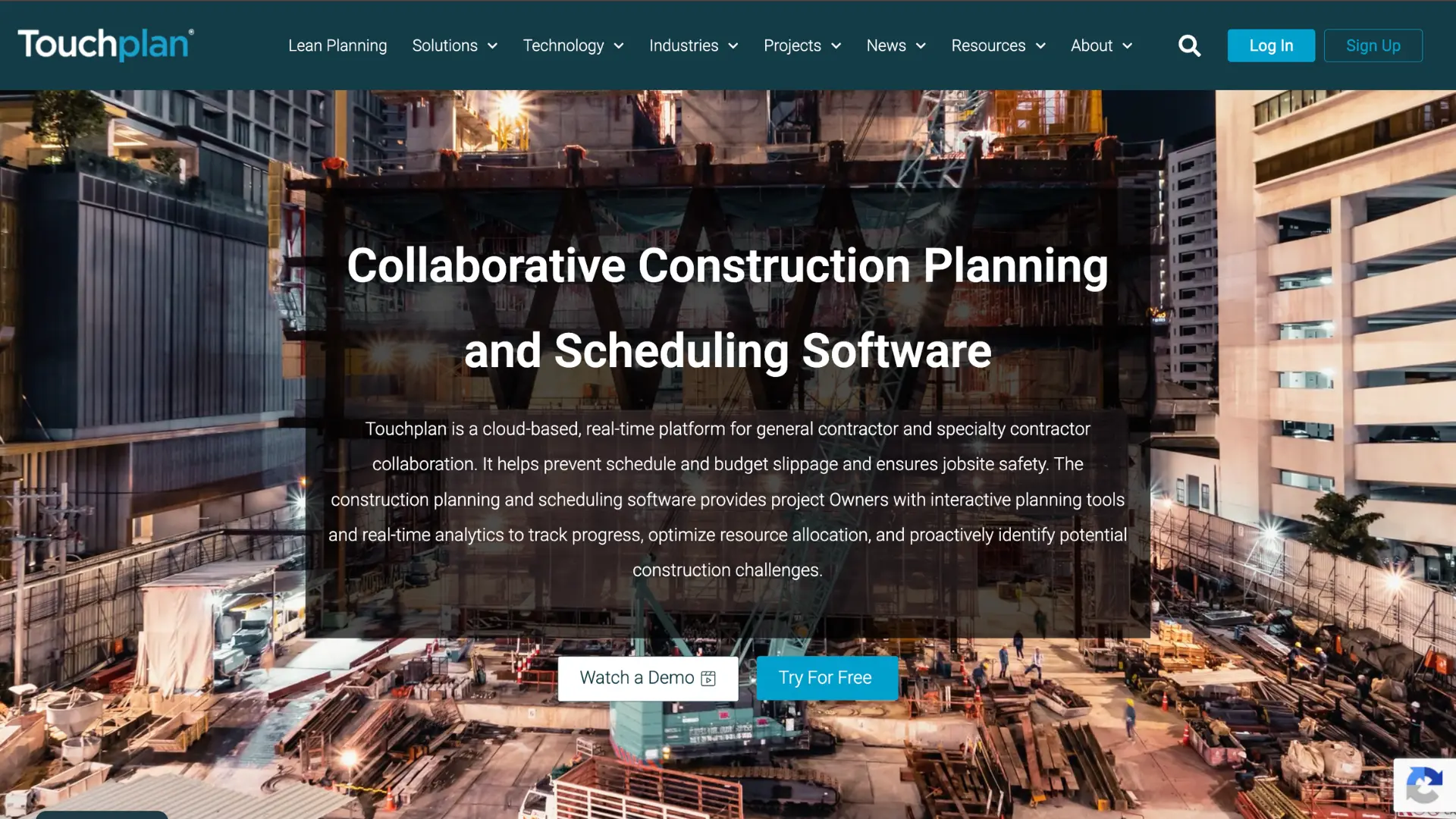
Touchplan is a cloud-based lean construction scheduling platform built around the Last Planner System and Takt planning. It digitizes pull planning, lookahead planning, and weekly work planning with real-time collaboration. It integrates with P6, OPC, and MS Project for master schedule syncing.
Key limitation: Does not replace a CPM master schedule. Teams often operate in two systems: Touchplan for short-term Lean planning and a separate tool for the master schedule.
Nialli
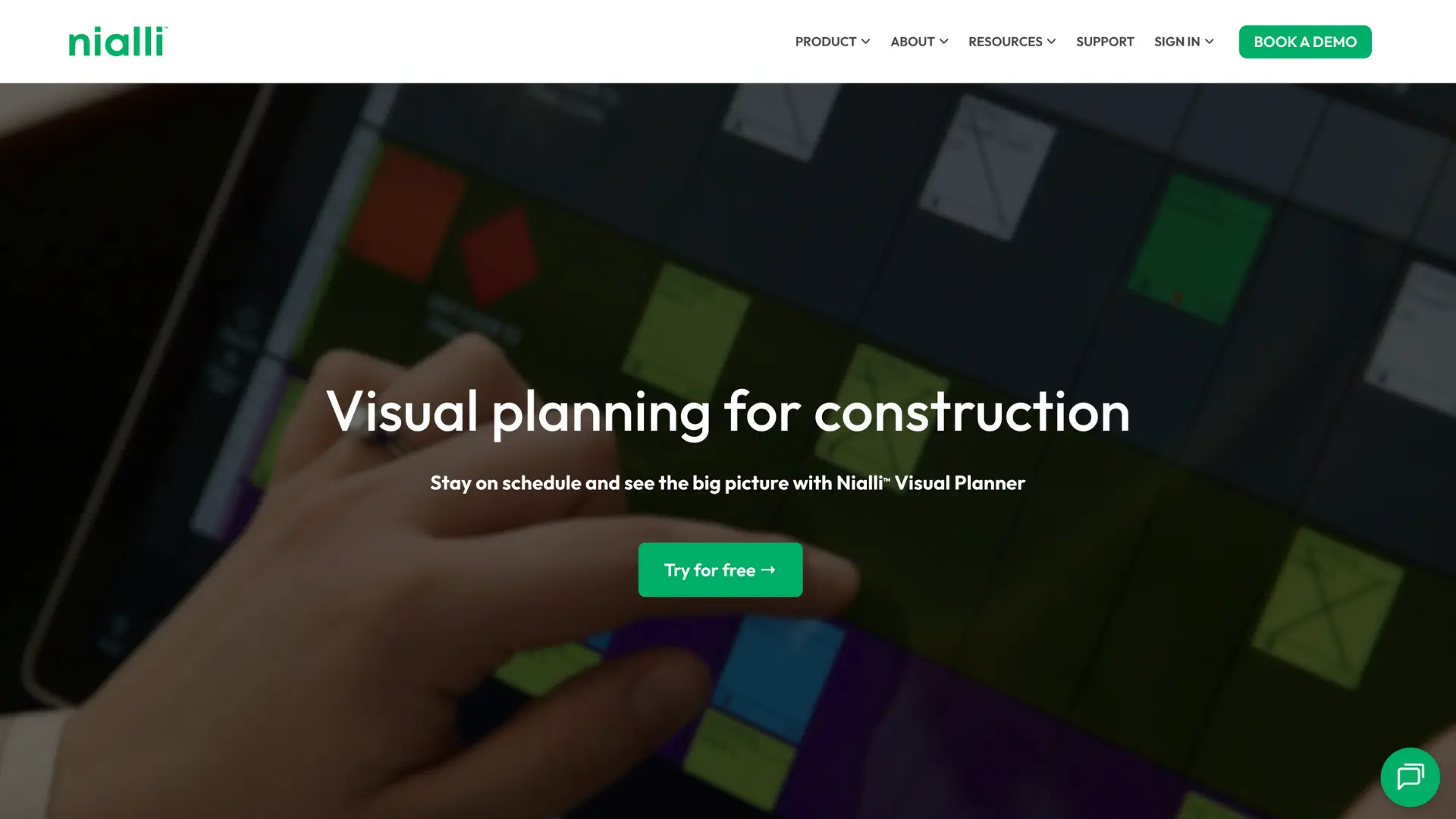
Nialli digitizes the sticky-note pull planning sessions that many teams already run. It's intuitive for collaborative big-room workshops and deploys quickly. A 30-day trial is available.
Key limitation: Primarily a facilitation tool. It doesn't manage, update, or defend a live CPM schedule, and it has no live two-way syncing with master schedules.
Asta Powerproject

Asta Powerproject brings a strong CPM scheduling engine with resource management, cost management, and 4D BIM integration. The 2026 release added planning improvements, better filtering, and interface updates. Priced at roughly half the cost of a P6 license, it's popular in Europe and the UK.
Key limitation: Desktop-first with limited visual collaboration. Field teams and project managers often struggle to interact with it directly.
Phoenix Project Manager
Phoenix Project Manager is a purpose-built desktop CPM scheduling tool known for its Time-Scaled Logic Diagram (TSLD) view. It supports P6 and MS Project import/export and includes schedule version history. Technical schedulers favor it for network logic analysis and schedule reviews.
Key limitation: No cloud collaboration. Schedules remain siloed within the planning team, with no way for field teams or PMs to access the schedule directly.
Hoylu

Hoylu combines a digital whiteboard with Lean planning tools, including the Last Planner System, Takt planning, Kanban boards, and flow charts. It integrates with Oracle P6 and MS Project through import/export.
Key limitation: No integrated CPM engine. Teams must run a separate CPM system and manually import/export between Hoylu and the master schedule.
Allucent
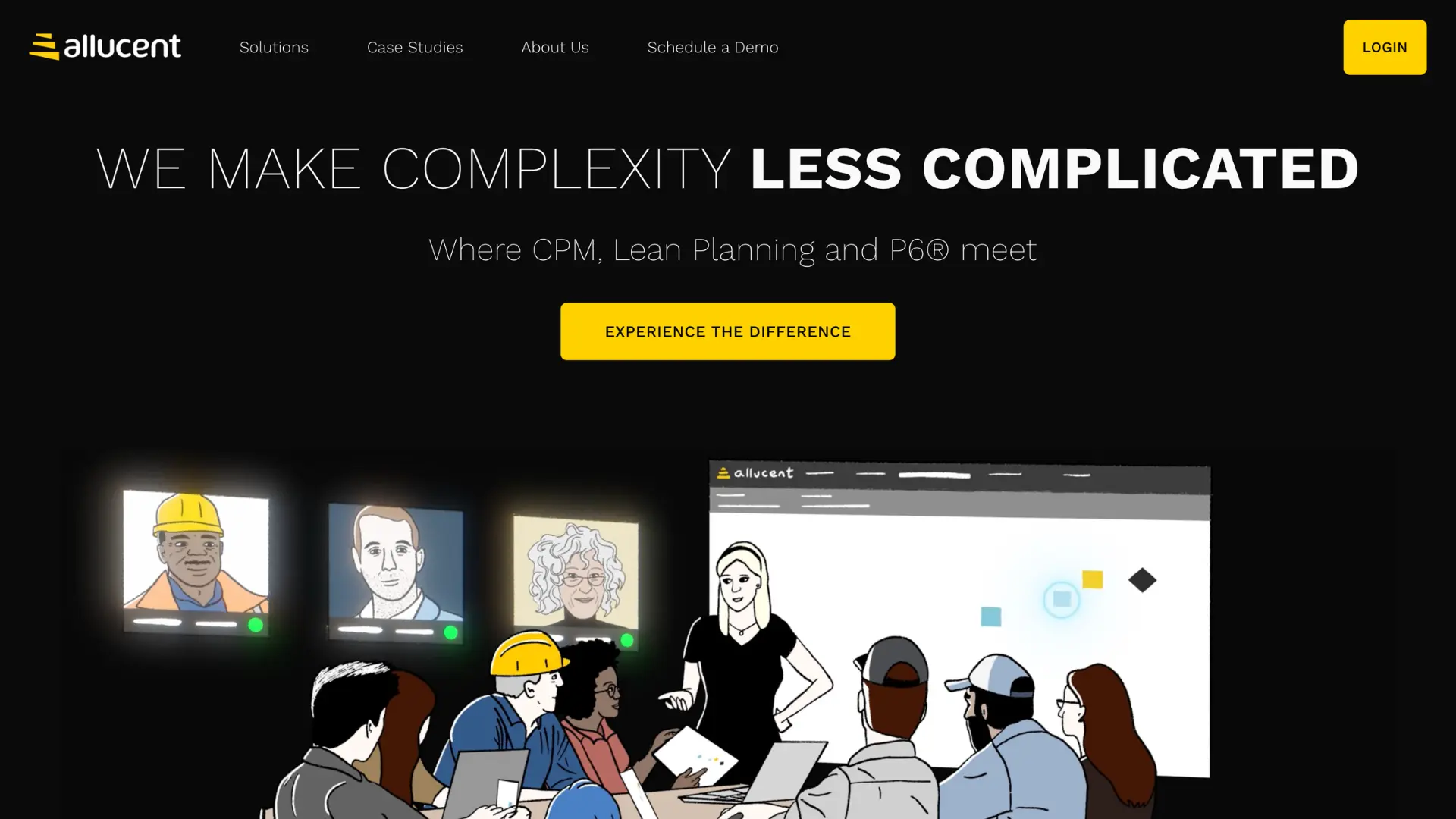
Allucent acts as a cloud-based front-end for Oracle P6, adding a collaborative Lean planning layer on top. It supports pull planning, weekly work planning, and field-based schedule updates. Large ENR contractors use it, and it appeared at the CPM Conference 2025.
Key limitation: Not a standalone scheduling tool. It's entirely dependent on a pre-existing P6 master schedule, and all of P6's underlying complexity stays in place.
Outbuild Alternatives Quick Comparison
| Tool | CPM Capability | Cloud | Tablet Access | AI | Best For |
|---|---|---|---|---|---|
| Planera | High | Yes | Full (iPad) | Yes | Enterprise CPM + modern usability |
| Outbuild | Moderate | Yes | Yes | Yes | Field-first lookahead planning |
| Primavera P6 | Very High | Limited | Poor | No | Large infrastructure/govt projects |
| MS Project | Moderate | Partial | Poor | No | Microsoft ecosystem teams |
| Touchplan | Low (Lean only) | Yes | Yes | No | Lean/LPS planning sessions |
| Nialli | None (Lean only) | Yes | Limited | No | Pull planning workshops |
| Asta | High | Desktop | Limited | No | European/UK schedulers, desktop CPM |
| Phoenix | High | Desktop | None | No | Technical CPM network analysis |
| Hoylu | None | Yes | Yes | No | Visual collaboration/planning meetings |
| Allucent | Depends on P6 | Yes | Yes | No | Teams staying on P6 |
What You Should Consider When Choosing an Alternative to Outbuild
1. What level of CPM rigor does your project require? There's a big difference between needing a lookahead tool for field coordination and needing full critical path analysis with float management and forensic scheduling capability. Know where your projects fall on that spectrum before you shop.
2. How fast does your team need to adopt? Tools like Planera, Touchplan, Nialli, and Hoylu have fast ramp-up times, sometimes just days. Asta and Phoenix require more training. P6 can take months. Factor adoption speed into your timeline.
3. What does your integration ecosystem look like? If your team runs on Procore, you need native Procore support. If you're on Autodesk Construction Cloud, check for ACC integration. According to a recent industry report, 90% of professionals say their current scheduling tool doesn't integrate well with other software they use daily.
4. Do you need enterprise scalability? Single-project simplicity is different from multi-project portfolio management with executive reporting. If you're managing a portfolio, look for tools with built-in dashboards and cross-project visibility.
5. Check tablet functionality. Can field crews update schedules directly from an iPad? Does it sync in real time? This matters for keeping office and field working from the same source of truth. Not every tool on this list delivers real tablet access.
6. How transparent is the pricing? Per-user fees versus volume-based unlimited-user models create very different cost structures at scale. A platform that charges per seat can get expensive fast as your team grows.
What's Your Next Step Toward Better Project Management?
If your primary need is field-first, lookahead planning tightly connected to Procore, Outbuild may still serve you well. It does that job and does it simply.
But if your team needs modern CPM depth, collaborative schedule development with the whole team involved, and the ability to scale across complex portfolios, Planera is the clear step forward. Over 60% of construction firms worldwide now rely on project management software to run their workflows, and the teams picking the right scheduling tool are the ones finishing on time and on budget.
Book a demo to see how visual, collaborative CPM scheduling works in practice. The best time to improve your scheduling process is before the next project kicks off.
FAQ
Do I need to replace Outbuild entirely to use Planera?
No. Many teams use Planera as their primary scheduling platform and keep other tools for specific functions when contractually required (for example, P6 for owner-required cost-loaded schedule submittals). Planera is a complete scheduling solution that stands on its own or integrates with your existing tech stack.
What connections does Planera support?
Planera offers native integrations with Procore and Autodesk Construction Cloud. It supports P6 and MS Project import/export for stakeholder handoffs. Additional integrations are available for teams with specialized requirements.
How does Planera handle resource conflicts across projects?
Planera includes resource management tools that let you balance labor and equipment allocation in real time. This helps prevent bottlenecks across multiple active projects. The portfolio dashboard gives leadership enterprise-wide visibility into resource usage and project health.
Can Planera handle large project portfolios?
Yes. Planera is used by more than 30 ENR 100 contractors managing large and complex portfolios. Volume-based pricing scales from a single project to company-wide deployment with unlimited users.
What is the typical return timeline after switching?
Teams moving to tools like Planera, Touchplan, Nialli, or Hoylu typically see impact within days to two weeks. Enterprise platforms like Asta Powerproject, Phoenix Project Manager, or P6 can take one to three months for full adoption. Timelines vary by team size and existing workflows, so it's worth asking any vendor for adoption benchmarks specific to your rollout.
How does Planera handle data security?
Planera is fully cloud-based with enterprise-grade security. All project data is hosted in the cloud with no local installation required. IT teams can support company-wide rollout with confidence that sensitive project information stays protected.
You deserve better scheduling software.
Drive revenue, reduce costs, and manage scheduling with Planera.
Request a Demo